


How to Find the Best iPhone Cell Phone Repair Near Me Within 5 Mi
The fastest dependable way to find the best iPhone cell phone repair near me within 5 mi is to treat the search as a short comparison project rather than a single lookup. Decide what matters most to you, build a list of three to five nearby candidates, screen them with the same questions, and hand over your phone only when you have a written estimate, clear warranty terms, and a plan for your data. Proximity is a convenience filter, not a quality signal: a shop a few minutes away can still be vague about parts, slow on follow-up, or weak on documentation, while a slightly farther option may give you a cleaner paper trail and a better result. The sections below move through each decision in order and end with a checklist you can use at the counter.
What “Best” Means for a 5-Mile iPhone Repair

Before you look at a single map pin, decide what “best” means for the repair you actually need. Best is a fit between your priorities, not an objective score. Two people with the same cracked screen can reasonably choose different shops: one cares most about getting the phone back the same day, another cares more about a warranty that covers both parts and labor, and a third is mainly trying to spend as little as possible. All three can make a good choice as long as the shop they pick matches the criterion that matters most to them.
Your repair priorities usually fall into five areas: total cost, speed, parts and warranty, data safety, and convenience. Convenience covers distance within your 5-mile radius, parking or transit access, business hours that work with your schedule, and whether the shop communicates in plain language. Convenience is real, but it is the weakest reason to pick a shop on its own. It is easy to start a search for an iPhone repair shop near me and end up choosing the listing closest to home, only to discover later that the shop never put the estimate in writing or could not explain its warranty. A written standard protects you from that.
A 5-mile radius is a search boundary, not a quality standard. The miles only tell you how far you will travel; they say nothing about whether the shop documents the condition of your phone, explains the parts it uses, or honors its warranty. A close shop that cannot answer basic questions is a worse option than a shop a few miles farther that gives you everything in writing.
Expect trade-offs rather than a single winner. A faster repair often costs more, and the lowest price may come with a narrower warranty or a longer wait. Consider a realistic conflict: one shop can finish the repair the same day but describes its warranty only in vague terms, while another needs a day or two but puts its warranty coverage in writing. Neither is automatically wrong; the right pick depends on whether speed or warranty protection matters more to you. Until you compare a few shops, you will not know which trade-offs actually apply in your area.
Write your priority list before you make any calls. A simple version looks like this: the phone must be ready within my schedule; I want warranty terms in writing; I need to know what parts will be used; the final price must match the estimate; and the shop must explain its data handling. Then add the two problems that would make you walk away, such as “no written estimate” or “I must leave the phone immediately with no receipt.” Use the same list for every shop you evaluate. If a candidate fails your walk-away test, move on regardless of how close or convenient it is.
How to Build a List of iPhone Repair Options Within 5 Miles
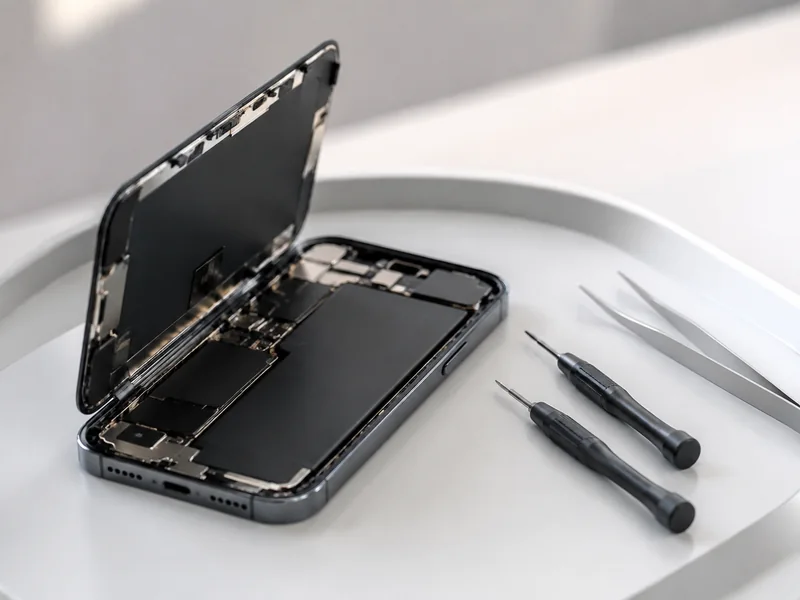
Once your priorities are written down, the next step is building a working list of repair options that are actually within 5 miles. Start with a map app rather than a plain web search. Search for “iPhone repair near me,” then zoom in on your home or workplace so it sits at the center of the map and check the scale to confirm the 5-mile boundary. If the app displays the distance from your current location, use it to drop any pin that is clearly outside the radius before you spend time on it. A quick way to sanity-check the radius is to compare distances across a few listings: if a shop shows up as six or seven miles away, it fails your filter no matter how good its profile looks.
Run several searches with different wording. “iPhone screen replacement,” “iPhone battery replacement,” and “cell phone repair” can surface different shops because businesses describe their services in different terms. A shop that appears for one phrase may not appear for another, so three or four searches give you a wider net before you start narrowing the list. Save the results in a note or a message to yourself so you can return to them later.
Check each business profile before adding a candidate. Confirm that the listed address is genuinely within five miles, that the hours match the times you can actually visit, and that the profile mentions the service you need. Listings get outdated: a shop that once repaired iPhones may have changed its services or moved. The profile may also show whether the shop handles walk-ins or requires an appointment, which is worth knowing before you call.
Ask people who have already done this. Neighbors, coworkers, and local community groups often have direct experience with local repair shops inside your radius, and their answers tend to include details that reviews skip: whether the final bill matched the estimate, whether the shop called when the repair took longer, and how follow-up issues were handled. Treat word-of-mouth as a lead to verify, not a final verdict.
Keep three to five candidates on your list. That number is enough to compare estimates, warranty terms, and turnaround promises without turning the search into a second job. One more practical step: call each candidate before you visit and confirm that it services your exact iPhone model and the specific failure you have. A shop that only replaces screens, or that does not work on older models, can be dropped before you leave the house.
Compare Repair Provider Types: Independent Shops, National Chains, and Manufacturer Service

Provider type is a starting point, not a verdict. Every category contains careful shops and careless shops, so the questions in the next section matter more than the sign on the door. Still, the three main provider types create different practical trade-offs, and knowing them helps you decide where to spend your comparison time.
| Provider type | What it typically means for your decision | What to verify before choosing |
|---|---|---|
| Independent local shop | The process, pricing, and warranty vary from shop to shop, so the specific location determines your experience. You may be able to talk directly with the technician doing the work. | Whether the shop gives a written estimate, what parts it uses, whether warranty terms are in writing, and how it handles problems after the repair. |
| National or regional repair chain | The company may standardize pricing, parts sourcing, and warranty administration, so the experience can be more consistent across locations. Quality still depends on the individual store and technician. | Whether the local store follows the chain’s written policies, who honors the warranty if that location changes, and what the estimate actually covers. |
| Manufacturer or authorized repair service | This option may be limited within five miles, may require an appointment, or may involve mailing the phone. It can be the most direct route for original parts and factory warranty questions, but it is not automatically the fastest or cheapest. | Whether the location is walk-in or appointment-only, what you must do with your data and iCloud account first, and what the written estimate and turnaround commitment look like. |
The table is not saying that independent shops are better or worse than chains, or that manufacturer service is always the safest option. The label only changes what you should verify. An independent shop that puts everything in writing and shows you the replaced part can be an excellent choice. A chain with a polished website can still have an individual store that cuts corners. The habit that protects you is asking the same questions everywhere and comparing the answers side by side.
Geography matters as much as category. Within five miles you may find only one or two provider types available. If your radius is full of independent shops and no manufacturer or authorized service, weigh the convenience of a short drive against the extra steps of an appointment or mail-in option. If your only nearby option is a chain, focus on the specific store’s behavior rather than the brand name.
Use the provider type as a screen for where to look next, not as a recommendation. Compare repair options across the types within your radius, then evaluate every candidate with the vetting process in the next section. The shop that wins is the one that answers your questions clearly and in writing, whatever sign is on the door.
cURL Too many subrequests by single Worker invocation. To configure this limit, refer to https://developers.cloudflare.com/workers/wrangler/configuration/#limits

cURL Too many subrequests by single Worker invocation. To configure this limit, refer to https://developers.cloudflare.com/workers/wrangler/configuration/#limits.
cURL Too many subrequests by single Worker invocation. To configure this limit, refer to https://developers.cloudflare.com/workers/wrangler/configuration/#limits.
cURL Too many subrequests by single Worker invocation. To configure this limit, refer to https://developers.cloudflare.com/workers/wrangler/configuration/#limits.
cURL Too many subrequests by single Worker invocation. To configure this limit, refer to https://developers.cloudflare.com/workers/wrangler/configuration/#limits
- cURL Too many subrequests by single Worker invocation. To configure this limit, refer to https://developers.cloudflare.com/workers/wrangler/configuration/#limits
- cURL Too many subrequests by single Worker invocation. To configure this limit, refer to https://developers.cloudflare.com/workers/wrangler/configuration/#limits
- cURL Too many subrequests by single Worker invocation. To configure this limit, refer to https://developers.cloudflare.com/workers/wrangler/configuration/#limits
- cURL Too many subrequests by single Worker invocation. To configure this limit, refer to https://developers.cloudflare.com/workers/wrangler/configuration/#limits
- cURL Too many subrequests by single Worker invocation. To configure this limit, refer to https://developers.cloudflare.com/workers/wrangler/configuration/#limits
- cURL Too many subrequests by single Worker invocation. To configure this limit, refer to https://developers.cloudflare.com/workers/wrangler/configuration/#limits
- cURL Too many subrequests by single Worker invocation. To configure this limit, refer to https://developers.cloudflare.com/workers/wrangler/configuration/#limits
cURL Too many subrequests by single Worker invocation. To configure this limit, refer to https://developers.cloudflare.com/workers/wrangler/configuration/#limits.
cURL Too many subrequests by single Worker invocation. To configure this limit, refer to https://developers.cloudflare.com/workers/wrangler/configuration/#limits.
cURL Too many subrequests by single Worker invocation. To configure this limit, refer to https://developers.cloudflare.com/workers/wrangler/configuration/#limits

cURL Too many subrequests by single Worker invocation. To configure this limit, refer to https://developers.cloudflare.com/workers/wrangler/configuration/#limits.
| cURL Too many subrequests by single Worker invocation. To configure this limit, refer to https://developers.cloudflare.com/workers/wrangler/configuration/#limits | cURL Too many subrequests by single Worker invocation. To configure this limit, refer to https://developers.cloudflare.com/workers/wrangler/configuration/#limits |
|---|---|
| cURL Too many subrequests by single Worker invocation. To configure this limit, refer to https://developers.cloudflare.com/workers/wrangler/configuration/#limits | cURL Too many subrequests by single Worker invocation. To configure this limit, refer to https://developers.cloudflare.com/workers/wrangler/configuration/#limits. |
| What parts will you use, and are they new, used, original, or compatible? | A direct, plain-language answer. A vague “quality parts” response is not a specification. |
| What does your warranty cover, how long does it last, and does it cover parts and labor? | Specific terms you can read, not a promise delivered verbally across the counter. |
| How long will the repair take, and what happens if it runs longer? | A clear expected turnaround and a process for updating you if the timeline changes. |
| Do you need my passcode, and how will my data be handled during and after the repair? | A reason for the passcode, who will have access, and what happens to your data when the repair is complete. |
| Will you call me for approval before doing any work beyond the estimate? | A confirmed yes, ideally noted on the written estimate. |
| Who do I contact if a problem shows up after the repair? | A specific person or process for warranty claims, not a shrug or a generic phone number. |
The pattern behind these questions is consistency. A shop that answers each one specifically is likely to document other parts of the job the same way. A shop that turns defensive on the first question is telling you how the remaining questions will go. That is useful information, and it costs you nothing.
Two questions protect you after the repair rather than during it. The written estimate sets the boundary for what you will pay, and the warranty answer defines what happens if the repair fails. If either is unclear, ask to see it in writing before you agree. A reasonable shop should not hesitate to put those terms on paper.
Timing matters as much as wording. Ask these questions before the technician picks up the phone, not after the diagnosis. If a shop must open the phone before giving a final price, agree on the diagnostic fee and the approval process first. You want to know in advance what happens if internal damage turns out to be worse than the cracked glass suggested.
Keep the answers together. A simple note with the shop name, the estimate, the warranty summary, and the promised turnaround lets you compare candidates side by side instead of relying on memory at the end of a long day.
Parts and Warranty: What to Confirm Before You Say Yes
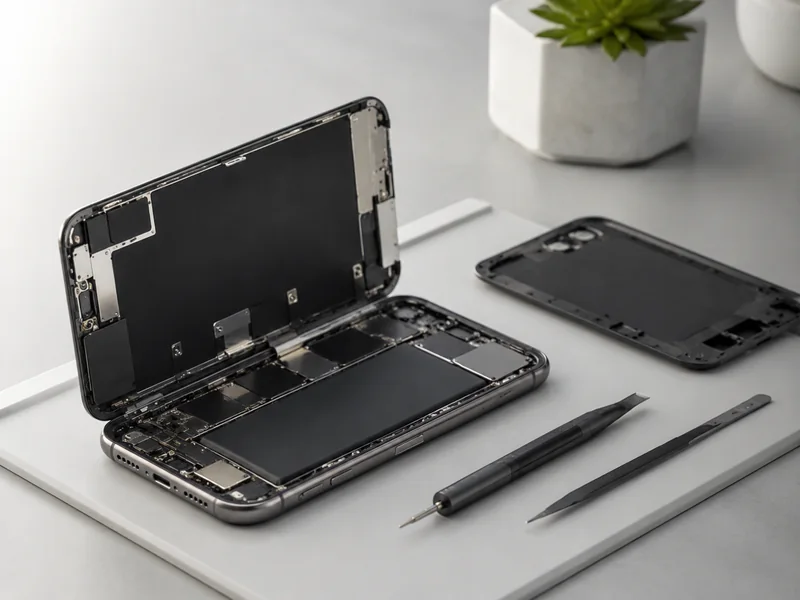
Do not approve a repair until you know what is going into your phone and what will happen if that part fails. Parts and warranty are two halves of one decision: the part is what you are buying, and the warranty is who is responsible if it does not work. The exact terms vary from shop to shop, so treat what follows as the list of what to confirm, not as a description of any particular shop’s policy.
Start with the part itself. Ask whether it is an original factory part (sometimes called OEM), a compatible new part (sometimes called aftermarket), or a used or refurbished part, and confirm which category appears in the written estimate. These categories are not automatically good or bad. An original factory part may cost more and may be harder to source. A compatible new part can be a reasonable way to control cost, depending on the supplier behind it and the warranty offered. A used part carries its own trade-offs around wear and remaining life. The point is to know exactly which category you are paying for, because the price and the warranty should match the part.
No single part type is the best fit for every phone. Your iPhone’s age, your budget, how long you plan to keep the phone, and the warranty offered all shape the right call. A compatible part with a solid warranty can be a sensible choice on an older phone you plan to replace soon. An original factory part may matter more if you plan to keep the phone for years. The label alone does not decide; the combination of part, warranty, price, and your plans does.
Give the warranty the same scrutiny as the part. Confirm whether it covers parts, labor, or both, how long it lasts, and what you must do to make a claim, and get those terms in writing. Then ask who honors the warranty. If a chain’s local location changes or an independent shop closes, the practical value of the warranty depends on who is actually responsible for honoring it. That is not a reason to avoid any provider type; it is a reason to ask before you pay.
Compare the full package rather than the lowest quote. The cheapest price is only a good deal if the part, warranty, and turnaround still match your priorities. Use a comparison like this for every finalist:
- Part category stated in plain language: new, used, original, or compatible
- Warranty scope confirmed: parts, labor, or both
- Warranty terms provided in writing before payment
- Warranty holder identified if the repair location changes
- Total price on the written estimate matches the quoted price
- Expected turnaround noted on the receipt
If the parts or warranty terms are missing from the conversation, ask for them again in writing. The shop that can document the full package is the shop that is easiest to hold accountable later.
Protect Your Data Before the Repair
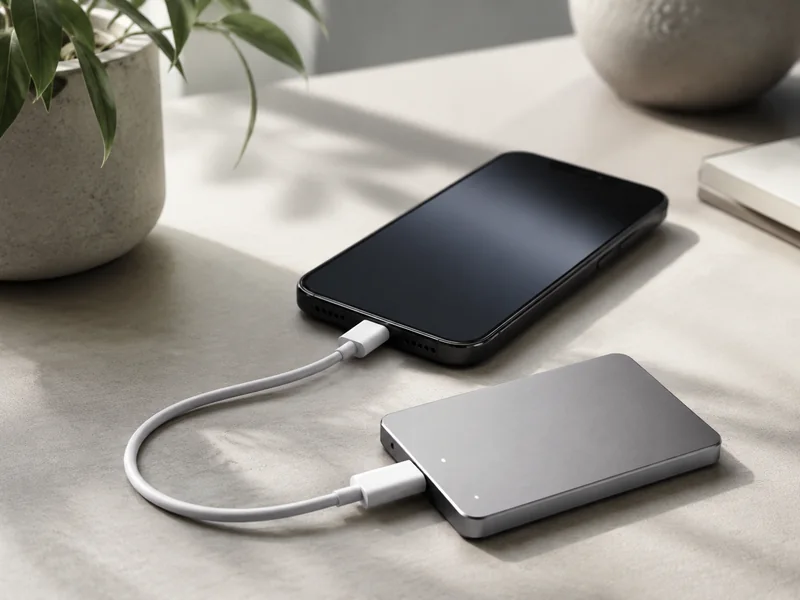
Your data is the part of the phone that cannot be replaced, so it deserves its own routine before any repair starts. Hardware can be swapped; photos, messages, contacts, and app data cannot. The exact steps depend on the phone’s condition and the shop’s process, but the order below covers every decision you will need to make, from backup through pickup.
- Back up your iPhone before the repair. Use iCloud or a backup to a computer, and confirm the backup actually finished before you leave. A repair can require the phone to be reset, and a failed repair can leave the phone inaccessible until it is repaired again. The backup is what protects your photos, messages, contacts, and app data in either case. Do this before you agree to a repair, not while you are standing at the counter.
- Handle iCloud sign-out and Find My iPhone according to the shop’s instructions. Depending on the repair, the shop may require the phone to be removed from your account or Find My to be turned off before diagnostics can run. A reputable shop will explain exactly why it is needed and what will change on your account. If the explanation is vague, ask for specifics before you do anything. Confirm that you can sign back in with your Apple ID afterward.
- Decide whether to share your passcode, and understand why it is needed. The shop may need the passcode to test the repair, but you should know who will have access and what will happen with the phone while it is in the shop. If you are not comfortable, say so and ask how the repair would work without it. A shop that cannot explain its need for the passcode is not a shop you should trust with the phone.
- Ask whether the shop backs up data as part of its service. Many repairs assume you have handled your own backup, so ask rather than assume. If your phone cannot back up because the screen is unreadable, tell the shop before the repair starts and ask what your options are. The answer tells you what to expect when you pick the phone up.
- Get a receipt that notes the device condition and any personal data left on it. A condition note protects you if the phone comes back with a new scratch or a new crack, and a data note makes it clear what was on the device when it left your hands. If the receipt is blank on those details, ask to have them added.
- cURL Too many subrequests by single Worker invocation. To configure this limit, refer to https://developers.cloudflare.com/workers/wrangler/configuration/#limits.
cURL Too many subrequests by single Worker invocation. To configure this limit, refer to https://developers.cloudflare.com/workers/wrangler/configuration/#limits.
cURL Too many subrequests by single Worker invocation. To configure this limit, refer to https://developers.cloudflare.com/workers/wrangler/configuration/#limits

cURL Too many subrequests by single Worker invocation. To configure this limit, refer to https://developers.cloudflare.com/workers/wrangler/configuration/#limits.
- cURL Too many subrequests by single Worker invocation. To configure this limit, refer to https://developers.cloudflare.com/workers/wrangler/configuration/#limits
- cURL Too many subrequests by single Worker invocation. To configure this limit, refer to https://developers.cloudflare.com/workers/wrangler/configuration/#limits
- cURL Too many subrequests by single Worker invocation. To configure this limit, refer to https://developers.cloudflare.com/workers/wrangler/configuration/#limits
- cURL Too many subrequests by single Worker invocation. To configure this limit, refer to https://developers.cloudflare.com/workers/wrangler/configuration/#limits
- cURL Too many subrequests by single Worker invocation. To configure this limit, refer to https://developers.cloudflare.com/workers/wrangler/configuration/#limits
- cURL Too many subrequests by single Worker invocation. To configure this limit, refer to https://developers.cloudflare.com/workers/wrangler/configuration/#limits
- cURL Too many subrequests by single Worker invocation. To configure this limit, refer to https://developers.cloudflare.com/workers/wrangler/configuration/#limits
- cURL Too many subrequests by single Worker invocation. To configure this limit, refer to https://developers.cloudflare.com/workers/wrangler/configuration/#limits
- cURL Too many subrequests by single Worker invocation. To configure this limit, refer to https://developers.cloudflare.com/workers/wrangler/configuration/#limits
- cURL Too many subrequests by single Worker invocation. To configure this limit, refer to https://developers.cloudflare.com/workers/wrangler/configuration/#limits
cURL Too many subrequests by single Worker invocation. To configure this limit, refer to https://developers.cloudflare.com/workers/wrangler/configuration/#limits.
cURL Too many subrequests by single Worker invocation. To configure this limit, refer to https://developers.cloudflare.com/workers/wrangler/configuration/#limits.
cURL Too many subrequests by single Worker invocation. To configure this limit, refer to https://developers.cloudflare.com/workers/wrangler/configuration/#limits.
cURL Too many subrequests by single Worker invocation. To configure this limit, refer to https://developers.cloudflare.com/workers/wrangler/configuration/#limits.











Comentarios recientes