


📚 Article Overview
This comprehensive guide dives deep into iPhone 11 LCD screen issues, providing valuable insights for repair shops and technicians. Whether you’re dealing with black screens, dead pixels, or touch unresponsiveness, we’ve got you covered.
What You’ll Learn:
- Common causes of iPhone 11 LCD failures
- When to repair vs. replace a screen
- OEM vs. third-party screen comparisons
- How to identify high-quality replacement parts
Who This Guide Is For:
- Phone repair shop owners and technicians
- Electronics enthusiasts and DIY repairers
- Anyone experiencing iPhone 11 screen issues
- Businesses that repair or resell iPhones
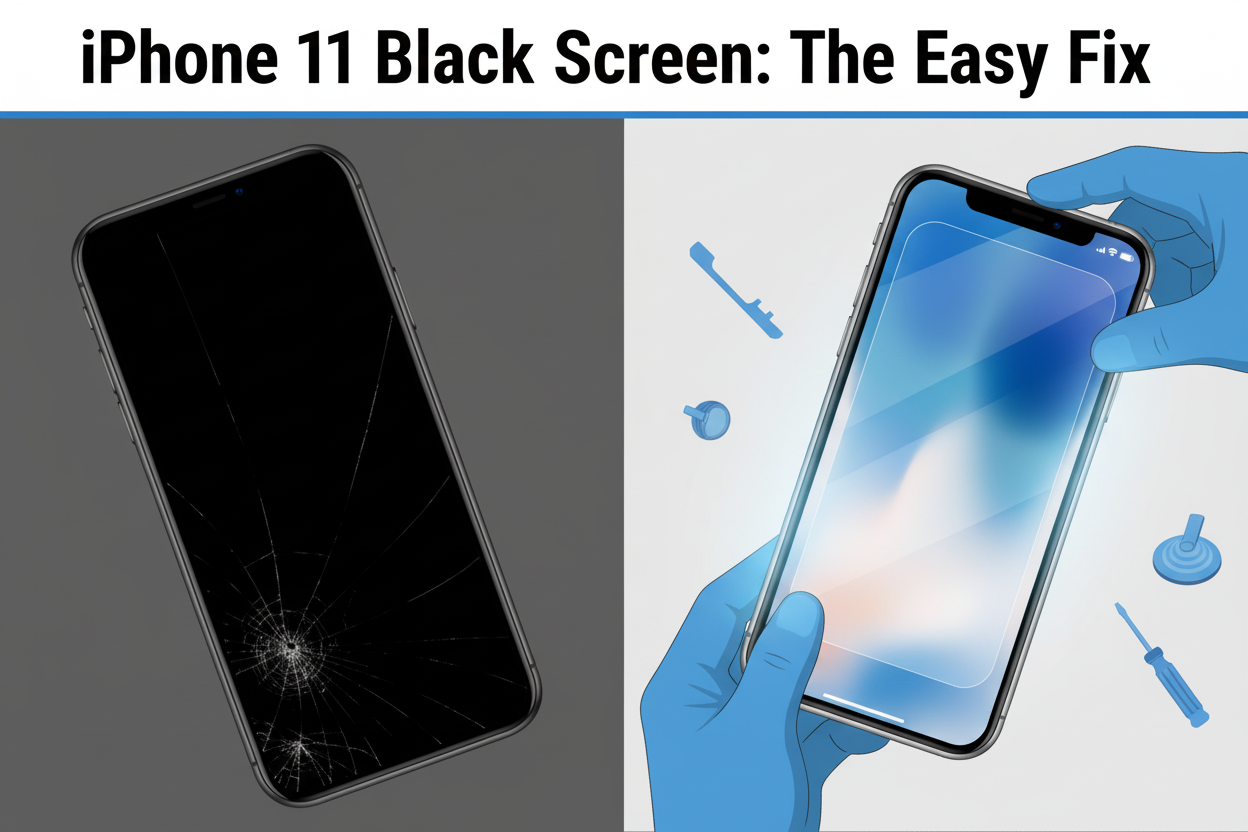
iPhone 11 LCD Black Screen? Here’s the Easy Fix
The iPhone 11 LCD going black outta nowhere? Yeah, that’s not just annoying—it’s a total vibe killer for repair shops juggling deadlines and customers pacing the lobby. One minute your tech pops open a phone, and the next—bam!—black screen, no touch response, nada. It feels like buying fireworks and getting sparklers instead.
Sometimes it’s dead pixels from sketchy batches or backlight bleed so bad it looks like a flashlight behind foggy glass. Either way, cutting corners on screen sourcing can cost you more than just money—it chips away at your shop’s rep. Keep reading… this fix is easier (and smarter) than you think.
Reading Notes in the Glow of Clarity: iPhone 11 LCD Insights That Keep Repairs Bright
Common LCD Failures to Watch Out For: Dead pixels, touch unresponsiveness, uneven backlight bleeding, and screen delamination are frequent culprits behind blacked-out displays on iPhone 11 devices.
Repair or Replace? Weighing Screen Fix Options: Targeted LCD repairs can solve minor issues like discoloration, but a full screen swap might be smarter for comprehensive resolution and reliability.
OEM vs Third-Party Displays—Know the Trade-Offs: OEM screens offer guaranteed fit and quality; third-party options vary in performance but can lower costs if selected carefully.
Bulk Screens Can Be Risky Without Vetting Suppliers: Wholesale sources may cut corners—choose suppliers offering warranties, global shipping support, and secure packaging to avoid defective batches.
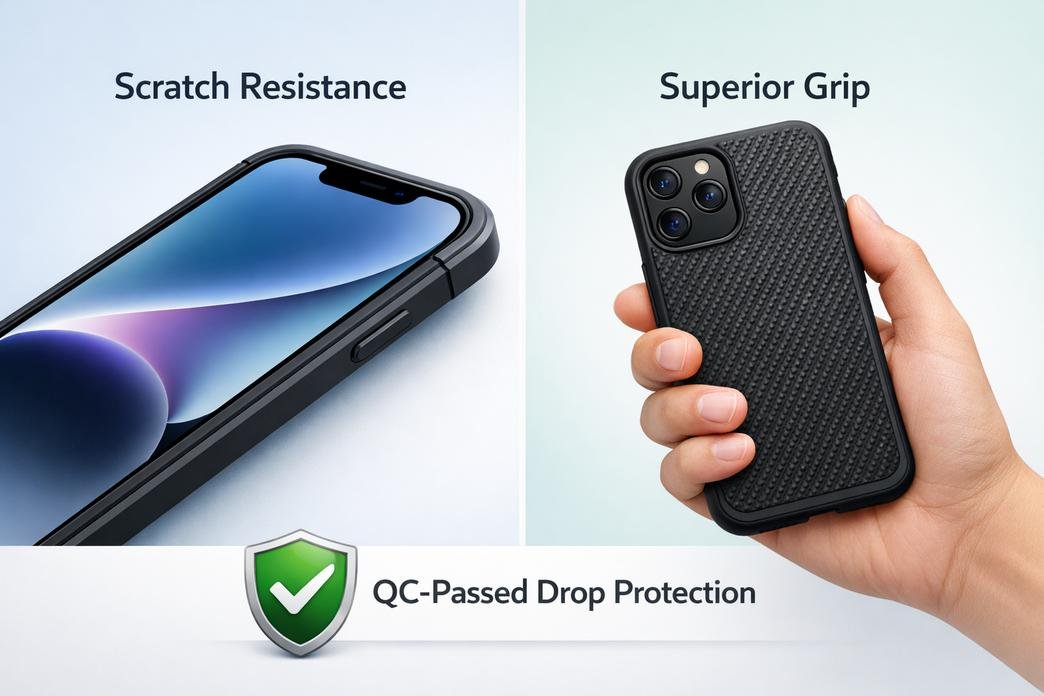
Screen Features Make a Difference in User Satisfaction: Prioritize screens with high brightness, oleophobic coating, scratch resistance, and correct polarization for optimal user experience post-repair.
Common iPhone 11 LCD screen issues include dead pixels, backlight bleeding, and touch unresponsiveness
Four Common Causes Of iPhone 11 LCD Black Screen
Some screen issues don’t show up right away—but when they do, they’re hard to miss. Here’s what might be messing with your display.
Dead Pixels or Screen Discoloration from Minor-Imperfection Screens
Even slight flaws can ruin the viewing experience on your LCD. Here’s where it starts:
- Dead pixels pop up as tiny black dots that never light up.
- Faint screen discoloration—often yellowish or bluish—can creep across corners.
- These defects usually stem from minor imperfections during manufacturing or transport.
- Poorly stored parts can lead to moisture exposure, triggering pixel failure.
- Cheap packaging methods often increase the risk of physical damage before installation.
- Inconsistent voltage regulation may also contribute to premature pixel burnout.
If your iPhone 11 screen has blotchy spots or random darkness, these common display issues might be the culprit.
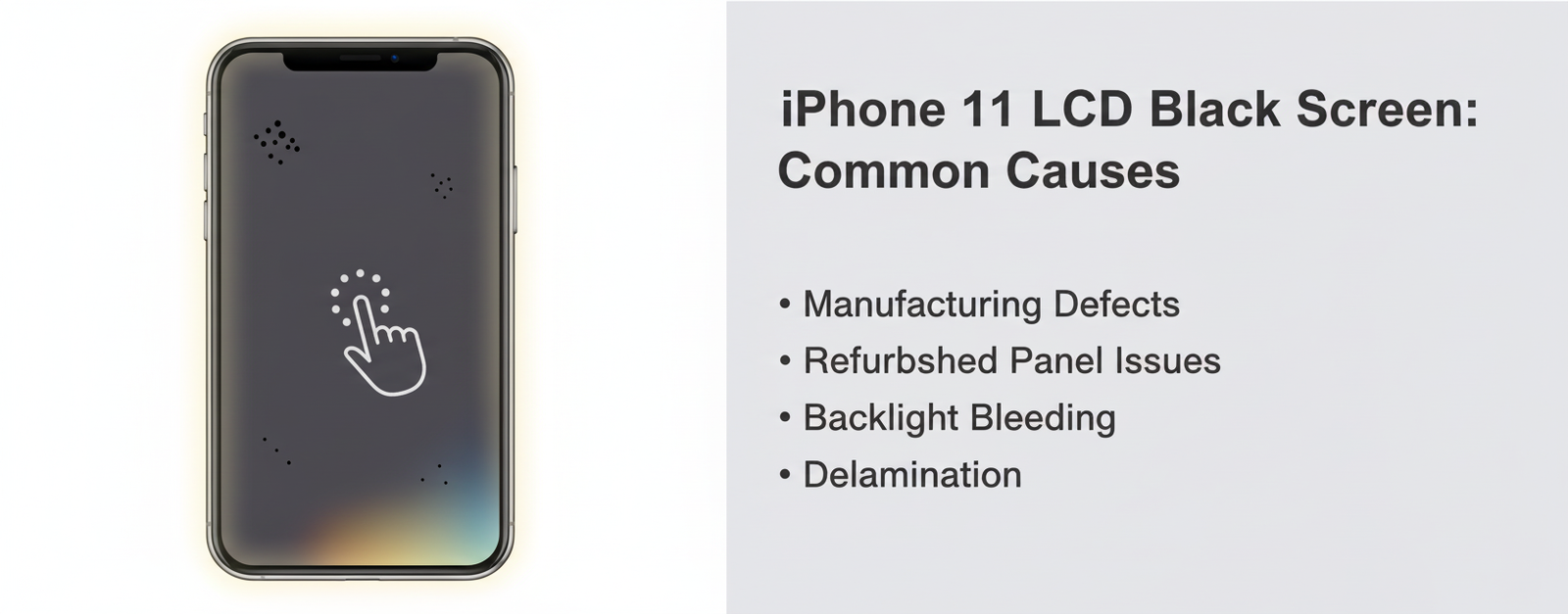
Dead pixels appear as tiny black dots that never light up, while screen discoloration often shows as yellowish or bluish tints
Touch Unresponsiveness in Refurbished Original LCD Panels
A screen that looks perfect but doesn’t respond? That’s a classic case of hidden trouble from a reused panel.
• Some refurbished original LCD panels come with underlying flaws—especially if harvested from water-damaged phones.
• You might notice delayed taps, ghost touches, or certain areas ignoring input altogether.
• Often, it’s not the glass but degraded digitizers causing these annoying touchscreen issues.
- Old adhesive layers fail to hold components tightly together over time.
- Re-soldering errors during refurbishing can mess with signal pathways.
This kind of touch lag is more than just frustrating—it makes using your phone feel like wrestling with a stubborn vending machine.
Backlight Bleeding: Uneven Illumination in Grade A+ Aftermarket Displays
Not all aftermarket screens are created equal—even those labeled “Grade A+” sometimes bring surprises.
Light leaking out unevenly from the edges? That’s called backlight bleeding, and it messes with contrast and color depth badly on any display, especially an iPhone 11’s finely tuned panel. The problem comes down to how tightly the layers are aligned inside these cheaper builds.
As Display Supply Chain Consultants noted earlier this year, “Low-cost substitutes often compromise lamination precision,” which leads directly to visible light halos around dark images—especially at night or under dim lighting.
These so-called “premium” displays often fail because their internal layer bonding isn’t as tight as Apple’s originals, leading to poor illumination quality and inconsistent brightness zones across the screen surface.
Backlight bleeding appears as uneven illumination from the edges of the screen, particularly noticeable in dark environments
Delamination Risks in Bulk-Sourced Wholesale Mobile Phone Screens
Delamination sounds technical—but for users? It means you’re staring at bubbles, flickers, and eventual screen death.
• When buying screens from bulk suppliers, adhesive quality can vary wildly—even within one shipment batch.
Short-term signs include:
→ Slight lifting near corners;
→ Flickering lines appearing randomly;
→ Air gaps forming between layers due to weak bonding materials used during assembly;
Long-term? Full-on separation between glass and digitizer layers—a textbook case of complete display failure caused by poor sourcing standards.
These kinds of failures are especially common among low-cost batches meant for high-turnover repair shops looking to cut corners on replacement parts without checking for potential adhesive failure, which leads directly into full-blown screen separation nightmares later on.
If you’re seeing weird visual warping or bubbles under your replacement iPhone 11 display—it’s probably delaminating already.
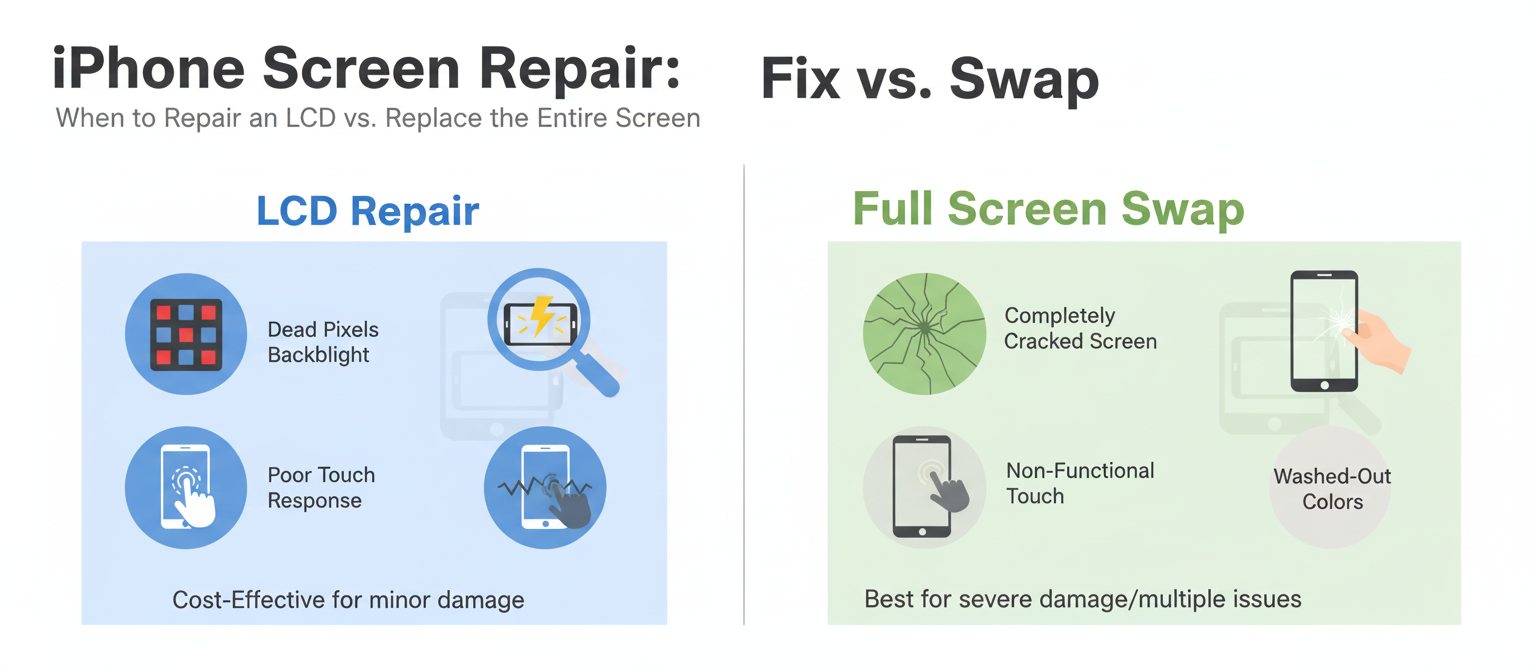
LCD Repair Vs. Full Screen Swap
Quick fixes or full-on replacements? This guide breaks down the real deal between repairing an iPhone screen and swapping it entirely.

Comparison between LCD repair and full screen replacement options
LCD Repair
- Dead pixels on your iPhone screen? A targeted fix might do the trick.
- Cracked glass but a working display? You don’t need to replace everything.
- Backlight flickering? That’s often repairable without a new screen.
🛠️ DIY repairs on an iPhone’s display can be tempting, but without proper tools, you risk damaging the fragile components beneath the glass. If your issue is limited to the inner layers—like faulty backlight or dead zones—a focused fix on the existing LCD, rather than replacing the whole thing, saves both time and cash. That said, not all problems are skin-deep.
💡 Here’s how to tell if a direct repair is worth it:
- The touch responsiveness still works fine.
- Only small areas of discoloration or pixel damage exist.
- No signs of liquid damage inside the panel.
Grouped breakdowns for clarity:
- ✔️ Common Fixable Issues:
• Dead pixels
• Uneven brightness
• Ghost touches - 🔧 Required Tools:
• Precision screwdriver set
• Heat gun or separator pad
• Suction cup and spudger - ⚠️ Risks Involved:
• Damage to digitizer during disassembly
• Misalignment upon reattachment
A scientific comparison helps clarify when this route makes sense:
| Issue Type | Repair Viability | Avg Cost ($) | Time Required |
|---|---|---|---|
| Cracked Glass Only | High | $60–$90 | ~45 mins |
| Flickering Backlight | Medium | $80–$110 | ~90 mins |
| Touch Not Working | Low | $120+ | ~2 hrs |
For everyday users who just dropped their phone last week and noticed a few visual glitches—but no major shatter—the smart move might be sticking with an original panel fix. It keeps your original factory-sealed parts intact and avoids unnecessary costs associated with full replacements.
Full Screen Swap
Swapping out the entire display assembly isn’t just about fixing—it’s like giving your phone a fresh lease on life. Whether your current unit has busted touch input, major cracks across both sides, or unresponsive zones, replacing everything from digitizer to outer glass usually guarantees better results long-term.
Here’s how it stacks up:
➊ When should you go for a full swap?
- The touch function is completely gone.
- Cracks extend through both layers of glass and display.
- Your colors look washed out due to internal burn-in.
➋ What comes in a complete replacement kit?
Grouped by component type:
- 📱 Hardware Assembly:
• New front glass
• Replacement digitizer
• Fresh backlight layer - 🧰 Tools Included:
• Frame adhesive strips
• Opening picks & tweezers - 📦 Optional Add-ons:
• Pre-installed sensors & earpiece mesh
🧩 Installation isn’t rocket science—but it’s not plug-and-play either. You’ll need patience and precision aligning new components into place without bending connectors or applying uneven pressure across fragile pins.
In more technical cases where water damage has seeped into display layers or ghost touches plague every swipe, going for a brand-new screen assembly makes more sense than playing whack-a-mole with isolated repairs.
And here’s where brand trust matters—screen-stocks offers verified OEM-level kits that match original specs for color accuracy and touch sensitivity. It’s not just about replacing; it’s about restoring that buttery-smooth swipe feel you’ve been missing since day one.
If you’re rocking an older device like an iPhone XR or even moving up into newer territory like iPhone SE models, these swaps breathe new life into aging tech—especially when paired with battery replacements during teardown sessions.
So whether you’re dealing with cracked corners or glitchy graphics from your worn-out panel, sometimes starting fresh is just cleaner… literally and digitally speaking—with every pixel snapping back into focus.
OEM Vs. Third-Party iPhone 11 LCD
Quick breakdown between original and third-party screens for the iPhone 11—what’s worth it, what’s not, and why your screen choice matters more than you think.

Comparison between OEM and third-party iPhone 11 screens
OEM iPhone 11 LCD
• Original Equipment Manufacturer parts are made to match Apple’s exacting standards—no guesswork, no weird color shifts.
• Fit is flawless. You won’t wrestle with misaligned bezels or ghost touches.
• Performance-wise? Brightness, touch sensitivity, and battery sync all run seamlessly on an Apple screen.
- Higher resale value retention
- Minimal risk of voiding your phone’s warranty
- Maintains Face ID accuracy and True Tone calibration
– Pricier upfront but pays off long-term in fewer repairs
The thing about authentic displays is they’re not just about looking good—they’re about staying that way under pressure. Whether you’re gaming hard or just scrolling memes for hours, an OEM iPhone 11 LCD holds up without flickering out.
You also get peace of mind: these displays are built with verified components directly tied to Apple’s production pipeline—meaning they’re legit down to the last pixel.
Third-Party iPhone 11 LCD
• Budget-friendly? Absolutely. But that comes with trade-offs in how well the screen actually performs under daily use.
• Many aftermarket screens don’t offer consistent color reproduction—blues might look purple-ish, whites can seem grayish.
1) Touch responsiveness might lag slightly after install
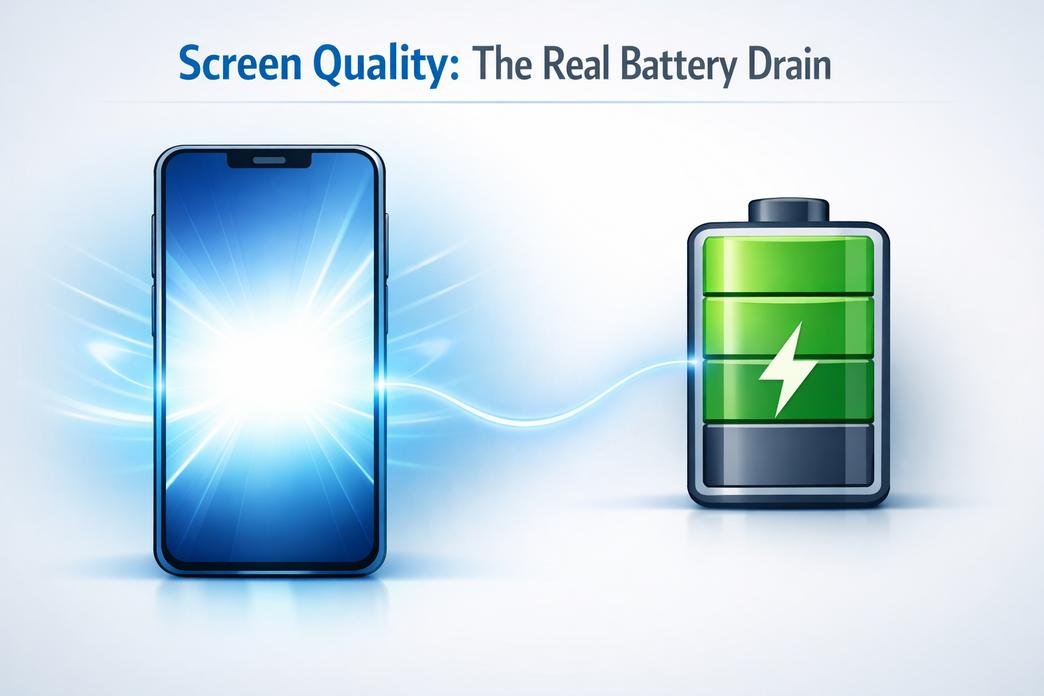
2) Battery usage may increase due to unoptimized backlight power draw
3) Potential software compatibility quirks when updating iOS
– ⚠️ True Tone usually doesn’t work after replacement unless reprogrammed
Some units perform surprisingly well—but others? Not so much. That’s where quality variation kicks in hard. A third-party display could be great… or glitchy from day one.
Grouped by type:
- High-end third-party (e.g., incell panels): Closer to OEM but pricier
- Mid-range generic screens: Decent for casual use
- Low-cost copies: Often lack brightness and durability
| Type | Avg Cost (USD) | Brightness (nits) | Touch Accuracy |
|---|---|---|---|
| OEM | $120–$160 | ~625 | Excellent |
| Premium Aftermarket | $80–$110 | ~500 | Very Good |
| Budget Generic | $40–$70 | ~350 | Moderate |
Most repair shops stock multiple options depending on what you’re willing to spend—and how picky you are about display quality. Just know that while saving cash upfront feels good, it might cost more later if things start acting up again.
If you’re ordering online through marketplaces like eBay or AliExpress, read reviews carefully; some listings mix high-end replicas with low-tier knockoffs labeled as “compatible.” Even companies like screen-stocks only recommend certain vendors for third-party parts due to this inconsistency.
Choosing between an original vs a third-party display isn’t just about price—it’s about how much compromise you’re okay with every time you unlock your phone.
FAQs about iPhone 11 LCD
What are the most common issues found in wholesale iPhone 11 LCD screens?
Some screens arrive looking flawless—until they light up. Then, faint shadows creep along the edges or a single dead pixel stares back like an unblinking eye. These are some of the usual culprits:
- Subtle discoloration from reused panels
- Touch lag on refurbished digitizers
- Light bleeding that makes blacks look gray at nightEach flaw tells a story—and not one your customers want to hear.
How can I tell if I’m getting high-quality iPhone 11 LCDs for resale?
You’re not just buying parts; you’re investing in trust. A reliable supplier will test each screen before shipping and offer features like:
- Oleophobic coating (so fingerprints don’t stick around)
- Polarized layers for sharp outdoor visibility
Ask about their testing process. If there’s silence, walk away.
Why do some refurbished original LCDs have touch problems even when they look perfect?
Because beauty is only glass-deep. These panels often come from devices that lived hard lives—dropped, overheated, or simply worn down by years of taps and swipes. The digitizer may be tired even if it looks brand new under bright lights.
Is it smarter to replace the full screen rather than repair just part of an iPhone 11 display?Sometimes yes—but not always. Full replacements fix everything at once: cracks, ghost touches, dim corners… all gone in one go. But if it’s just a few dead pixels or minor scratches and you’ve got skilled hands nearby? A targeted repair could save time and money without sacrificing quality.
Can backlight bleed really affect customer satisfaction with aftermarket displays?Absolutely—it’s subtle but powerful. That soft glow around the edge during dark scenes might seem harmless to you… until your buyer watches a movie at midnight and sees halos where there should be darkness. It breaks immersion—and trust—with every flicker of uneven light.





Recent Comments