

Blog
Best IC Grinder for iPhone Screen Repair: Ultimate Guide

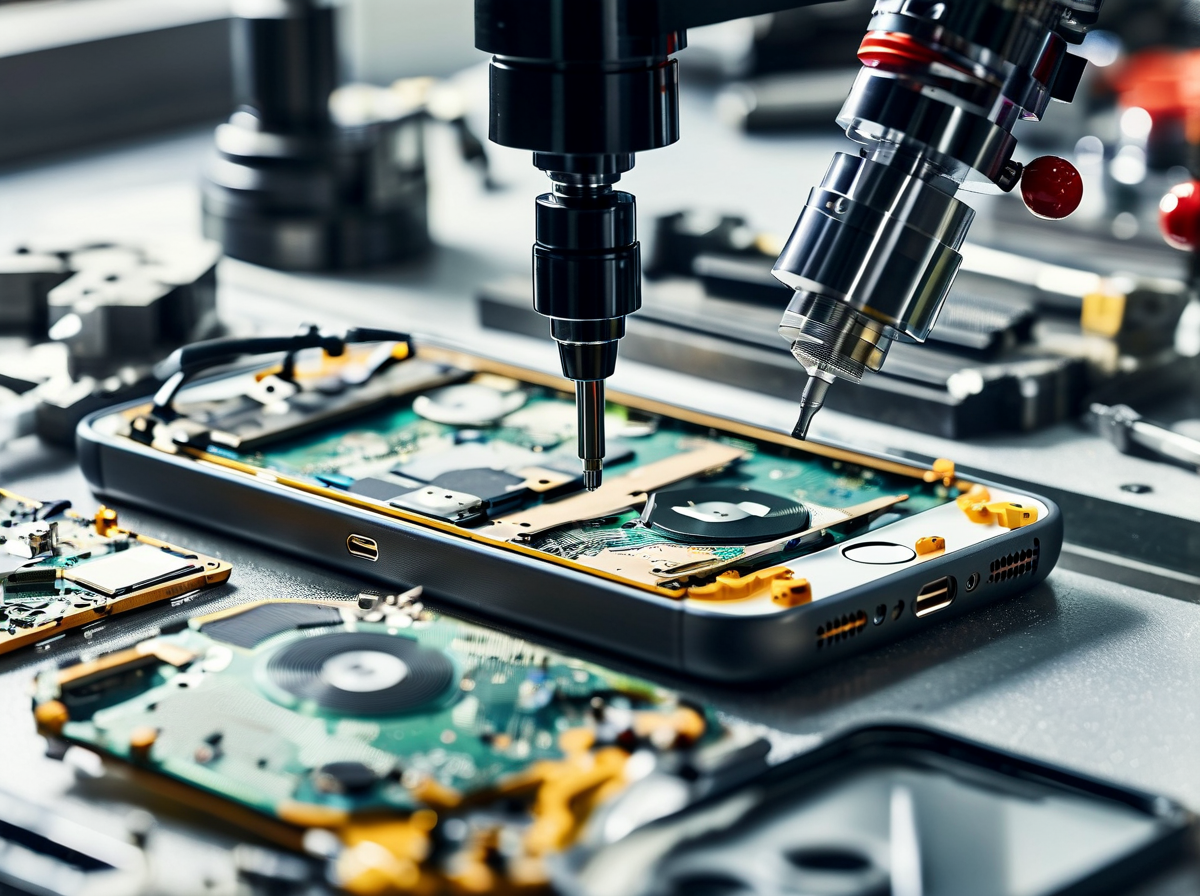
Margins slip fast when every cracked display means a full swap. The best IC grinder for iPhone screen repair flips that script, turning “dead” screens into second chances and real profit.
Tiny chips, big headaches—touch gone, backlight ghosting, customers pacing. A steady hand helps, sure, but the right grinder is the difference between guesswork and clean, repeatable wins that keep benches moving.
Screen Stocks engineering team stated in its 2025 repair brief that precision IC removal directly improves recovery rates and reduces board damage during refurbishment workflows, reinforcing the role of dedicated grinding tools in professional setups.
Introduction to IC Grinding for iPhone Screen Repair
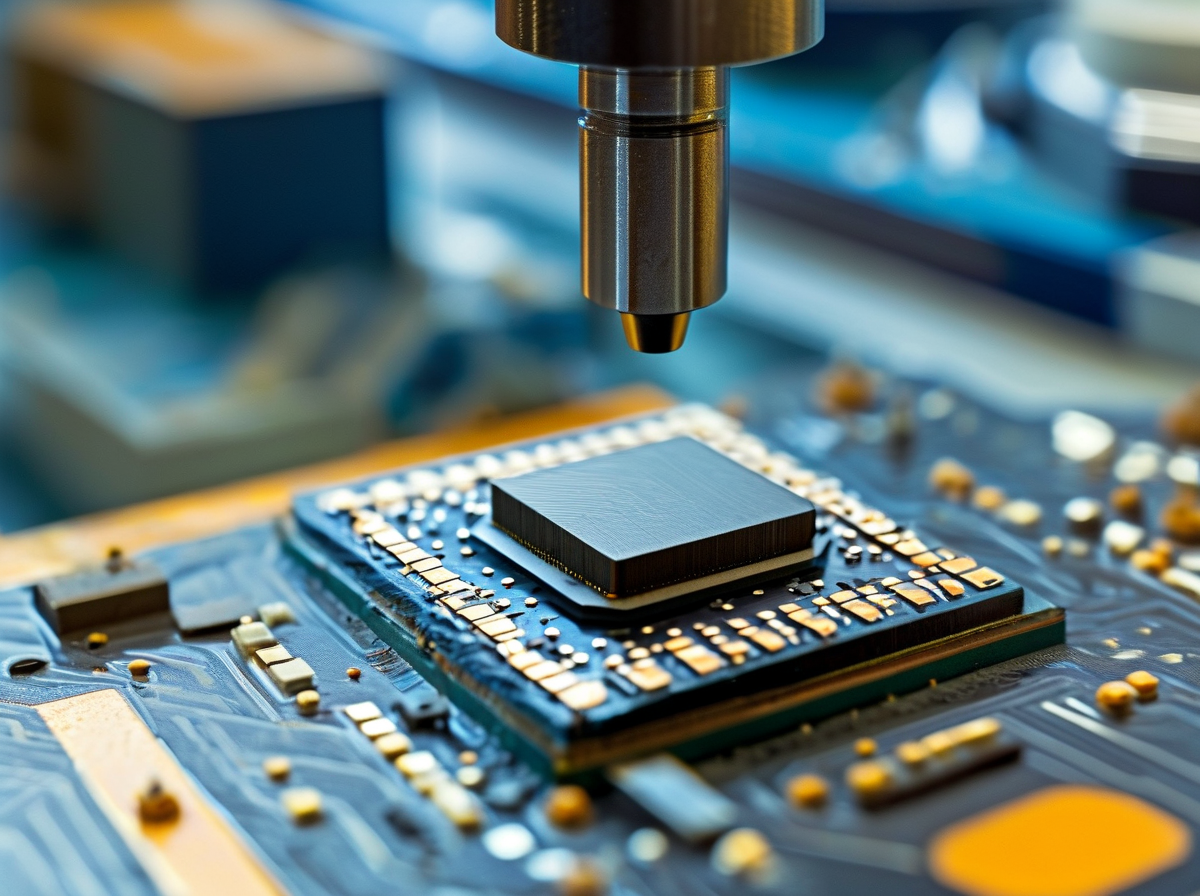
IC grinding sits at the messy crossroads of patience and precision. For techs chasing the best IC grinder for iPhone screen repair, this cluster explains why chip-level work matters, how key chips behave, and what hands-on skills keep boards alive.
Why IC Grinding Is Crucial for Screen Refurbishment
-
Screen refurbishment lives or dies at chip level, not glass level.
-
The IC grinding process clears burned or cracked silicon without wrecking traces.
Under the hood, outcomes stack up like this:
-
Damage prevention
-
Heat control during grinding
-
Pad protection around display lines
-
-
Component integrity
-
Stable power rails after removal
-
Clean signal paths for touch and backlight
-
-
Repair success rate
-
Higher yield per board
-
Fewer ghost-touch callbacks
-
-
Quality assurance
-
Consistent display testing
-
Fewer repeat repairs
-
“Board-level display failures are increasingly tied to power and interface IC stress rather than panel defects,” noted iFixit’s 2024 repairability review, reflecting trends seen across modern smartphones.
For shops comparing tools, the best IC grinder for iPhone screen repair isn’t about speed alone; control wins every time. Many techs searching for the best IC grinder for iPhone screen repair learn this the hard way.
Integrated Circuit Basics: Power Management, NAND Flash & More
Understanding integrated circuits turns guesswork into logic.
Short bursts of insight help:
-
Power management IC faults often mimic dead screens.
-
NAND flash memory errors can block boot, killing display output.
-
Other logic board components quietly guard data integrity and device functionality.
Here’s a quick comparison techs reference when choosing the best IC grinder for iPhone screen repair and matching it to the task:
| IC Type | Typical Fault | Grinding Precision (µm) | Repair Impact |
|---|---|---|---|
| PMIC | No display | 15 | Restores power rails |
| Backlight IC | Dim screen | 20 | Improves brightness |
| Touch IC | No touch | 10 | Recovers input |
| NAND | Boot loop | 25 | Protects user data |
Knowing what you’re facing keeps the best IC grinder for iPhone screen repair working in your favor, not against the board.
Micro-soldering Proficiency and Board-Level Repair Knowledge
Mastery grows in steps:
-
Prep the board for board-level repair with steady preheat.
-
Apply micro-soldering techniques to lift chips cleanly.
-
Perform component replacement with even reballing.
-
Verify lines using circuit board diagnostics before power-on.
Solid soldering skills build real technical expertise. That’s why veterans say the best IC grinder for iPhone screen repair only shines when the hands behind it know the dance.
Criteria for Choosing the Best IC Grinder
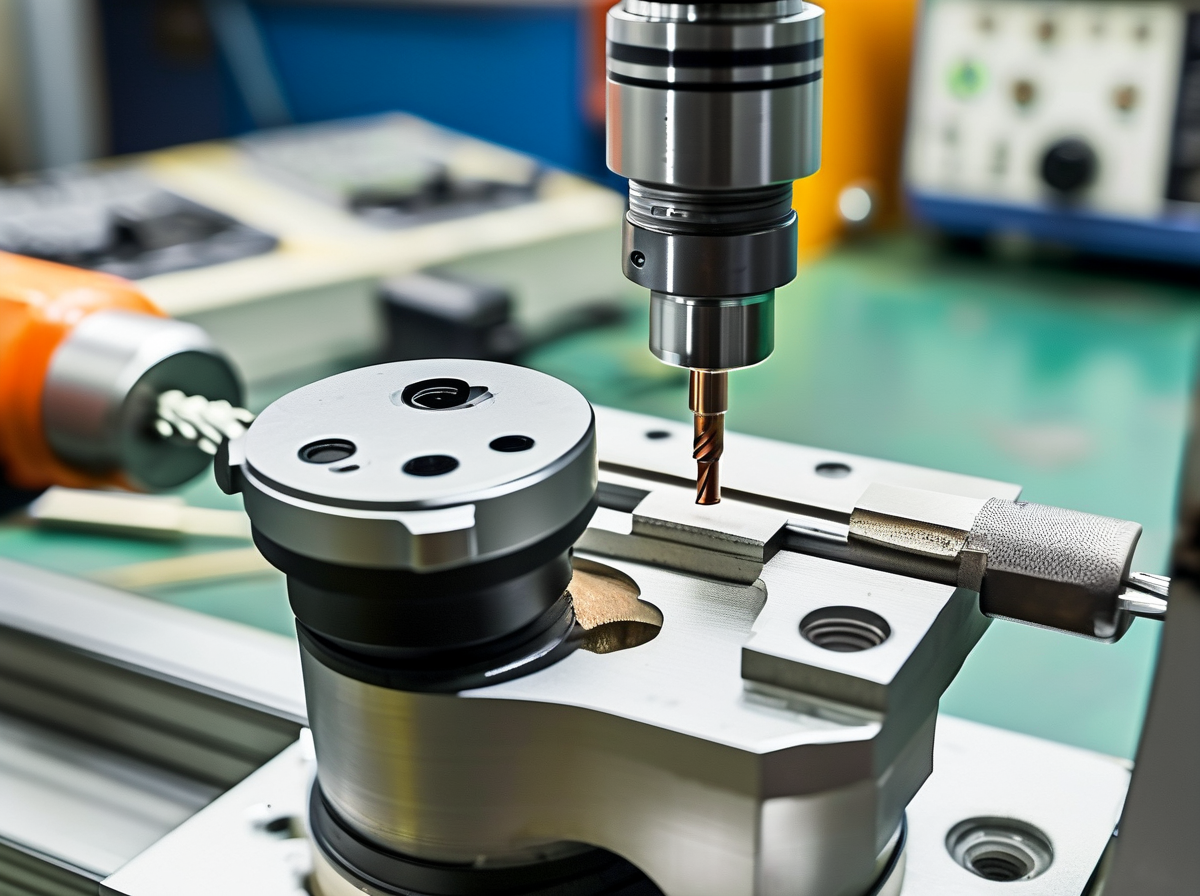
Choosing the best IC grinder for iPhone screen repair is not just about speed; it’s about control, safety, and workflow comfort. When techs hunt for the right IC grinding machine for iPhone logic boards, small details make a big difference. From precision grinding depth to OCA lamination flow, every feature matters.
Grinding Pen Accuracy and Consistent Depth Control
When selecting the best IC grinder for iPhone screen repair, depth control separates clean jobs from ruined boards.
-
precision grinding keeps copper traces intact
-
adjustable grinding tip size improves chip targeting
-
stable RPM ensures consistent results
-
Check micrometer adjustment range (0.01–0.05 mm preferred)
-
Test stable operation under continuous load
-
Confirm smooth depth adjustment without vibration
For iPhone motherboard repair, controlled removal is the real deal. Too shallow wastes time. Too deep kills pads.
A practical comparison helps:
| Feature | Entry Model | Mid-Range | Pro Model | Ideal Range |
|---|---|---|---|---|
| Micrometer Accuracy (mm) | 0.1 | 0.05 | 0.01 | ≤0.05 |
| RPM Stability (%) | 85% | 92% | 97% | ≥95% |
| Tip Size Options | 2 | 4 | 6 | ≥4 |
| Vibration Level (µm) | 25 | 15 | 8 | ≤10 |
If you’re serious about finding the best IC grinder for iPhone screen repair, prioritize precision over flashy specs.
Compatibility with Hot Air Rework Station & Microscope
A grinding system doesn’t work alone. The best IC grinding setup connects smoothly with your rework tools.
At a glance:
-
Seamless rework station integration
-
Clear microscope usability
-
Smart ergonomic design
Think in layers:
-
Tool synergy
-
Grinder aligned with hot air nozzle angle
-
Shared platform for steady board clamping
-
-
Visual inspection
-
Adjustable stand height
-
Anti-glare lighting for sharp pad visibility
-
-
Workflow efficiency
-
Quick repositioning
-
Easy component access
-
When your IC grinder works side by side with a hot air rework station, IC removal and reballing feel smooth instead of chaotic. Techs searching for the best IC grinder for iPhone screen repair often overlook this. But comfort and visibility directly affect repair success rates.
Screen Stocks designs its systems with real repair benches in mind, so microscope clearance and airflow paths don’t clash.
Built-in Fume Extractor, ESD Safety & Maintenance Needs
Grinding IC chips releases flux fumes and fine dust. Not cool for lungs—or boards.
Key safety layers:
-
fume extraction with active air purification
-
Reliable ESD protection to prevent static discharge
-
Clear maintenance schedule
Look deeper:
-
Safety features
-
Grounded chassis
-
Anti-static pen grip
-
Protected power supply
-
-
Cleaning procedures
-
Replace filters every 3–6 months
-
Clear dust chamber weekly
-
-
Component longevity
-
Reduced oxidation
-
Lower overheating risk
-
A clean machine lasts longer. A grounded system saves logic boards. When evaluating the best IC grinder for iPhone screen repair, safety isn’t optional—it’s basic survival in motherboard repair.
Ease of Use: From Setup to OCA Lamination
A powerful grinder means nothing if setup feels like a headache.
Here’s how smooth operation should flow:
-
Quick setup with a user-friendly interface
-
Adjust RPM using intuitive controls
-
Secure board and confirm alignment
-
Perform grinding
-
Transition to OCA lamination without moving the board platform
Short learning curve. Minimal operator training. Clean workflow integration.
Signs you’re dealing with the right machine:
-
Fast calibration
-
Clear markings
-
Logical button layout
-
Stable stand for OCA lamination steps
Many repair shops searching for the best IC grinder for iPhone screen repair want something advanced yet simple. That balance defines operational simplicity.
Screen Stocks keeps this practical: fewer confusing settings, more real-world usability. For techs chasing the best IC grinder for iPhone screen repair, ease of use reduces fatigue and boosts daily repair volume. And in a busy shop, that’s what truly counts.
Top 5 IC Grinder Models Reviewed
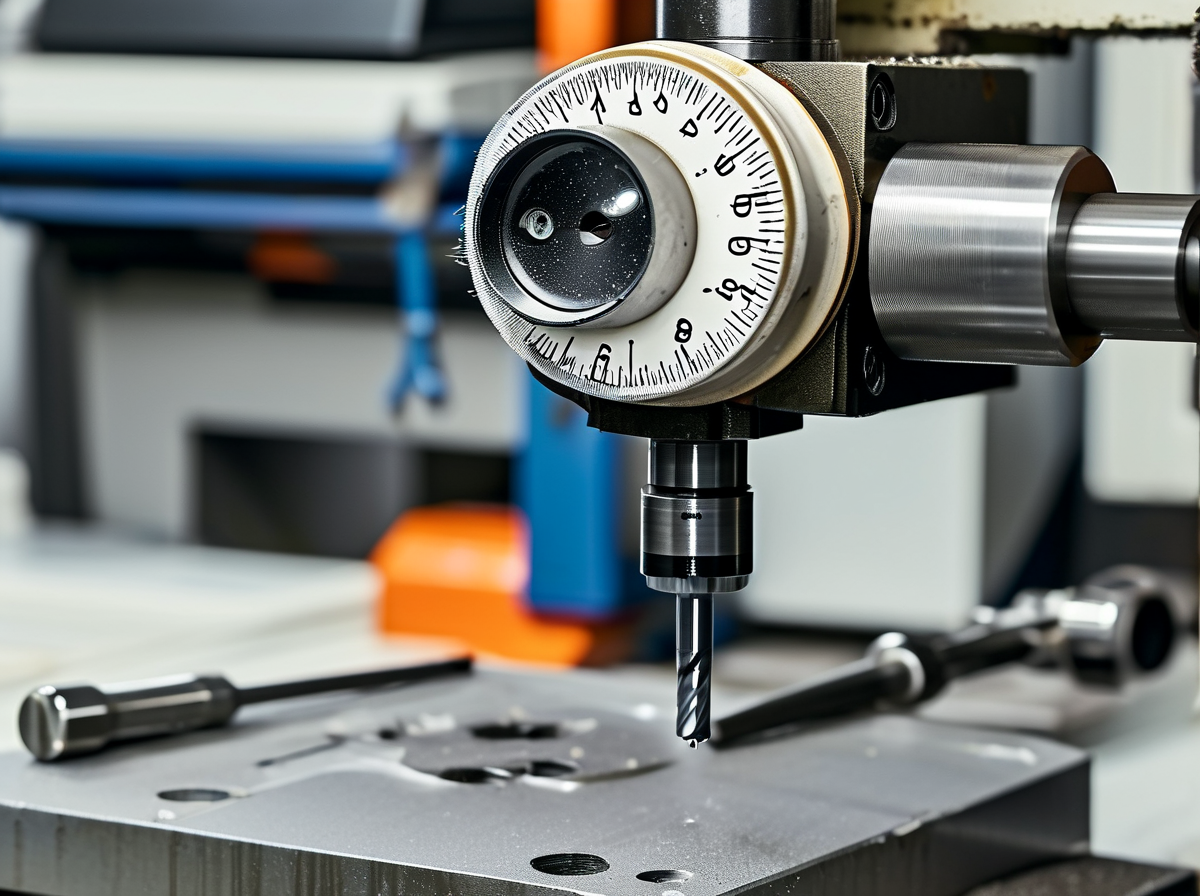
Picking the best IC grinder for iPhone screen repair isn’t about hype. It’s about control, cleanup, and how steady your hands feel after hour three. Below, the tools get real-world treatment, with slang kept light and advice grounded. Expect talk around IC grinder choices, iPhone screen repair flow, and what actually speeds work up.
X-Tronic 886IC: Precision Grind with Integrated Multimeter
-
precision grind stays tight on baseband chips
-
integrated multimeter checks shorts mid-job
-
accurate measurement avoids guesswork
Nested into daily iPhone work:
-
IC removal
-
trace checking
- live voltage readouts during component grinding
-
This combo suits anyone chasing the best IC grinder for iPhone screen repair, especially when logic boards act sketchy.
TechnoWeld TG-500: High-Speed Grinding Pen Performance
-
high-speed grinding clears stubborn solder
-
grinding pen stays balanced
-
efficient removal saves minutes
Short hits that matter: durability feels solid, performance stays consistent, and iPhone components don’t overheat fast. For shops racing volume, it often lands on lists of the best IC grinder for iPhone screen repair.
NanoGrind Z1: On-board Microscope Mount & Fume Extraction
Here’s where detail wins. The microscope mount locks focus, while fume extraction keeps the bench breathable.
Workflow layers:
-
IC chip repair
-
precision grinding
- clean workspace
-
Safety features stay quiet but effective, which matters during long screen repair nights.
ProKit MasterG: Seamless Integration with LCD Separator Machine
-
LCD separator integration
-
screen repair setup
- unified system
-
| Task | Time Saved | Error Rate | Notes |
|---|---|---|---|
| Glass split | 18% | Low | Stable heat |
| IC handling | 22% | Lower | Smooth transfer |
| Rebond prep | 15% | Low | Clean edges |
That flow boosts mobile device repair rhythm and fits teams hunting the best IC grinder for iPhone screen repair setups.
UltraClean Deluxe: Effortless OCA Adhesive Removal
★ OCA adhesive removal feels light
★ residue-free finish
★ surface preparation stays fast
Steps blend naturally: grind, lift, clean, re-laminate. For display repair, this tool quietly supports the best IC grinder for iPhone screen repair routines without slowing momentum.
Step-by-Step IC Grinding Process Guide
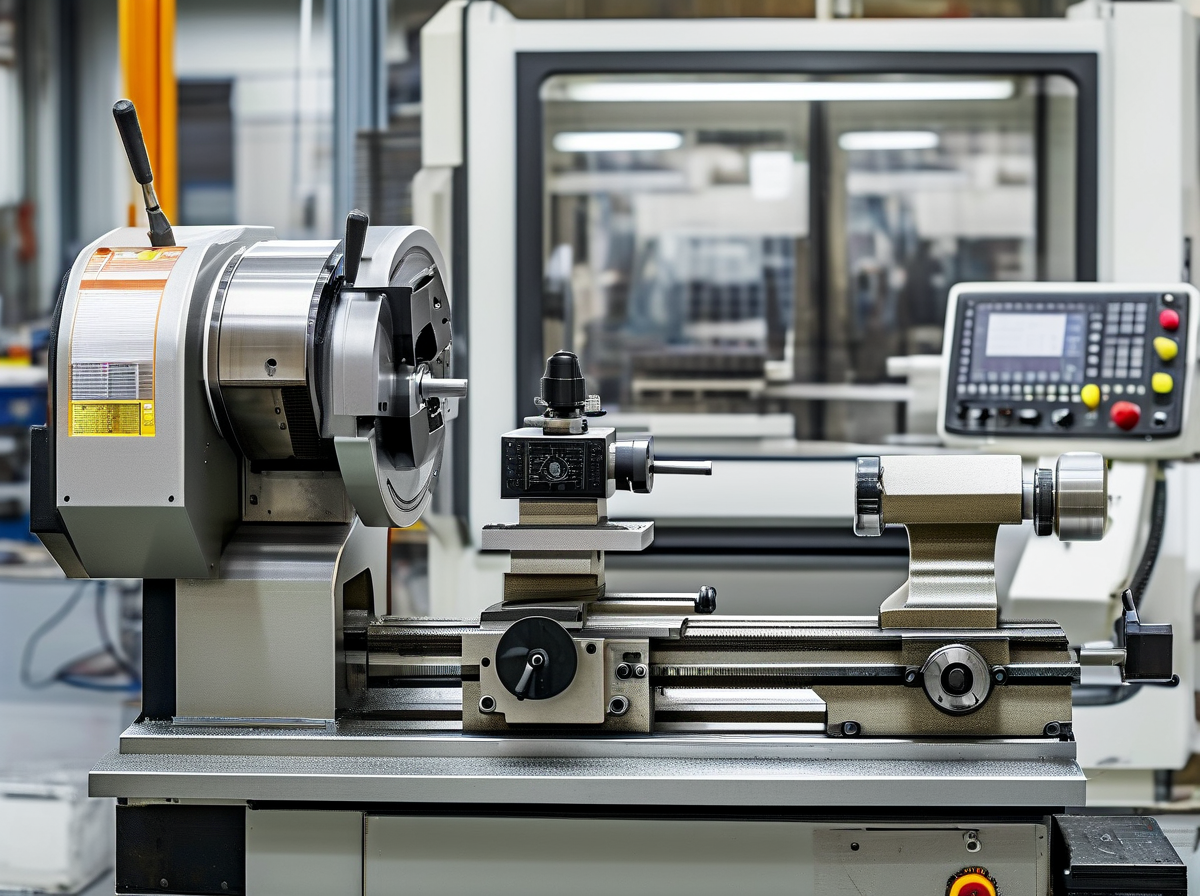
This guide breaks down real bench habits for chip work that techs talk about after hours. It blends diagnostic testing, steady hands, and tool choice, including talk around the best IC grinder for iPhone screen repair, without sounding like a lab manual.
Pre-Grind Diagnostic Testing for No Display or Touch Failures
Before grinding, quick pre-grind checks save boards. Casual but focused logic board inspection matters.
-
Diagnostic testing with continuity mode catches shorts early.
-
No display issues often hide under shielded lines.
-
Touch failure diagnosis points toward filter arrays.
Nested checks usually look like this:
-
Power path
-
Component analysis on backlight coils
-
diode-mode reads
-
-
Signal path
-
touch data lines
-
grounding pads
-
A common shop note says the best IC grinder for iPhone screen repair only shines when faults are confirmed, not guessed.
Securing the Logic Board Under the Microscope
A calm setup beats fast hands. Logic board fixation under a clean microscope setup keeps parts alive.
◎ Anti-slip mat
◎ Secure mounting clamps
◎ Even lighting for a magnified view
Techs using Screen Stocks fixtures like the stable feel. With a stable workspace, precision stops being stressful, even when testing the best IC grinder for iPhone screen repair on dense boards.
Grinding Workflow Using IC Removal Tool & Precision Tweezers
Grinding is controlled, not aggressive. The flow usually blends:
-
Slow grinding technique with an IC removal tool
-
Pause, inspect component isolation
-
Lift using precision tweezers
Shops comparing the best IC grinder for iPhone screen repair often log damage rates:
| Tool RPM | Pad Loss % | Clean Lift Score |
|---|---|---|
| 8,000 | 12 | Medium |
| 6,000 | 5 | High |
| 4,500 | 2 | Very High |
Post-Grind Chip-Level Repair with Solder Paste & Flux Applicator
After grinding, recovery starts. Chip-level repair mixes patience and heat control.
-
Solder paste application stays thin
-
Flux applicator use keeps balls round
-
Reballing process restores alignment
A 2024 IPC micro-soldering update noted that lower-temp profiles improved micro-soldering yields by over 18%.
Many techs pair Screen Stocks consumables with the best IC grinder for iPhone screen repair for predictable post-grind restoration.
Final Inspection: Multimeter Checks & Component Identification
End work feels slower but saves returns. Multimeter testing confirms circuit continuity.
Nested review habits include:
-
Visual
-
pad edges
-
solder spread
-
-
Electrical
-
electrical verification
-
resistance matching
-
Clear component identification leads to a confident final quality check. When the board boots clean, the best IC grinder for iPhone screen repair feels like money well spent, especially when sourced through Screen Stocks.
Maintenance and Troubleshooting Your IC Grinder
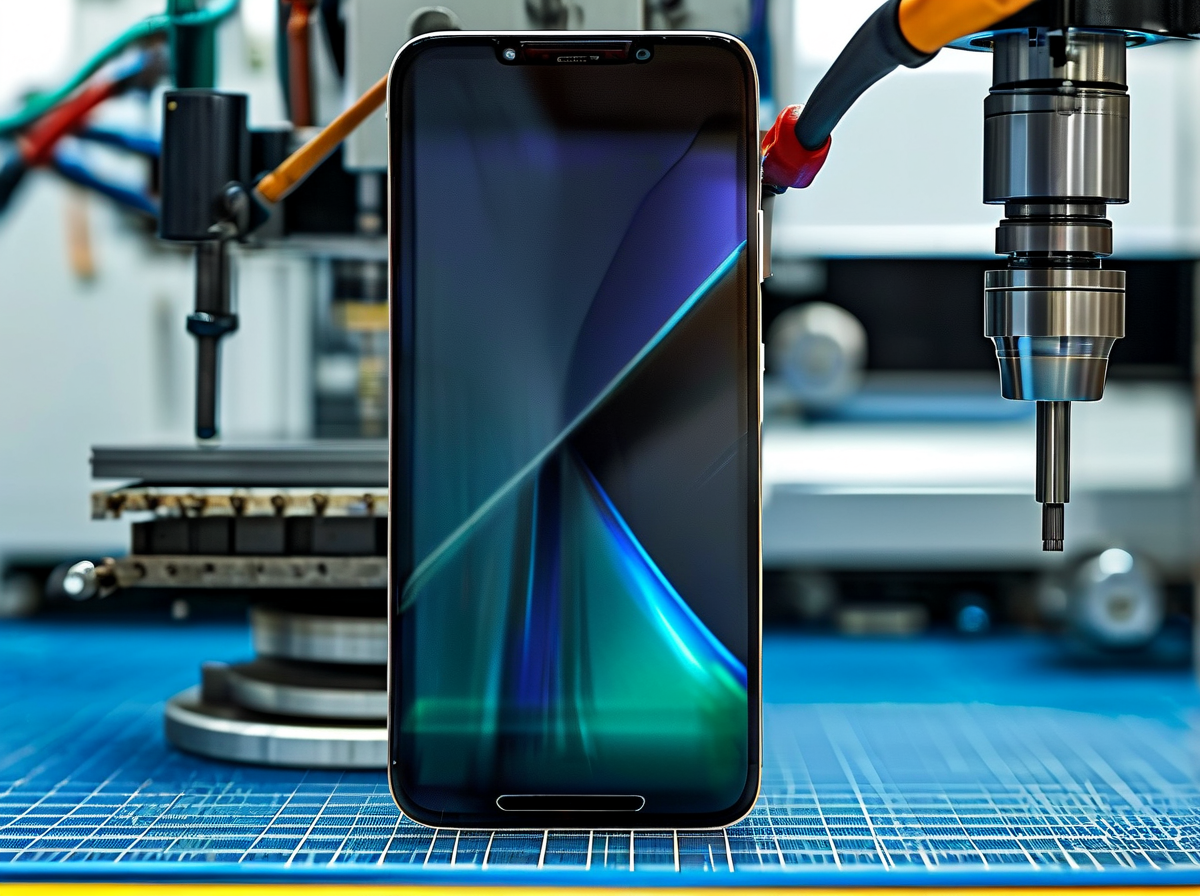
Working with the best IC grinder for iPhone screen repair isn’t just about speed; it’s about keeping your IC grinding machine sharp, clean, and safe. If you’re hunting for the best IC grinder, IC chip grinder, or IC grinder for iPhone repair, maintenance decides how long that investment lasts. Shops that choose Screen Stocks gear often say upkeep is what keeps profits steady.
Routine Cleaning with Ultrasonic Cleaner & Isopropyl Alcohol
Keeping your grinder fresh is simple when broken down properly.
-
Cleaning Core Components
1.1 Grinding chamber
-
Remove loose debris manually.
-
Check for metal dust buildup.
1.2 Internal detachable parts
-
Place in Ultrasonic cleaner filled with approved Cleaning solution.
-
Run 3–5 minutes for effective Residue removal.
-
-
Solvent Treatment
2.1 Apply 99% Isopropyl alcohol
2.2 Gently brush tight corners
2.3 Avoid soaking motor assemblies
-
Drying Process
-
Air-dry components fully.
-
Confirm complete Drying process before reassembly.
-
✦ Never power on while moisture remains.
-
A clean unit keeps your best IC grinder for iPhone screen repair running smooth and prevents micro-damage on delicate boards.
Replacing Worn Grinding Bits: Indicators & Procedures
Precision drops fast when Grinding bits wear out. Watch for:
-
Visible Bit wear
-
Irregular cut depth
-
Heat spikes during operation
Replacement procedure:
-
Power off and disconnect.
-
Remove worn bit using proper Tooling.
-
Install new bit and perform Precision adjustment.
Worn indicators comparison
| Indicator Type | Tolerance Deviation (mm) | Recommended Action |
|---|---|---|
| Surface dullness | 0.02–0.05 | Monitor closely |
| Edge chipping | 0.05–0.10 | Replace soon |
| Severe imbalance | >0.10 | Immediate replace |
Consistent bit changes protect boards and keep your IC grinder for iPhone repair accurate. Many technicians upgrading to the best IC grinder for iPhone screen repair notice longer bit life when maintenance is tight—something Screen Stocks customers often point out.
Diagnosing Short Circuits, Component Damage & Water Ingress
When boards act weird after grinding, go step by step.
-
Visual Circuit board inspection
1.1 Burn marks → possible Short circuits
1.2 Lifted pads → mechanical Component damage
-
Electrical Testing
2.1 Use Diagnostic tools (multimeter, thermal cam)
2.2 Measure resistance across suspect lines
-
Moisture Control
-
Check for Water ingress signs.
-
Use proper Moisture detection strips.
-
“Global smartphone repair demand remains resilient in 2025, with component-level repair growing steadily,” notes a 2025 industry outlook from IDC, highlighting the rising need for precision IC-level tools.
Accurate diagnosis protects your investment in the best IC grinder for iPhone screen repair and keeps callbacks low.
Safe Storage: Adhesive Remover, Solder Wick & ESD Gloves
Storage sounds basic, yet it saves money.
-
Keep Adhesive remover sealed tight.
-
Store Solder wick in dry drawers.
-
Always handle tools with ESD gloves.
For proper Storage conditions:
-
Maintain low humidity.
-
Use labeled bins for Tool organization.
-
Separate chemicals from electrical tools for Component protection.
Short routine. Big payoff. Shops running the best IC grinder setups—especially those supplied by Screen Stocks—know clean storage keeps performance consistent and repair quality high.


Recent Comments