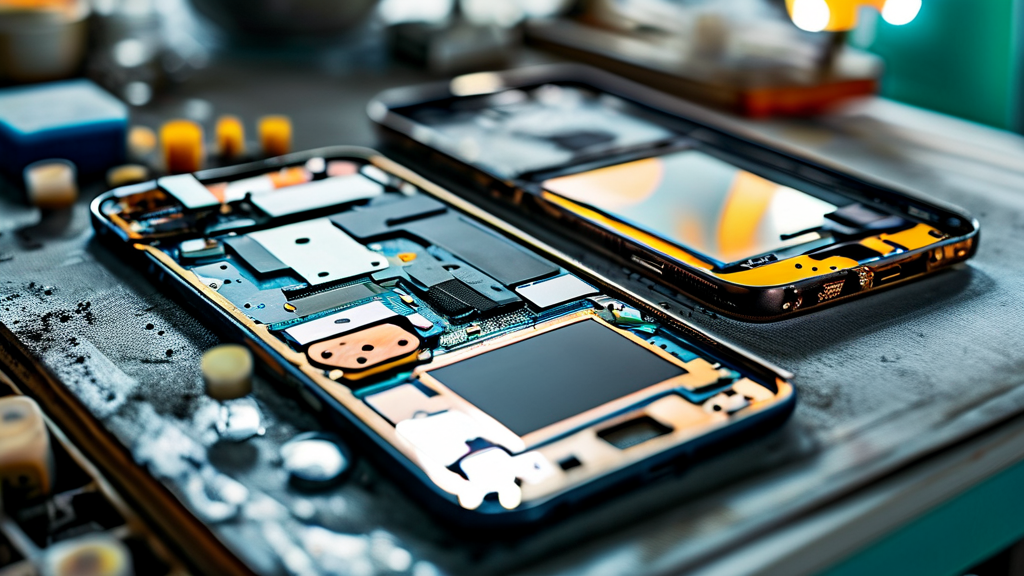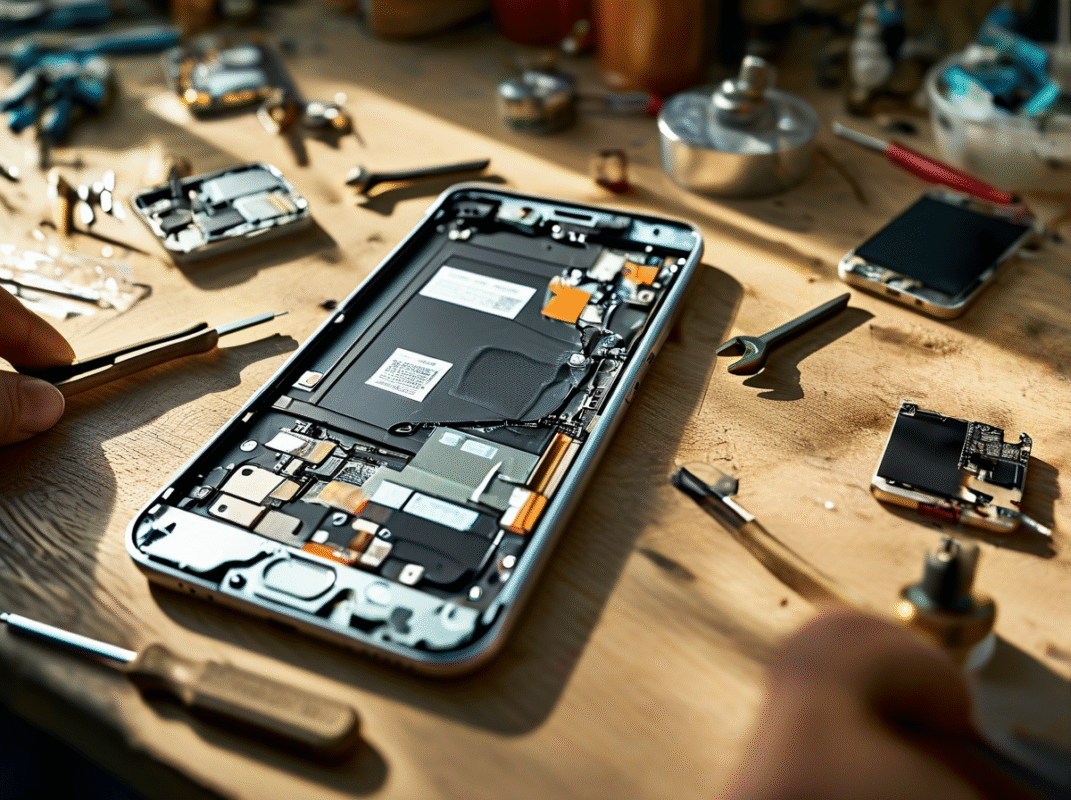


One missing screen, one angry customer. Poor phone screen inventory planning can turn a busy repair shop into a cash-flow nightmare overnight.
Stock too many OLED panels, and cash collects dust. Run short, and customers walk. Smart purchasing keeps repairs moving.
Counterpoint Research’s 2025 research highlights a growing refurbished smartphone market, reinforcing the importance of tracking screen replacement demand.
-
Prioritize OLED panel stock for top models (iPhone 13 Pro, Galaxy S21, Pixel 6, OnePlus 9) based on repair frequency.
-
Apply time-series demand tracking, safety-stock estimation, and just-in-time ordering to forecast needs and reduce waste.
-
Balance cost versus availability by comparing panel prices, bulk discounts, shipping fees, and supplier lead times.
-
Maintain buffer inventory for popular screens and secure backup suppliers to avoid repair delays.
-
Monitor quality assurance metrics—dead pixel tests, touch response, brightness calibration—to minimize returns.
Which Models Sell Fastest?
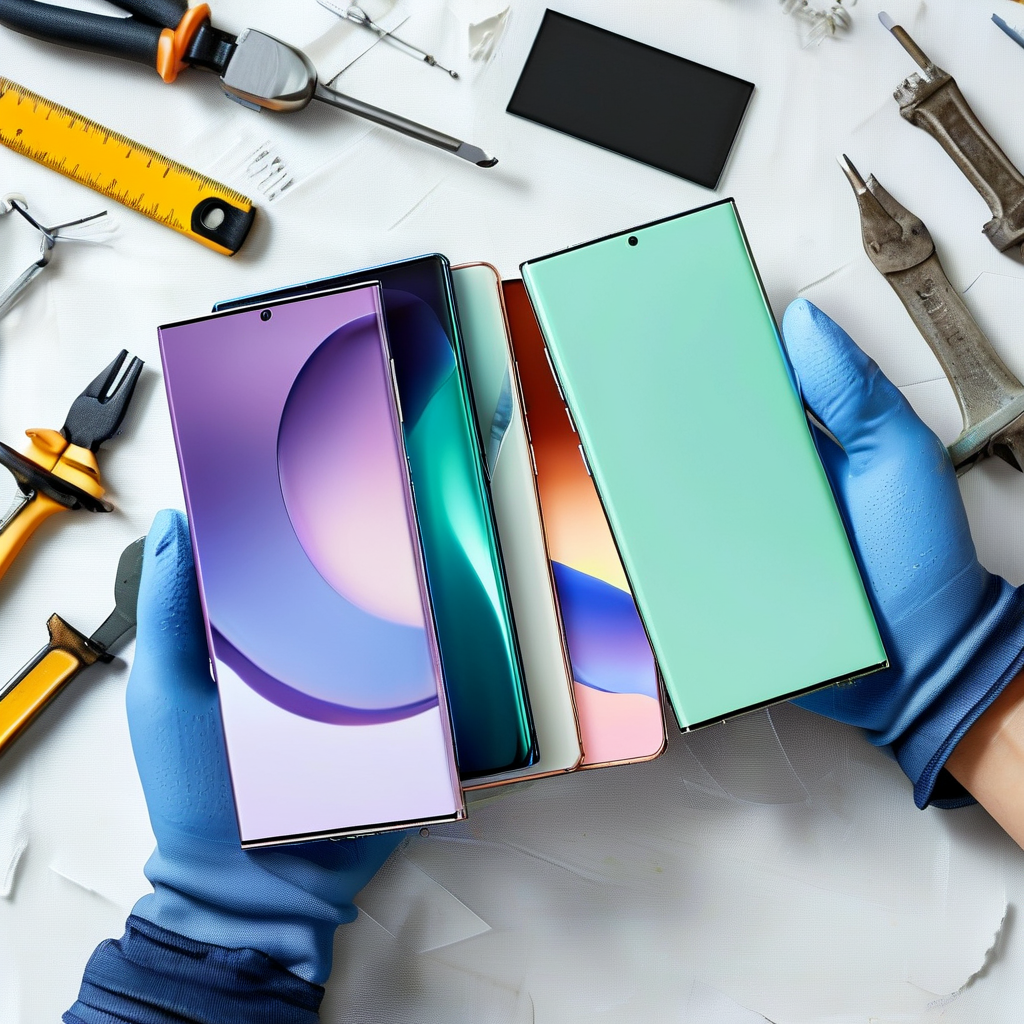
Managing phone screen inventory means knowing which replacement displays customers actually need. Popular models move quickly, while slower sellers require careful purchasing to avoid wasting money on unused stock.
iPhone 13 Pro
The iPhone 13 Pro remains a valuable repair model thanks to its Super Retina XDR display and ProMotion technology, which supports refresh rates up to 120Hz.
-
Demand priorities:
-
Stock premium OLED panel replacements with consistent brightness.
-
Check touch sensitivity before installation.
-
Consider glass replacement when the original display remains functional.
-
A reliable digitizer assembly helps prevent callbacks. Track repair turnover monthly to keep popular screens available without overbuying.
Samsung Galaxy S21
The Galaxy S21’s Dynamic AMOLED display and flat screen design make replacement options worth comparing.
-
Inventory decisions:
-
Monitor local repair demand and common glass damage.
-
Compare aftermarket pricing against premium replacement module quality.
-
Verify fingerprint sensor integration before ordering.
-
Customer consumer preference often depends on price. Screen Stocks helps repair businesses source suitable display options while managing their phone screen inventory.
Google Pixel 6
The Pixel 6 uses an AMOLED display with an under-display fingerprint scanner, making component compatibility especially important.
| Inventory Metric | Monthly Repairs* | Stock Units* | Target Days* |
|---|---|---|---|
| iPhone 13 Pro | 18 | 8 | 14 |
| Galaxy S21 | 12 | 5 | 14 |
| Pixel 6 | 5 | 2 | 14 |
| OnePlus 9 | 3 | 1 | 14 |
Illustrative planning figures, not verified market data.
Monitor repair frequency, stock velocity, and component sourcing before bulk purchasing. Even minor optic scratch complaints deserve inspection during screen replacement.
OnePlus 9
The OnePlus 9 features a Fluid AMOLED display, but local repair popularity determines sensible stocking levels.
Keep purchases practical:
-
Check front glass damage and touch panel performance.
-
Verify display assembly quality.
-
Compare supplier delivery times for replacement parts.
Limited quantities protect inventory turnover and cash flow. Screen Stocks can support smarter screen stock planning when demand changes.
3 Phone Screen Inventory Forecasting Methods
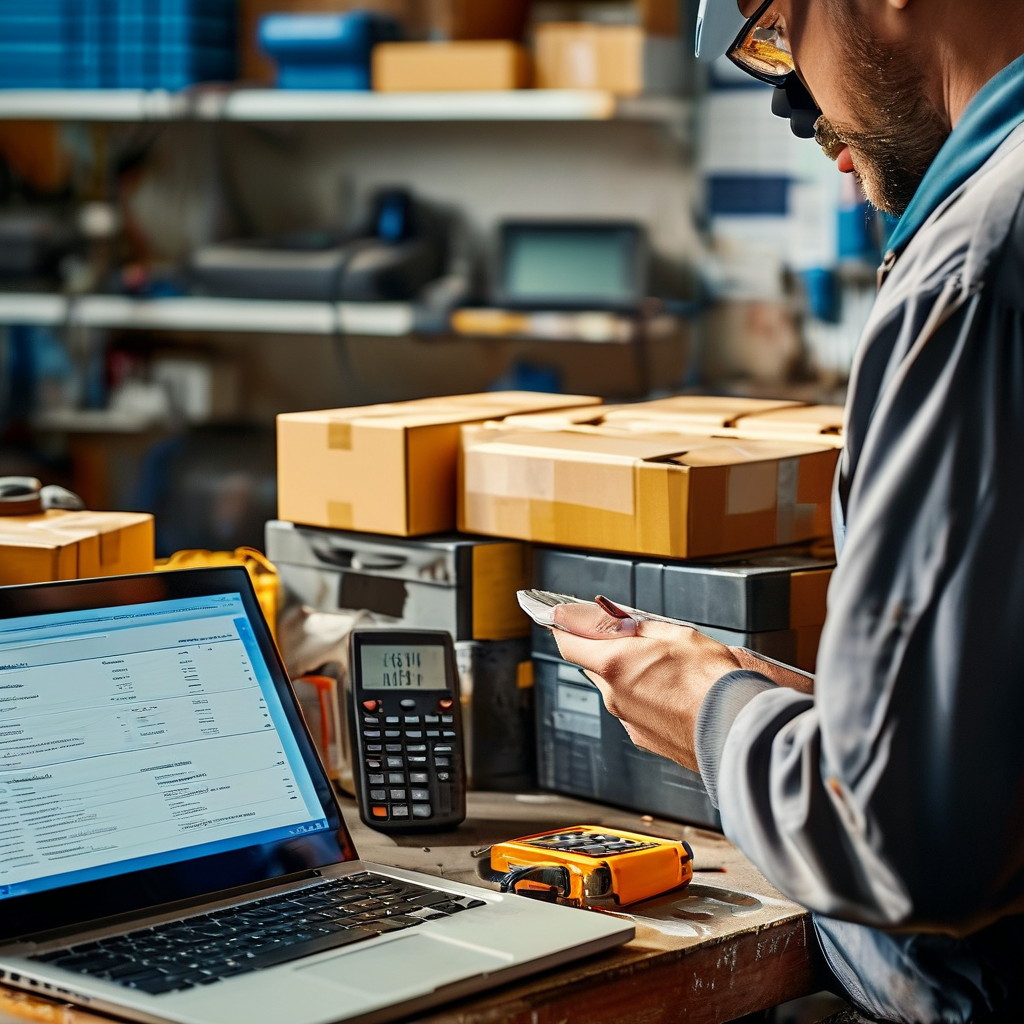
Managing phone screen inventory takes more than counting replacement parts. Repair shops need accurate demand forecasts, dependable suppliers, and practical ordering schedules to keep costs under control. Screen Stocks helps businesses manage screen inventory by matching purchasing decisions with actual repair demand, reducing unnecessary stock while keeping popular replacement components ready.
Time-Series Demand Tracking with OLED Panel Data
Accurate OLED forecasting starts with historical data from screen sales and repair bookings.
Track each model’s consumption rate weekly to spot changing customer needs.
-
Analyze past demand
-
Calculate a four-week moving average for popular OLED models.
-
Identify seasonality linked to holidays and device launches.
-
-
Adjust purchasing quantities
-
Use trend analysis to identify fast-selling screens.
-
Monitor each model’s replacement cycle to avoid outdated stock.
-
Screen Stocks helps shops turn these insights into smarter phone screen inventory decisions.
Safety Stock Estimation for LCD Digitizer Supply
Buffer stock protects repair operations against unexpected demand increases and supplier delays.
The table illustrates sample safety stock calculations using a seven-day lead time and daily demand variation.
| LCD Model | Daily Demand | Demand Variation | Safety Stock |
|---|---|---|---|
| Model A | 12 | 3 | 13 |
| Model B | 8 | 2 | 9 |
| Model C | 5 | 1 | 5 |
Safety stock assumes a 95% service level, using 1.65 × daily demand standard deviation × √7, rounded up.
Higher supplier reliability reduces stockout risks, while an emergency reserve protects against sudden demand fluctuation.
Just-In-Time Ordering Strategy for Flex Cable Deliveries
Just-in-time purchasing connects flex cable orders directly with upcoming repair appointments.
-
Coordinate deliveries
-
Match the delivery schedule with confirmed bookings.
-
Check supplier fulfillment time before placing orders.
-
-
Control inventory costs
-
Monitor turnover rate to identify slow-moving cables.
-
Apply lean management to reduce unnecessary storage cost.
-
-
Improve purchasing accuracy
-
Strengthen supplier integration for faster updates.
-
Adjust the replenishment cycle based on repair volume.
-
This approach keeps phone screen inventory manageable while supporting dependable repair service.
Cost vs. Availability: Finding the Sweet Spot

Managing phone screen inventory means balancing affordable prices with dependable stock. Cheap screens might look like a bargain, but shipping delays and defective parts can quickly eat into profits. Smart purchasing keeps repair shops stocked without tying up too much money in screens that barely sell.
Cost
Building profitable phone screen inventory starts with understanding the full purchase cost, not just the supplier’s listed price.
-
1. Compare screen purchasing costs
-
OLED panels generally cost more than LCD digitizers, especially for premium phones.
-
Bulk discounts reduce unit prices, but larger orders increase capital allocation requirements.
-
-
2. Calculate inventory expenses
-
Include shipping fees, storage expenses, and defective replacement costs.
-
Watch holding costs, which include the money spent keeping unsold screens in stock.
-
Consider this example using hypothetical supplier prices:
| Screen Type | Unit Cost | Quantity | Total Cost |
|---|---|---|---|
| OLED Panel | $45 | 20 | $900 |
| LCD Digitizer | $18 | 30 | $540 |
| Budget LCD | $12 | 40 | $480 |
Total purchasing expense: $1,920, excluding shipping and storage.
Screen Stocks helps repair businesses compare replacement screen options while managing budget limits.
Keeping purchases aligned with cash flow also reduces the financial liability associated with excess stock.
Availability
Affordable screens aren’t much help when customers need repairs today.
Reliable phone screen inventory depends on consistent supplier availability and accurate demand forecasting.
-
Monitor supplier performance
-
Check stock levels for popular phone models.
-
Compare delivery lead time and order fulfillment rate.
-
-
Protect daily repair operations
-
Maintain backup suppliers across your supply chain.
-
Track inventory turnover to identify fast-selling replacement screens.
-
Set reorder points before a stockout interrupts repairs.
-
A balanced mobile screen stock strategy keeps popular displays readily available without filling shelves with slow-moving parts.
The payoff? Fewer repair delays, healthier margins, and happier customers.