


A screen can look spotless yet hide dead pixels, ghost touch, color shifts, or a flaky flex cable. Knowing how to test wholesale phone screen before buying protects repair shops from costly surprises, wasted bench time, returns, and warranty headaches.
For wholesale iPhone screen replacement parts, samples aren’t enough. Smart batch checks reveal supplier consistency before money—and customer trust—goes sideways.
Essentials Unlocked: Test Wholesale Phone Screen Before Buying
➔ Inspect Components: Verify flex cable continuity with a multimeter, examine OLED panel and polarizer under a magnifying lamp for dead pixels or discoloration.
➔ Validate Functionality: Use a test fixture for digitizer alignment and run full-touch tests to catch ghost touch or unresponsive zones.
➔ Confirm Quality Metrics: Employ thermal imaging to spot backlight issues, check refresh rate stability with an oscillator, and compare brightness and color accuracy against supplier standards.
Screen Test Equipment And Tools
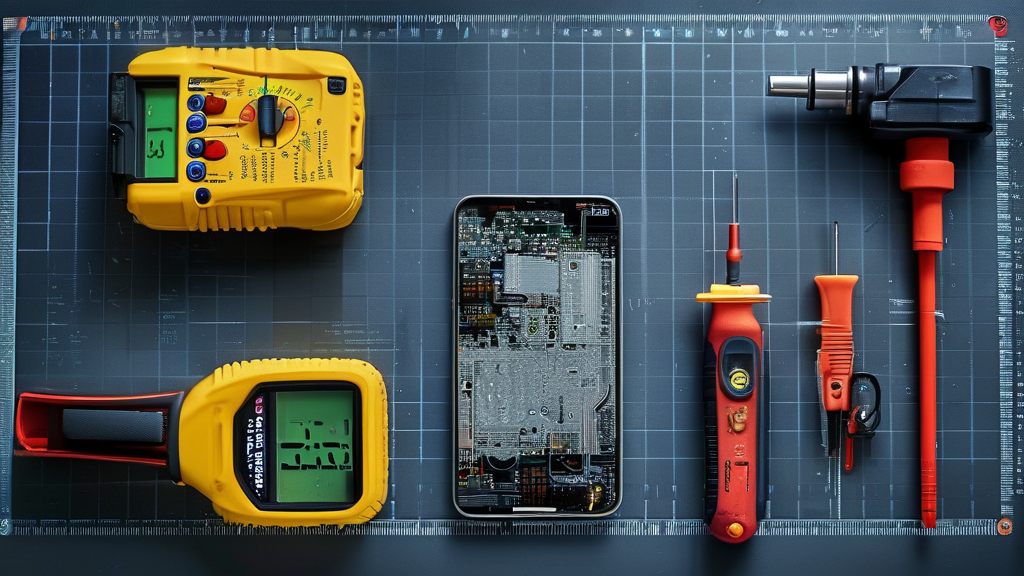
Before you test wholesale phone screen before buying, a few bench tools can catch costly faults early. Screen Stocks buyers can combine electrical, heat, optical, touch, and timing checks to test wholesale phone screen quality with less guesswork.
Multimeter Checks for Flex Cable Continuity
For anyone planning to test wholesale phone screen before buying:
-
Cable path
-
Set a digital multimeter to continuity mode.
-
Touch clean probe tips to matching connector pins.
-
-
Reading check
-
Inspect the flex cable and circuit traces.
-
Unexpected resistance may flag a cracked path or weak connection. Simple stuff, but worth catching before installation.
-
Thermal Camera Inspection on Backlight Layer
A thermal camera uses an infrared sensor to reveal heat distribution that eyes cannot catch.
-
Scan the powered backlight layer evenly.
-
Check any temperature anomaly twice; a concentrated hot spot in thermal imaging can point to LED or power trouble. This screen test helps avoid nasty brightness surprises later.
Magnifying Lamp to Spot Dead Pixels
Look closely: A magnifying lamp with steady LED illumination makes tiny dead pixels easier to separate from dust.
Check the surface: Scan the display panel and glass surface from several angles.
Confirm the fault: Extra optical magnification helps verify a real pixel anomaly rather than dirt or glare.
Test Fixture Setup for Digitizer Glass Alignment
Before bonding:
-
Secure the test fixture.
-
Seat the digitizer glass in the alignment jig.
-
Confirm accurate positioning against the mounting bracket.
-
-
Test the touch panel.
-
Swipe across corners and edges.
-
Run calibration if touch points drift.
-
This practical setup is useful when buyers test wholesale phone screen before buying.
Oscillator Usage for Refresh Rate Verification
Connect a signal generator and oscilloscope without exceeding the display’s rated input.
| Check | Target | Tolerance | Warning sign |
|---|---|---|---|
| refresh rate | 60 Hz | ±0.5 Hz | Flicker |
| frequency | 60 Hz | ±0.5 Hz | Drift |
| waveform period | 16.67 ms | ±0.14 ms | Jitter |
| display timing | 16.67 ms | ±0.14 ms | Tearing |
-
Verify
-
Compare readings across several minutes.
-
Repeat signal verification after warming the panel.
-
-
Judge
-
Stable timing generally indicates normal operation.
-
Repeated drift deserves another display test before purchase.
-
3 Steps To Test Wholesale Phone Screen Before Buying
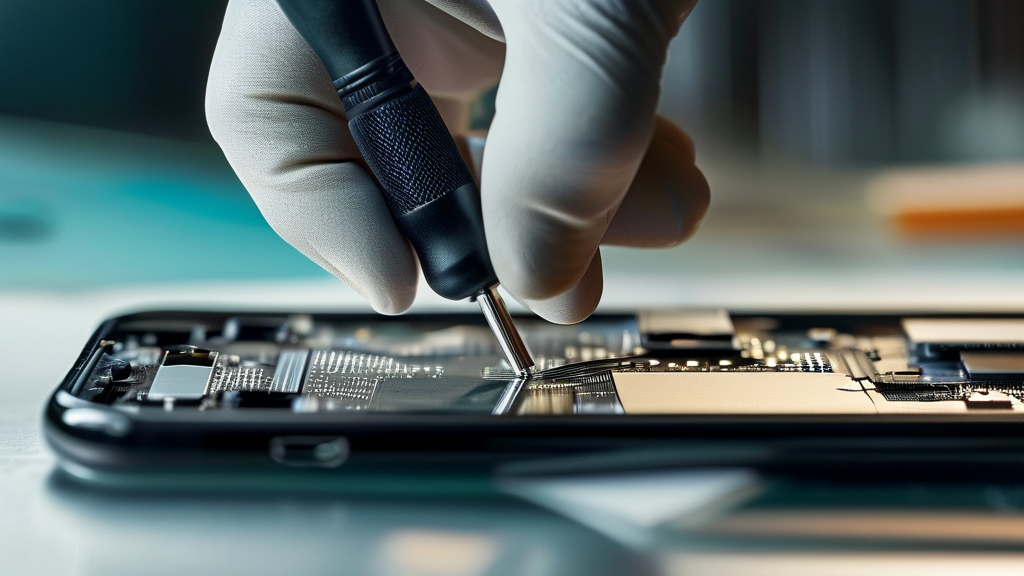
A careful test wholesale phone screen before buying routine can save a repair shop from costly returns. Screen Stocks recommends checking hardware, touch behavior, and display quality on samples before approving a wholesale phone screen order. A few minutes here can prevent a big headache later.
Physical Component Examination With Cable Seating
Before powering up, test wholesale phone screen before buying samples for physical flaws.
-
Screen assembly
-
Check digitizer glass and scratch resistance under angled light.
-
Inspect OLED or backlight panel surfaces for pressure marks.
-
-
Installation parts
-
Examine each flex cable and its connector pins for bends, tears, or dirt.
-
Confirm foam padding sits flat and frame alignment matches the intended phone.
-
-
Connection
- Seat every connector straight without forcing it. A crooked connection can make a good screen look faulty during a phone screen test.
Functional Assessment of Touch Sensitivity and Ghost Touch
Test wholesale phone screen before buying stock across the whole active area, not just the middle. Screen Stocks suggests drawing continuous lines from edge to edge; breaks can expose a dead zone fast.
Tap icons, type quickly, and run a swipe gesture around corners. Then:
-
Check multi-touch response with several fingers.
-
Watch for unwanted phantom input while no finger touches the glass.
-
Run a calibration test, noting delayed input that may point to poor touch sampling rate behavior rather than refresh rate alone.
Quality Metric Validation: Color Accuracy and Brightness Level
Compare sample screens side by side at matching settings.
-
Display output
-
Compare luminance output, white balance, and color saturation against an approved reference.
-
Check black level and contrast ratio using dark test images.
-
-
Visual consistency
-
Inspect the viewing angle for color shifts.
-
Confirm pixel density matches the specified grade.
-
Screen Stocks can use these screen quality checks as purchase criteria, helping buyers reject dim, tinted, or uneven units before committing to bulk stock.
Avoid Return Hassles: Pre-shipment Screen Checks

Buying replacement displays gets a lot easier when checks happen before cartons leave the supplier. To test wholesale phone screen before buying, Screen Stocks recommends checking sample units, stressed displays, and final records against purchase terms. A solid wholesale phone screen test can catch costly issues early, so buyers aren’t stuck sorting bad stock later.
Why Batch Testing Reduces Defect Rate
-
Check representative samples through batch testing.
-
Record each failure to estimate the defect rate.
-
Compare results with agreed quality control standards.
-
-
Review patterns across wholesale inventory.
- Repeated faults support failure analysis and reveal weak supplier reliability.
This makes it far safer to test wholesale phone screen before buying in volume.
How Stress Evaluation Prevents Screen Bleeding Issues
A useful stress evaluation goes beyond a quick power-on check.
Brightness: Run low and high brightness while watching the LCD panel for screen bleeding or unstable backlighting.
Pressure: A careful pressure test can expose frame-bonding weaknesses. Finish with visual inspection under normal operating conditions to judge likely durability—no guesswork needed.
Ensure Pre-installation Test Covers Dead Pixel Detection
-
Start the pre-installation test with solid red, green, blue, white, and black screens.
-
Check every dead pixel, pixel anomaly, color patch, and brightness difference.
-
Complete functional testing, including touch sensitivity and overall display quality.
That quick phone screen test keeps defective OLED or LCD units away from repair benches.
Final Audit Tips for Supplier Return Policy Compliance
-
Complete the final audit before accepting the lot.
-
Log defective merchandise, photos, grading, and batch IDs.
-
Match evidence against warranty terms.
-
-
Check the supplier return policy.
- Confirm compliance with the procurement agreement before filing claims.
Screen Stocks buyers can use these records to resolve defective merchandise faster and with less back-and-forth.


Recent Comments