


For repair shops, digitizer glass vs full screen assembly with frame is an inventory bet: save shelf space and cash, or buy speed and predictability when every repair minute counts.
For buyers, the pick depends on labor, equipment, failures, returns, storage, compatibility, packaging, warranty support—not the cheapest box around.
Types Of iPhone Screen Assemblies Explained

Choosing between digitizer glass vs full screen assembly with frame comes down to damage, repair tools, budget, and expected finish. For repair shops, knowing how Incell, soft OLED, and OEM-spec options differ makes everyday screen sourcing a lot easier.
Incell Display Full Screen Assembly Features
Incell combines the integrated touch sensor with the liquid crystal display, cutting extra layers and making full screen assembly replacement pretty straightforward.
-
Fit and construction
-
Reduced panel thickness can help the assembly sit neatly in the housing.
-
The backlight unit provides illumination because LCD pixels do not produce their own light.
-
-
Repair benefits
-
Good optical clarity supports normal viewing.
-
Preinstalled frames can simplify frame adhesion and reduce lamination work.
-
For shops comparing digitizer glass vs full screen assembly with frame, Screen Stocks offers assembly choices aimed at practical inventory planning.
Soft OLED Digitizer Glass Characteristics
Soft OLED uses a flexible substrate, allowing slight movement without the rigid behavior associated with hard OLED panels. That flexibility can improve impact resistance during daily knocks.
A replacement digitizer glass still brings a few technical considerations:
-
Good touch sensitivity depends on careful separation and OCA adhesive lamination.
-
Accurate glass curvature helps preserve edge fit.
-
A quality oleophobic coating reduces fingerprints, while suitable glass improves shatter resistance.
So, digitizer glass repair can save the original OLED, but a complete display assembly is usually the easier fix.
Aftermarket Grade vs OEM Specification Assemblies
Aftermarket grade parts commonly put price front and center, while OEM-spec assemblies aim for closer original behavior.
-
Display quality
- Better color saturation and comparable brightness levels are common OEM-spec targets.
-
Physical quality
-
Tight manufacturing tolerances support cleaner frame alignment.
-
Improved cable flexibility can make installation less fiddly.
-
-
Long-term value
- Higher component durability may justify extra cost for customer-facing repairs.
For buyers weighing digitizer glass, full screen assembly, and framed replacement options, matching part grade to repair goals matters most.
Digitizer Glass Vs Full Screen Assembly With Frame: Stocking Guide

Choosing between digitizer glass vs full screen assembly with frame comes down to repair skills, turnover, shipping risk, and after-sales costs. Shops need enough choice without tying up cash. A practical Screen Stocks buying plan weighs glass supply, assembly protection, and supplier support together.
Assessing Inventory Supply of Digitizer Glass
For shops comparing digitizer glass vs full screen assembly with frame, bare glass makes sense when lamination work is already routine.
-
Glass inventory
-
Match spare parts to popular phone models and actual repair volume.
-
Check material availability for OCA glue and adhesive strips before increasing warehouse storage.
-
-
Repair planning
-
Keep repair components aligned with technician capacity.
-
A glass replacement can cost less per job, but weak stock management can leave usable LCDs waiting around.
-
Stable supply chain access makes digitizer glass purchasing less risky.
-
-
Evaluating Packaging Service for Frame Assemblies
A full screen assembly with frame saves shop labor, but the part arrives with more areas that can take a hit. That changes the digitizer glass vs full screen assembly with frame stocking calculation.
-
Check protective packaging around the display and frame.
-
Look for:
-
rigid box design that limits bending;
-
flex-cable assembly protection;
-
padding suited to fragile transit.
-
-
Review shipping security and logistics handling practices. Good delivery safety can cut the hassle of receiving parts that were damaged before installation.
Balancing Warranty Support and Return Policy
Price alone can make digitizer glass vs full screen assembly with frame look simple. Returns often change the math.
-
Before ordering:
-
Compare replacement terms for dead pixels, touch faults, and backlight failure.
-
Confirm how defective items are documented.
-
Check whether damaged flex cables qualify for store credit.
-
-
Read the vendor agreement closely.
-
Clear customer guarantee rules reduce disputes.
-
Strong product quality controls can limit repeat repairs and repair liability.
-
-
For either screen assembly or digitizer glass, workable warranty terms protect margins when a part turns out to be a dud.
Which Is Easier To Stock?
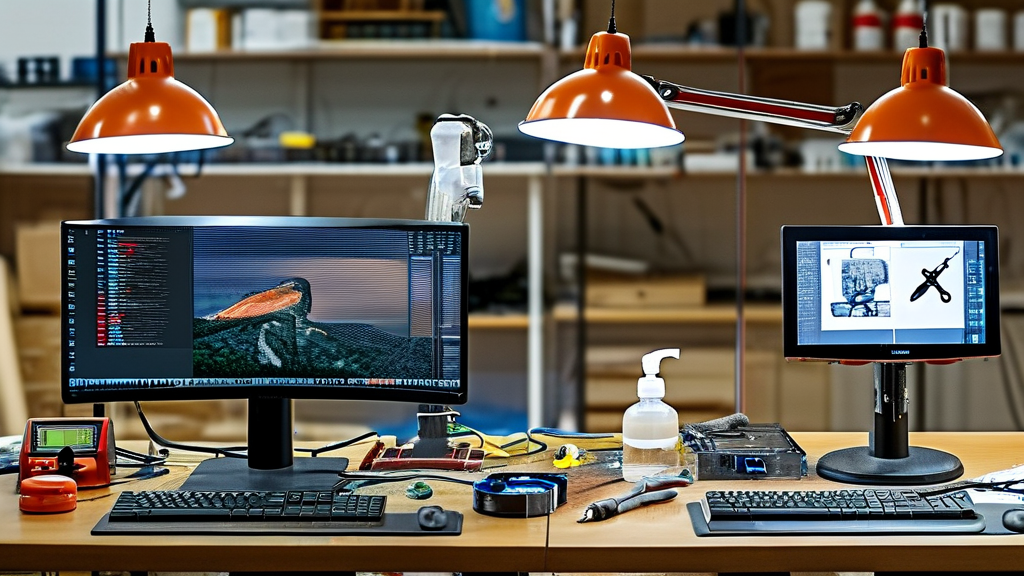
Stocking decisions get tricky when storage cost, repair gear, and technician time all land on the same bill. Comparing digitizer glass vs full screen assembly with frame helps repair shops find the practical sweet spot. Screen Stocks supplies both options, so buyers can match inventory choices with available space, repair skills, and daily order volume.
Digitizer Glass
Digitizer glass takes less shelf space and generally costs less to hold in quantity. Yet the digitizer glass vs full screen assembly with frame choice changes once refurbishment equipment and labor enter the math.
-
Storage
-
A Glass lens is thin and easy to stack, making bulk stocking pretty straightforward.
-
Each Touch screen still needs protection against scratches and impact.
-
-
Refurbishment
-
Shops need a Separate machine to remove damaged glass from the display.
-
Old Adhesive must be cleaned without hurting the panel.
-
Fresh OCA glue bonds replacement glass with optical clarity.
-
-
The Flex cable needs careful handling throughout Refurbishment.
-
For experienced repair teams, Screen Stocks digitizer glass can offer a space-friendly way to keep many model variants ready without filling the stockroom.
Full Screen Assembly with Frame
A full screen assembly trades compact storage for speed at the repair bench. That can be a pretty good deal when fast turnaround matters.
-
A Pre-installed frame reduces fitting work, creating a near Plug and play repair process.
-
The OLED display or LCD panel arrives integrated with the surrounding Housing, cutting Repair time.
-
Attached Small parts can also reduce transfers from the old phone.
Still, frame assemblies are bulkier and more expensive per unit. In the digitizer glass vs full screen assembly with frame comparison, Screen Stocks buyers may favor assemblies for simpler installation while choosing replacement glass when shelf efficiency and lower inventory cost matter more.
Fighting Returns: Frame Assemblies Vs Glass
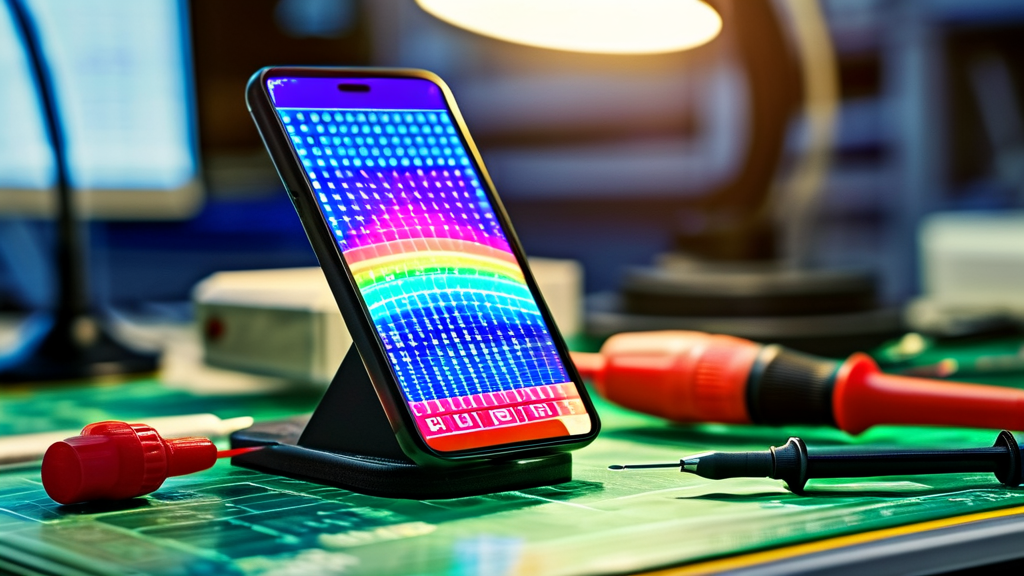
Choosing digitizer glass vs full screen assembly with frame changes repair cost, risk, and turnaround time. Screen Stocks helps repair shops compare practical options, while careful testing and clean installation keep avoidable returns from becoming a real headache.
Frame Assemblies
A digitizer glass vs full screen assembly with frame decision gets easier when repair teams consider installation risk, not just part price. A frame assembly combines more hardware, cutting installation time, but every fitted component still needs a proper check.
-
Before installation:
-
Inspect the bezel for bends or gaps.
-
Check pre-installed adhesive for lifting or contamination.
-
Confirm included small parts sit correctly.
-
-
Before customer handover:
-
Test touch across the whole screen.
-
Look for missed taps and dead touch zones.
-
Verify proximity sensor operation during calls.
-
-
Inspect display output.
-
Check dead pixels, color calibration, and backlight consistency.
-
Watch for pressure marks around edges.
-
-
Track results.
-
Better screening protects the yield rate.
-
Sound fitting improves durability and limits customer returns.
-
-
In short, full screen assembly with frame repairs can be quicker, but skipping final checks is asking for trouble.
Digitizer Glass
Digitizer glass vs full screen assembly with frame repair has a very different workload. Glass-only refurbishment keeps the original display, yet labor intensity rises because screen separation and bonding demand tighter control.
-
Separate the damaged glass lens carefully without harming the display or polarizer.
-
Clean residue with isopropyl alcohol; even tiny debris can cause visible bubbles.
-
Apply OCA glue evenly, then use controlled OCA lamination pressure to prevent poor adhesion.
-
Test touch response before release.
That makes digitizer glass a useful lower-part-cost option when the original panel remains healthy. For shops comparing digitizer glass vs full screen assembly with frame, skill, equipment, repair speed, and return risk should guide the final call.
4 Quick Checks Before Ordering Parts

Ordering replacement screens gets easier when a few practical checks happen before money changes hands. Comparing digitizer glass vs full screen assembly with frame means looking past price and checking fit, testing, repair quality, and shipping protection. Screen Stocks can help buyers line up those details.
Compatibility with OCA Glue and Adhesive Strip
-
For digitizer glass vs full screen assembly with frame, confirm exact model dimensions.
-
Glass-only work needs clean OCA glue, the correct polarizer layer, and controlled surface tension.
-
Frame work needs an accurately cut adhesive strip and reliable dust seal.
-
-
Check bonding strength after curing.
- Clean laminar flow conditions help keep tiny dust particles out. Simple, but a big deal.
Verifying Touch Sensitivity and Dead Pixel Check
A digitizer glass vs full screen assembly with frame comparison should include actual screen testing, not just a visual once-over.
| Test | Practical target | Check |
|---|---|---|
| multitouch test | 10 points | Stable tracking |
| dead pixel check | 0 pixels | Full-screen colors |
| screen refresh | 60 Hz+ | Smooth motion |
Also check touch sensitivity, digitizer response, color uniformity, and backlight bleed. This helps separate good incell, hard OLED, and soft OLED stock from shaky batches.
Inspecting Flex Cable and Microsoldering Quality
-
Inspect the flex cable closely.
-
Look for clean ribbon integrity and an undamaged connector pin.
-
Follow each circuit trace for folds or repair marks.
-
-
Check microsoldering work.
-
Every solder joint should look even and secure.
-
Poor repairs may create signal interference or random touch faults.
-
For digitizer glass vs full screen assembly with frame sourcing, Screen Stocks recommends checking transferred components before installation.
Confirming Bulk Distribution and Packaging Service
Bulk buyers should nail down shipping details before approving a full screen assembly with frame order.
-
Ask for protective packaging with an anti-static bag and foam padding.
-
Confirm bulk handling and warehouse storage practices.
-
Check the shipping container setup for better transit security.
-
Verify batch consistency, warranty terms, and returns.
Those checks make digitizer glass vs full screen assembly with frame purchasing far less of a gamble.








Recent Comments