


The iPhone 17 Pro Max battery capacity sits around the 5,000 mAh-class mark, but that number cannot promise all-day stamina. Brightness, 5G, gaming, heat, and battery age can drain power fast.
Odd power loss may point to battery wear, app activity, charging trouble, or faulty replacement OLEDs, making diagnostics and quality parts matter.
-
5,000 mAh Class Reserves: Ample energy to offset OLED brightness, 5G, and high-refresh apps for all-day use.
-
Real-World Drain Factors: Gaming, heat, signal strength, and battery age dictate actual runtime over rated capacity.
-
OEM Battery Swap: Replacing aged cells with original-equipment standard modules restores safe voltage output and peak performance.
-
Runtime Boost Tips: Enable Low Power Mode, dim OLED brightness, limit background app activity, and use optimized charging to prolong daily endurance.
Why iPhone 17 Pro Max Battery Capacity Matters

The iPhone 17 Pro Max battery capacity matters because a big phone still has plenty of hungry hardware to feed. Knowing how electrical capacity, daily efficiency, and eventual replacement work together makes battery expectations clearer and helps buyers get more useful life from their phone.
A 5,000 mAh-class rating gives demanding hardware generous headroom
A roughly 5,000 mAh-class iPhone 17 Pro Max battery capacity gives demanding hardware a sizable energy reserve. Still, the mAh rating alone cannot tell the whole story.
-
Display demands
-
High OLED brightness increases power drainage.
-
High refresh rates can also raise consumption during active use.
-
-
Behind the screen
-
Good power management supports drainage mitigation as apps, cellular radios, and Wi-Fi compete for energy.
-
Energy density affects how much stored energy fits inside limited physical space.
-
That combination shapes real battery endurance, so Screen Stocks shoppers should treat capacity as one useful measure rather than a guaranteed runtime figure.
All-day performance depends on efficiency, not just the rated mAh
The iPhone 17 Pro Max battery capacity can support all-day performance, but actual runtime changes with signal quality, temperature, camera recording, gaming, and display settings. Heavy use can chew through charge much faster.
| Usage factor | Typical demand | Effect on endurance |
|---|---|---|
| Standby/light tasks | Low | Longer |
| Video/social apps | Medium | Moderate |
| Gaming/4K recording | High | Shorter |
-
Greater battery capacity provides more stored charge.
-
Better power efficiency stretches that charge further.
-
Battery aging gradually reduces longevity and sustained usage.
In short, iPhone 17 Pro Max endurance comes from capacity plus software and usage, not mAh alone.
Battery replacement with original-equipment standard cells
As iPhone 17 Pro Max battery capacity declines with chemical aging, replacement can bring daily runtime closer to normal.
-
Battery swap
-
Choose a qualified repair route.
-
Check the replacement for correct compatibility.
-
-
Parts and safety
-
Prefer original equipment or properly specified standard cells.
-
A mismatched hardware component can affect charging, fit, or safety.
-
-
Ongoing maintenance
-
Watch battery-health information after repair.
-
Screen Stocks can help customers identify appropriately specified replacement options.
-
How iPhone 17 Pro Max Battery Health Changes Over Time
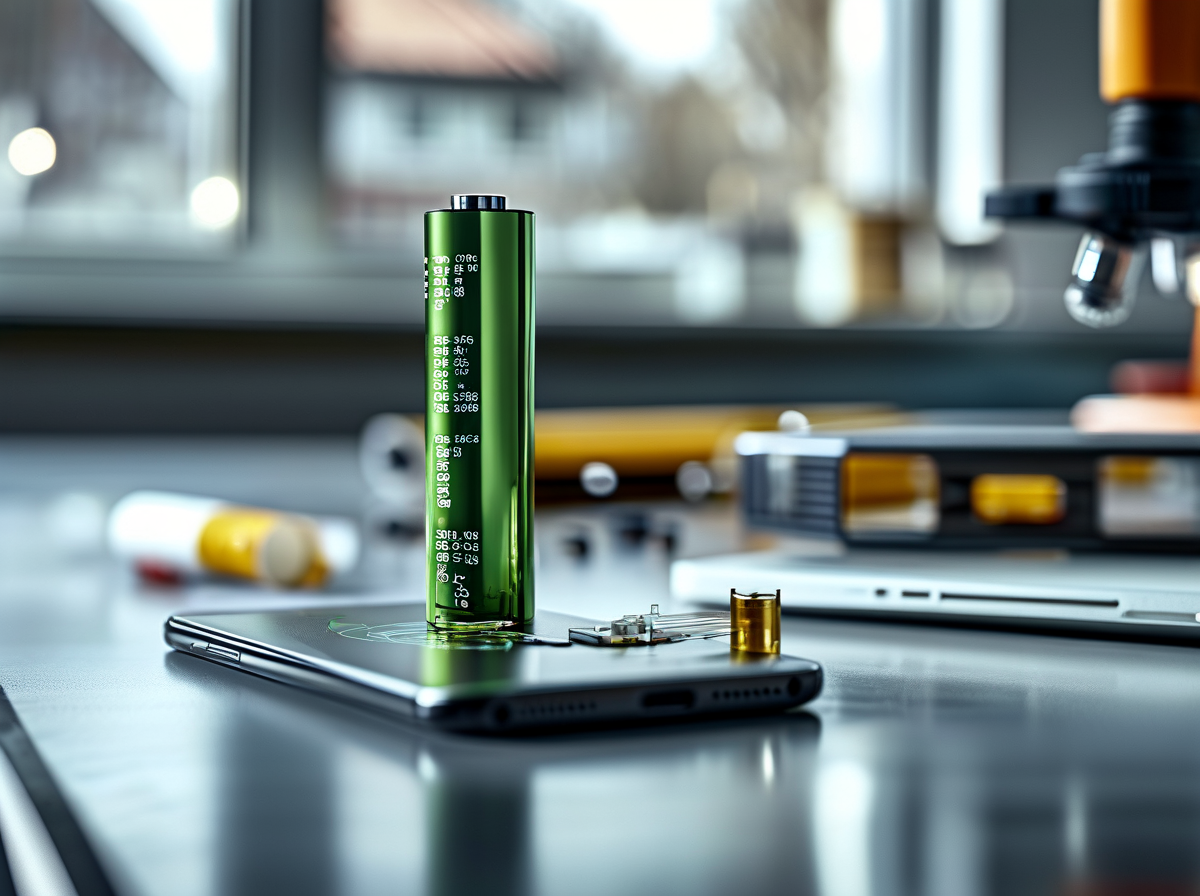
Battery health changes gradually, not overnight. Tracking iPhone 17 Pro Max battery capacity from factory condition through long-term use helps explain why charge life, voltage stability, and peak performance can feel great early on, then slowly dip.
Stage 1 – Fresh out of factory packaging
A new iPhone 17 Pro Max battery capacity starts close to its designed initial capacity, with the lithium-ion cells ready for normal operation.
-
Factory baseline
-
Factory calibration helps the phone estimate available charge accurately.
-
The sealed assembly protects cells during normal storage and shipping.
-
-
Starting performance
-
A maximum charge should provide expected new-device runtime.
-
In pristine condition, battery behavior should be stable right out of the box.
-
Stage 2 – Early usage with minimal battery degradation
Early charge cycles cause normal chemical wear, though the change is usually small. Good capacity retention keeps daily use pretty smooth.
-
Energy density supports long runtime without a physically huge battery.
-
Reasonable temperatures improve thermal performance, while software-based efficiency optimization limits wasted energy.
-
Strong daily endurance means iPhone 17 Pro Max battery capacity may still feel close to new during this early period.
Stage 3 – Voltage output drift and power drainage
As months and cycles stack up, chemical aging gradually changes how the battery delivers power.
-
Electrical changes
-
Higher internal resistance makes energy delivery less efficient.
-
Heavy loads can produce voltage sag, especially at lower charge levels.
-
-
Everyday effects
-
Faster discharge rate shortens unplugged time.
-
Parasitic drain from background activity can add to apparent power loss.
-
-
Demanding conditions
- High peak current and repeated thermal stress can accelerate wear.
Stage 4 – Falling below zero-defect benchmark
Battery health percentage becomes more useful once aging is easy to notice.
-
Maximum capacity threshold: Falling capacity signals measurable wear.
-
Runtime reduction: Shorter days between charges become hard to miss.
-
Power management: iOS may manage performance when battery capability declines.
-
Replacement indicator: Diagnostics can flag service needs once a practical degradation limit is reached.
At this stage, reduced iPhone 17 Pro Max battery capacity—or usable battery capacity—can justify professional testing and, where applicable, replacement under warranty terms.
5 Settings to Extend iPhone 17 Pro Max Battery Runtime
Getting more from iPhone 17 Pro Max battery capacity comes down to smart iOS controls, not sketchy hardware tweaks. These five practical changes trim energy consumption while keeping everyday iPhone use smooth and convenient.
Turn on Low Power Mode and lower the refresh rate
For long days away from a charger, pair Low Power Mode with sensible display settings.
-
Battery controls
-
Turn on the built-in battery saver when runtime matters most.
-
Let iOS reduce the refresh rate where supported.
-
-
Daily result
- Lower background demand improves power efficiency without forcing risky modifications.
This helps stretch iPhone 17 Pro Max battery capacity when you’re running low.
Dim the OLED display brightness to save hours of runtime
Your OLED screen can consume plenty of power at high brightness, especially during navigation or streaming.
-
Cut the illumination level manually.
-
Keep automatic ambient light adjustment enabled when useful.
-
Avoid maximum brightness indoors.
-
-
A lower visual output level reduces display panel demand, offering practical runtime extension.
For replacement-display buyers, Screen Stocks also offers screen options where compatible parts are needed.
Stop background apps from quietly draining power
Use iOS battery statistics as basic diagnostic testing rather than killing every app.
-
Check which background apps show unusual activity.
-
Review battery usage by app.
-
Look for persistent location or background access.
-
-
Improve process management.
-
Restrict needless Background App Refresh.
-
Reduce unnecessary notifications or location permissions.
-
That kind of software optimization protects iPhone 17 Pro Max battery capacity without wrecking normal system performance or resource allocation.
Cut needless power draw from unnecessary background activity
The digitizer handles touch input, but iOS does not normally provide a user control for its frequency or touch sampling rate.
-
Instead of chasing hidden hardware settings:
-
reduce needless screen-on time;
-
avoid constant high-demand display activity;
-
use normal iOS power controls.
-
These habits cut overall power draw while preserving touch responsiveness. Screen Stocks recommends matching repair parts correctly rather than attempting unsupported electrical tweaks to chase battery runtime.
Use optimized charging and schedule charge cutoffs
Charging controls are mainly about long-term battery health, not manually changing charging port voltage output.
-
Use Apple’s available charging features.
-
Enable Optimized Battery Charging.
-
Set a charge cutoff or charge limit when your model and iOS version support one.
-
-
Let built-in power management handle current flow and energy regulation.
-
Don’t use charging limits as a claim that iPhone 17 Pro Max battery capacity physically increases.
-
For repair-related parts, Screen Stocks can support sourcing needs while iOS remains responsible for charging control.
-
How Real-World Use Affects iPhone 17 Pro Max Battery Capacity
Repairs can change more than how a phone looks. For anyone tracking iPhone 17 Pro Max battery capacity, board work, replacement displays, and aging adhesives may affect power use in different ways, so good parts and careful installation matter quite a bit.
Does micro-soldering repair affect long-term battery health?
A skilled microsoldering repair normally preserves long-term battery health, but tiny mistakes on the logic board can quietly raise power demand.
-
Board-level repair
-
A healthy power management IC keeps charging and discharge behavior controlled.
-
Too much soldering heat creates thermal stress, potentially damaging nearby parts and reducing circuit stability.
-
Higher idle current means the iPhone battery works harder.
-
Over time, extra cycling may contribute to capacity degradation.
-
-
For iPhone 17 Pro Max battery capacity, repair quality is therefore a practical factor, not just a cosmetic concern. Screen Stocks can support repair businesses seeking dependable replacement parts, while board diagnostics remain essential for spotting abnormal current draw.
Can a screen replacement trigger unexpected power drain?
A screen replacement may cause unexpected power drainage when the new display assembly draws more current than expected.
-
Display behavior
-
Excess backlight current or inefficient OLED operation can shorten runtime.
-
An incorrect refresh rate can also keep power demand higher during everyday scrolling.
-
-
Installation effects
-
Damaged flex cables may interfere with sensor calibration.
-
Poor sleep or sensor behavior can increase standby consumption.
-
So, if iPhone 17 Pro Max battery life suddenly drops after display work, technicians should test screen draw before blaming battery capacity alone.
Does adhesive strip wear affect voltage output stability?
Adhesive strip wear does not directly regulate voltage output stability. Still, loose internal mounting can create indirect trouble.
-
Physical movement
-
A poorly secured battery cell may place stress on connectors.
-
Unstable contact can raise electrical resistance.
-
Added resistance may affect heat and consistent power delivery.
-
-
-
Heat control
- Incorrect fitting can also hinder normal thermal dissipation.
In short, worn adhesive usually will not change iPhone 17 Pro Max voltage by itself, but sloppy mounting can set up connection issues that deserve attention.
Scenario: Making Your Battery Last Through a Long Day
Commutes can chew through an iPhone battery before lunch, especially when the display stays busy. While the iPhone 17 Pro Max battery capacity sets the available energy, smarter screen habits can stretch each charge. Screen Stocks recommends practical display tweaks that keep everyday phone tasks handy.
On the train: lower the refresh rate to stretch battery life
On a train, constant scrolling can raise display power consumption. Cutting the refresh rate reduces how often the screen redraws, trading some motion smoothness for better energy efficiency.
-
Adjust screen behavior
-
Check supported display settings such as Limit Frame Rate or Low Power Mode.
-
Lower refresh activity can improve battery endurance during long rides.
-
Avoid a high-performance performance mode when smooth animation is not important.
-
-
-
Match usage to the trip
- Save faster screen motion for gaming or other apps that really benefit from it.
That approach helps the iPhone battery stretch further without shutting down maps or messages.
At the bus stop: dim the OLED display while idling
Waiting around? Brightness is an easy win.
-
Lower the brightness. An OLED screen uses more energy as its brightness level rises, so reducing luminance supports power saving.
-
Use automatic brightness. The ambient sensor can adjust the display panel as lighting changes.
-
Shorten the wait before locking. A sensible idle timeout limits needless screen-on time while retaining enough visual contrast for quick checks.
Those small tweaks complement the iPhone 17 Pro Max battery capacity rather than changing its physical size.
On a crowded commute: drop the resolution to save energy
Manual pixel resolution control generally is not available on iPhones, so chasing a hidden resolution switch is a dead end.
-
Reduce screen workload
-
Cut demanding games and effects that increase graphic load.
-
Lower rendering quality inside apps that provide their own graphics options.
-
Ease pressure on system resources where practical.
-
-
-
Favor useful savings
-
Reduce brightness and unnecessary screen time.
-
These habits deliver realistic energy savings and can curb battery drain.
-
Keep enough visual clarity to read directions safely and comfortably.
-
-
In practice, iPhone 17 Pro Max battery capacity and overall battery endurance benefit more from supported display controls than unavailable resolution settings.
Battery Health Declining? Calibration and Warranty-Safe Tips
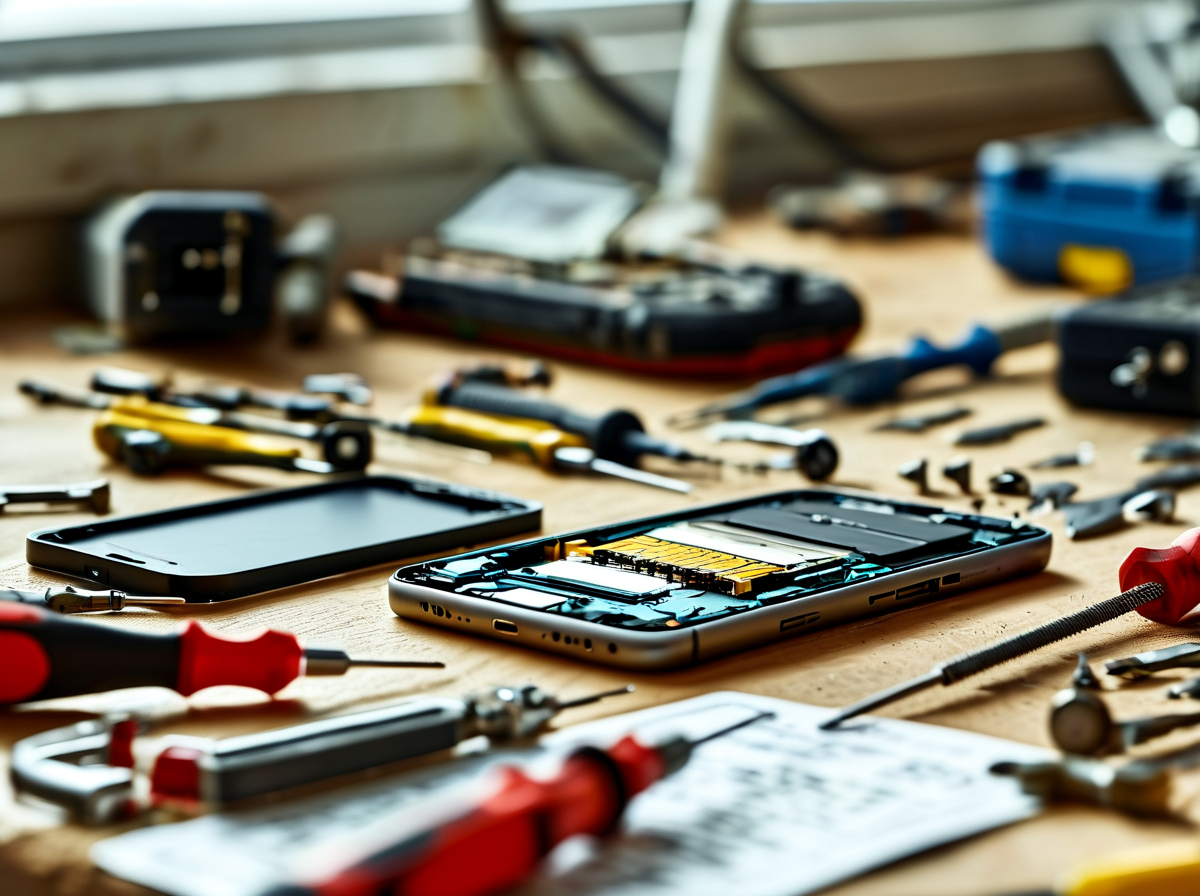
Searching “iPhone 17 Pro Max battery capacity” often starts after runtime suddenly feels way off. Before blaming the battery, check charging habits, heat, and software activity. Good battery metrics can separate ordinary iPhone battery aging from a repair-worthy power problem without guesswork.
Battery draining fast? Run a diagnostic stress test first
A sudden drop deserves measurement, especially when the reported iPhone 17 Pro Max battery capacity no longer seems to match daily runtime.
-
Check diagnostic tools under normal use.
-
Record power drainage at idle and during demanding apps.
-
Compare system load with the battery percentage drop.
-
-
Run a controlled stress durability test when technicians consider it appropriate.
-
Track thermal monitoring rather than pushing the phone until it overheats.
-
Review hardware performance and battery metrics together; heat or background activity can mimic battery failure.
-
Calibrate the battery with a controlled full-discharge cycle
A calibration reset should not mean repeatedly forcing a lithium-ion battery to 0%. That old-school trick can add wear, so normal charging and the battery management system are the safer bet.
| Check | Typical reference | Caution point | What it indicates |
|---|---|---|---|
| Charge | 20–80% | 0% often | Daily range |
| Temperature | 20–25°C | >35°C | Heat stress |
| Capacity | 100% new | <80% | Aging signal |
| Cycle count | 0 new | Rising | Usage history |
-
Charge normally and keep iOS current.
-
Avoid intentionally repeating a full-discharge cycle.
-
Watch energy capacity, voltage threshold, and lithium-ion stability over time.
The advertised iPhone 17 Pro Max battery capacity and real-world usable capacity are different measurements, so don’t sweat a single odd reading.
Protect warranty claims by documenting the battery baseline before repairs
Before microsoldering repair, create a clear zero-defect benchmark:
-
Record diagnostic documentation and service history.
-
Save battery-health screens and symptoms.
-
Note exterior and component integrity.
-
-
Protect warranty compliance discussions.
-
Ask for pre-repair and post-repair quality assurance results.
-
Keep invoices and technician findings.
-
For Screen Stocks customers arranging component-level service, this paper trail makes disputes far easier to sort out. It also gives the iPhone 17 Pro Max battery capacity concern a documented baseline instead of a vague “battery feels bad” complaint.


Recent Comments