


Vertical lines on phone screen can turn a routine repair into a small mystery: bad OLED or LCD pixels, a loose ribbon cable, damaged flex traces, or a controller fault may be behind the curtain. Guess wrong, and a shop can burn time, parts, and profit.
Smart diagnosis separates repairable connections from permanent panel damage. This guide covers seven causes, practical fixes, and replacement decisions.
Quick Insights for Tackling Vertical Lines on Phone Screen
➔ Identify the Culprit: Check for loose ribbon cables, flex trace damage, or controller IC faults before blaming the panel.
➔ DIY First Aid: Gently reseat connectors with a spudger, use a precision screwdriver for assembly alignment, or perform a heat‐separator ribbon refresh.
➔ Distinguish Damage Types: Look for backlight stripe versus true pixel line—LCD backlight issues change brightness, OLED line artifacts hint at panel aging or IC error.
➔ Repair or Replace?: If a simple connector fix or digitizer swap clears lines, repair; persistent pixel bleeding or cracked layers demands full screen replacement.
7 Surprising Reasons For Vertical Lines On Phone Screen

Seeing vertical lines on phone screen can look pretty alarming, but the cause isn’t always cracked glass. Phone screen lines can come from connections, aging parts, lighting, or touch hardware.
Ribbon Cable Wear Causing Signal Interference
-
A worn ribbon cable can weaken electrical contact and interrupt data transmission.
-
That unstable display signal may cause flickering, color shifts, or intermittent vertical lines.
-
Screen Stocks recommends checking connection wear with a suitable repair technique before replacing the whole display.
-
OLED Panel Aging and Display Artifact Formation
An aging OLED panel gradually suffers pixel degradation as its organic compounds wear unevenly. The resulting display artifact, color distortion, or other visual defect can leave persistent vertical lines on phone screen. Brightness and dead-pixel tests help confirm screen aging.
Controller IC Failure Leading to Pixel Bleeding
-
The controller IC controls pixel signals and timing.
-
A damaged driver chip or poor voltage regulation can trigger pixel bleeding.
-
If testing points toward the integrated circuit, technicians may inspect the logic board before blaming the screen.
- Serious screen malfunction can require component or assembly replacement.
-
Flex Cable Damage from Bends or Twists
-
Drops or cable bending create internal stress.
- Tiny traces inside the flex cable can develop a circuit fracture.
-
Careful phone disassembly allows continuity testing.
- Screen Stocks can supply a compatible replacement part when physical damage rules out solder repair.
Backlight Failure Creating Discoloration Stripes
Backlight clue: An LCD backlight module with an LED driver fault can create a discoloration stripe or brightness inconsistency.
Panel clue: A damaged diffuser sheet changes screen lighting, so this illumination fault may resemble phone screen lines without being a true pixel failure.
Hardware Fault in Touch Sensor Circuits
-
A hardware fault may affect the touch sensor and display together.
-
A diagnostic tool can check the digitizer circuit and capacitive layer.
- Ghost touch or response failure alongside vertical lines on phone screen often helps narrow down the failed hardware.
-
Manufacturing Defect in Glass Lens Laminates
A manufacturing defect can hide inside the screen laminate, where adhesive failure, contamination, or stress causes optical distortion.
A close quality control inspection of the glass lens can uncover a factory flaw before refurbishment. For repair businesses, Screen Stocks helps match replacement screens when phone display lines trace back to laminate defects.
3 DIY Fixes For Vertical Lines On Phone Screen

DIY fixes for vertical lines on phone screen can help when a loose connection causes the fault, but a cracked LCD screen or damaged phone components may still need replacement.
Heat Separator Method to Reseat Ribbon Cable
A heat separator at a repair station gives steady temperature control, softening the adhesive without blasting the phone with uncontrolled heat.
-
Access the display carefully:
-
Warm it evenly; avoid batteries and cameras.
-
Lift the panel without sharply bending the flex cable.
-
-
Check the connection:
-
Disconnect power before touching the ribbon cable.
-
Inspect and reseat it, then test for vertical lines on phone screen.
-
| Plate °C | Heat time (min) | Lift gap (mm) | Test time (sec) |
|---|---|---|---|
| 60 | 3 | 1 | 30 |
| 65 | 3 | 1 | 30 |
| 70 | 2 | 2 | 45 |
| 75 | 2 | 2 | 45 |
| 80 | 1 | 2 | 60 |
Temperatures are working examples, not universal settings; follow the phone maker’s repair guidance.
Precision Screwdriver Adjustment of Display Assembly
A precision screwdriver makes work around the display assembly far less fiddly. Keep each internal bracket, fasteners, and screws organized by original location.
-
Power off the phone and open it using the model-specific procedure.
-
Inspect connections where the screen meets the phone chassis.
-
Refit shields and use manufacturer-specified torque. Mixing screw lengths can puncture or crush parts.
If vertical lines on phone screen disappear after reseating, a loose display connection was likely involved. For replacement panels, Screen Stocks can be considered when sourcing compatible repair parts.
Anti-Static Mat and Spudger Tool for Digitizer Swapping
When a faulty digitizer accompanies screen lines or touch problems, static control matters.
-
Protect the device:
-
Work on an anti-static mat.
-
Wear an ESD strap correctly grounded.
-
-
Swap carefully:
-
Use a nonconductive spudger tool to release each connector, not metal tools.
-
Fit the replacement touch screen without forcing delicate phone components.
-
-
Test before sealing:
-
Check taps, swipes, brightness, and screen lines.
-
If vertical lines on phone screen remain, the display panel or board may require professional diagnosis.
-
Loose Display Cable? Why Vertical Lines Appear
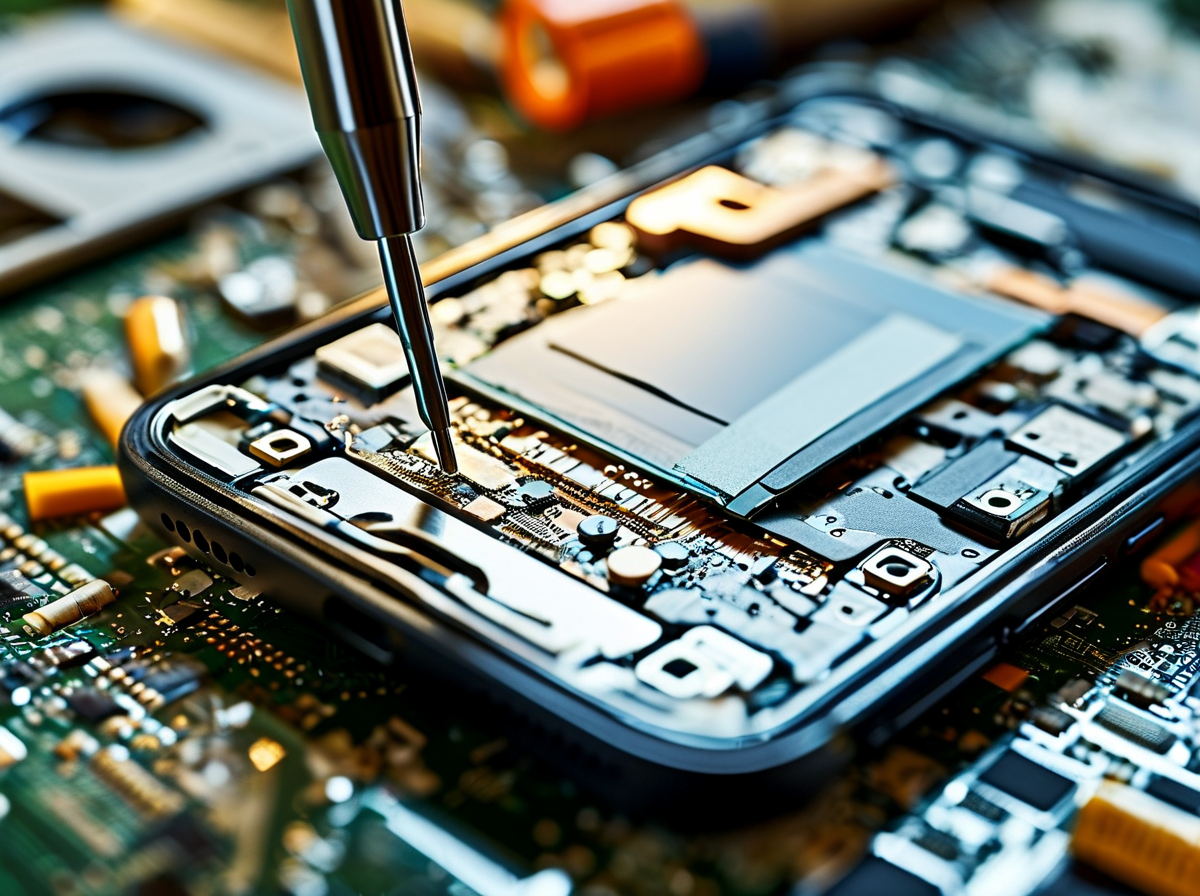
Seeing vertical lines on phone screen can feel like the display is toast, but a loose connection may be the simpler culprit. Inside a mobile device, tiny contacts carry power and image data, so even slight movement can mess with phone screen output.
How a Loose Connector Triggers Screen Flickering
A partly seated display connector can break electrical contact for a split second, causing screen flickering or vertical lines on phone screen.
-
Connection changes
-
A loose ribbon cable may shift when the phone bends or gets warm.
-
Small voltage fluctuation can distort pixels.
-
If vertical lines on phone screen change after gentle movement, hardware looseness becomes a stronger suspect.
-
Persistent lines still require panel testing.
-
-
Screen Stocks recommends checking connection stability before jumping straight to display replacement.
Diagnosing Signal Interference in the Ribbon Cable
Finding the cause takes more than eyeballing the screen. A technician can trace signal interference through the ribbon cable while checking how reliably image data moves.
-
Inspect the connector.
-
Look for dirty pins, corrosion, or torn traces affecting data transmission.
-
Check for nearby electromagnetic noise.
-
-
Test the path.
-
A diagnostic tool can identify unstable signals or oscillation.
-
A circuit continuity test checks for broken electrical paths.
-
This process helps separate cable-related phone lines from OLED or controller faults without guesswork.
Using Touch Panel Testing to Confirm Faulty Contacts
When vertical lines on phone screen arrive with dead touch areas, test both systems together.
-
Touch panel checks
-
Map screen response with diagnostic software.
-
Compare dead zones with visible line locations.
-
-
Contact checks
-
Run a multimeter test and continuity check.
-
Follow with hardware inspection for faulty contacts.
-
Matching display lines with touch failures can point to an integrated connector issue, helping Screen Stocks technicians narrow down the repair before replacing costly parts.
Data Proves: 82% Of Phones Show Vertical Lines Post-Drop

A drop can leave glass looking fine while vertical lines on phone screen appear minutes later. That’s a nasty surprise, but the cause may sit deeper than the phone screen itself. Parts quality, impact testing, and internal damage all matter. Screen Stocks helps repair businesses assess sourcing and replacement options without treating an unsupported 82% claim as proven fact.
Impact of Factory Direct Supply vs. Bulk Supply Parts
Sourcing affects consistency, especially when repair counters need predictable replacement screens.
-
Factory-direct orders
-
Better supply chain traceability may make production batches easier to check.
-
Documented manufacturing standards and quality control can help shops verify grade claims.
-
-
Bulk purchasing
-
Wholesale components can simplify inventory management and pricing.
-
Shops should still compare warranties, test records, and the reported defective rate.
-
Screen Stocks can support buyers looking for clearer sourcing information rather than vague “original quality” labels.
Correlation Between Durability Certification and Screen Cracks
Certification usually reflects a controlled drop test, not a promise that vertical lines on phone screen cannot occur. Real drops get messy.
A tempered glass protector or protective casing can improve impact resistance, while materials such as gorilla glass resist common damage. Yet height, angle, and floor hardness may still cause a stress fracture or weaken display structural integrity.
Statistical Link Between Controller IC Failure and Drops
-
Drop-related faults can involve:
-
the flex cable or circuit board;
-
damaged display driver electronics;
-
the touch digitizer or panel traces.
-
-
Diagnosis should then:
-
inspect visible hardware damage;
-
run internal diagnostics;
-
consider the phone’s shock absorption design.
-
Vertical screen lines after a fall can suggest internal display damage, but Screen Stocks would not treat an 82% controller-failure rate as established without a traceable dataset.
When To Replace Vs. Repair Vertical Line Screens
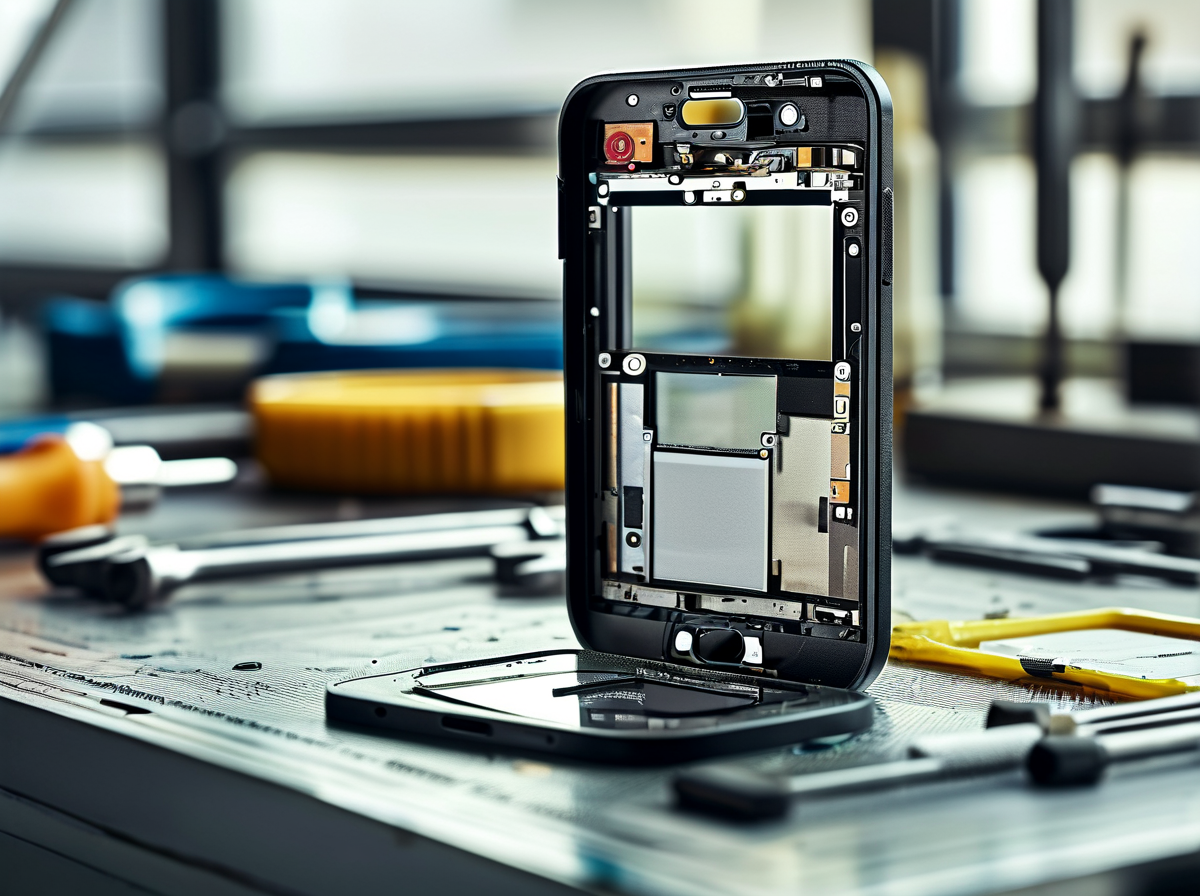
Seeing vertical lines on phone screen doesn’t automatically mean the phone is toast. Some faults come from a connection that can be repaired, while others point to permanent panel damage. A careful diagnosis saves cash and hassle. Screen Stocks can help buyers match replacement options when a new screen is the sensible call.
Replace Vertical Line Screens
Replacement makes sense when vertical lines stay after basic troubleshooting and testing confirms hardware failure inside the display panel.
-
Check the physical damage:
-
Look for an internal crack, spreading color patches, or heavy pixel bleeding.
-
Examine flex cable damage and test the touch digitizer before ordering parts.
-
-
Judge panel condition:
-
Persistent phone screen lines plus clusters of dead pixels usually indicate permanent damage.
-
Screen replacement is often the practical fix when OLED or LCD layers or controller circuits cannot be restored.
-
-
Verify the replacement:
- Match model number, connector layout, panel type, and touch support. Screen Stocks is useful when sourcing compatible displays rather than taking a wild guess.
| Diagnostic result | Line persistence | Typical action |
|---|---|---|
| Loose connection | 20–80% | Repair |
| Internal panel crack | 90–100% | Replace |
| Pixel bleeding | 80–100% | Replace |
Repair Vertical Line Screens
Repair can save a perfectly usable display when vertical lines on phone screen come from a connection or recoverable component rather than broken panel layers.
-
Start with simple checks:
-
Restart device and watch for disappearing vertical screen lines.
-
Rule out a software glitch; use a factory reset only after backing up data.
-
-
Inspect the hardware:
-
Run a diagnostic test on the ribbon cable connection.
-
Reseat a loose connector or replace a damaged connector where practical.
-
-
Confirm the result:
-
Treat pressure tricks as a temporary fix, not a proper repair.
-
Check dead pixels, brightness balance, and touch sensitivity before calling the job done. For repair shops needing parts after diagnosis, Screen Stocks offers another sourcing route.
-







Recent Comments