


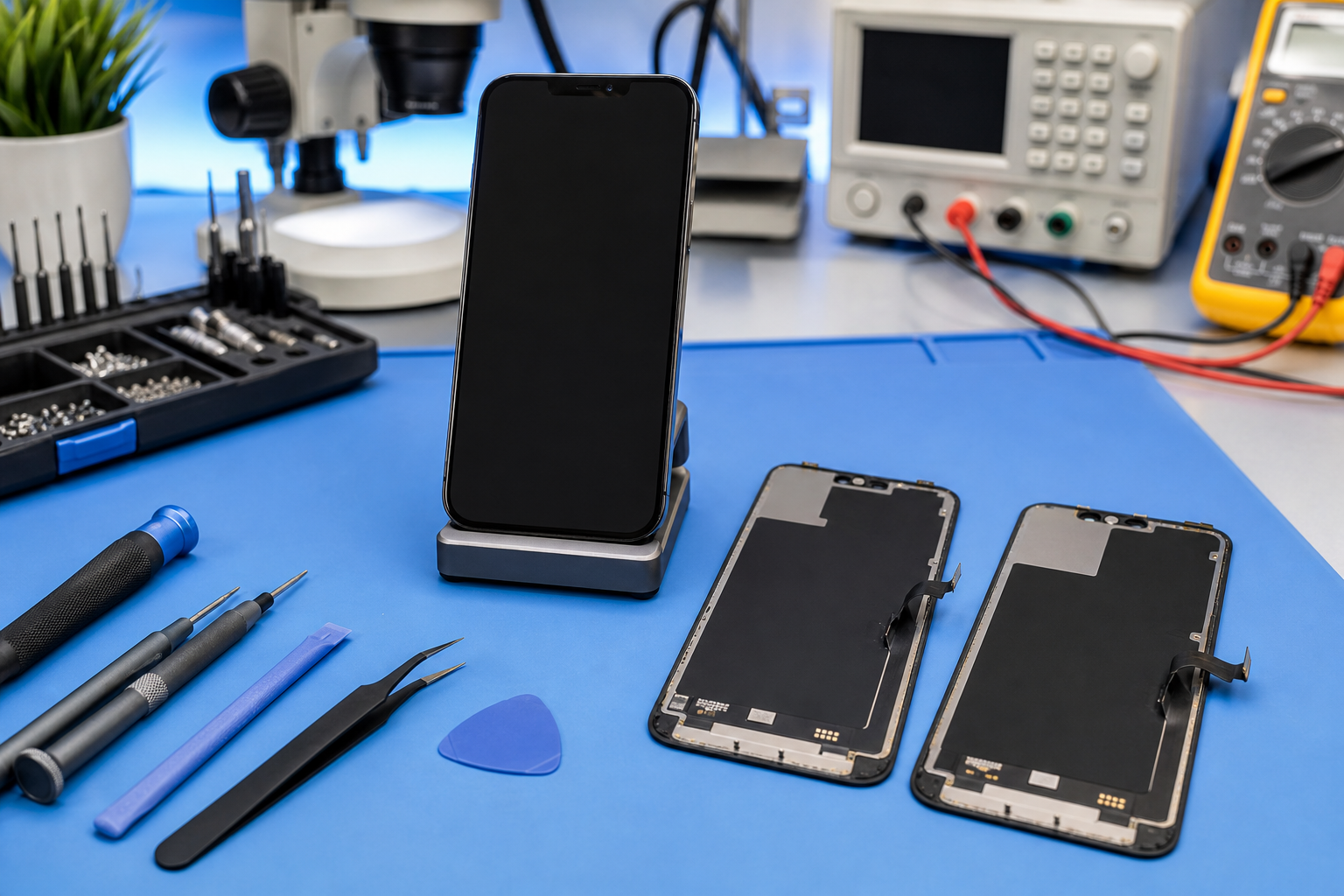
The moment an iPhone screen black after repair still plays sound, you know something’s off and costing time.
This guide cuts guesswork so you pinpoint faults and avoid repeat tear-downs and bad parts.
Quick Answers to iPhone Screen Black Mysteries
➔ Potential Causes: impact damage, water intrusion, flex cable wear or display IC failure
➔ Diagnostic Methods: visual inspection, power‐cycle, continuity test and display test
➔ Repair Procedures: safe disassembly, digitizer or LCD assembly swap, reassembly with correct display module
➔ Quality Assurance: post‐repair display check, multimeter verification, software calibration
Understanding the Black Screen with Sound Problem
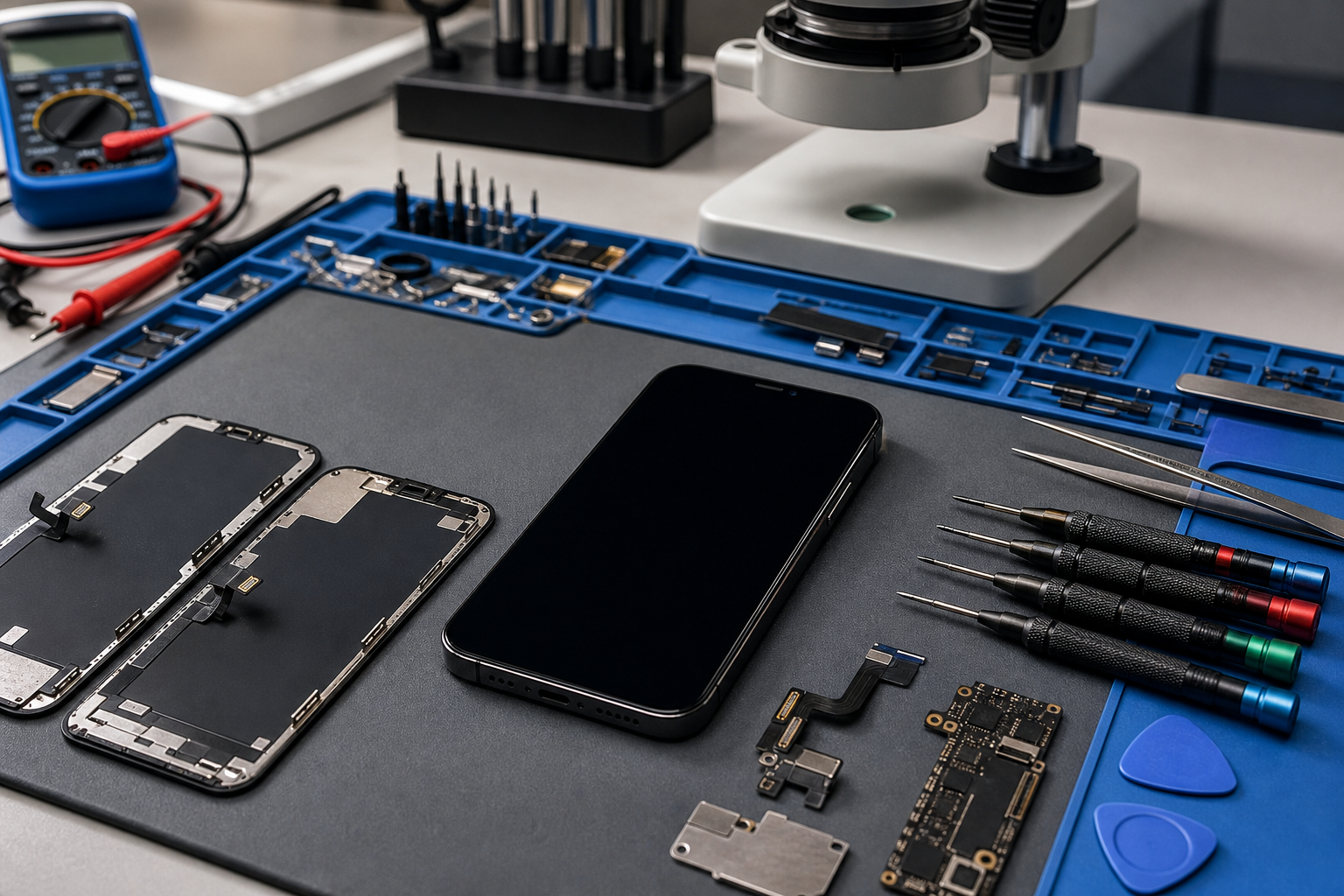
When your iPhone plays sound but the screen stays black screen, it feels like the phone’s half alive and half dead. This “iPhone screen black” mess is usually tied to display signal, power, or a loose link, not your audio.
What “iPhone screen black” really looks like
-
iPhone screen black often means the display isn’t drawing an image, even though the iPhone is booted.
-
You might hear audio, taps, alerts, or calls, while the screen stays a black screen.
-
Different iPhone model lines show it differently: some still vibrate, some don’t.
Quick checks that don’t need tools
-
Call the iPhone from another phone: if it rings and you hear sound, the audio side is alive.
-
Shine a light at an angle on the screen: if you barely see shapes, the display backlight may be out.
-
Try a forced restart for your iPhone model: if the black screen returns with sound, keep digging.
What’s happening inside the phone
-
The iPhone can run iOS and still fail to drive the display assembly.
-
A black screen with audio often points to a link issue, not a dead motherboard.
-
“iPhone screen black” is a symptom; the cause sits in power, signal, or parts.
Why your iPhone model matters
-
Newer iPhone model devices split display functions across different lines, so one failure can leave audio normal.
-
Older iPhone designs may show a fully black screen if a single path drops.
-
Knowing the exact iPhone model helps target the right checks fast.
Tiny glossary for mixed-up terms people use
-
screen: what you touch; people say “iPhone screen black” when it won’t show anything.
-
display: the image-making system; can fail while sound stays fine.
-
audio: speakers/mic path; working audio doesn’t prove the screen is okay.
Common Reasons for Screen Issues after Replacement
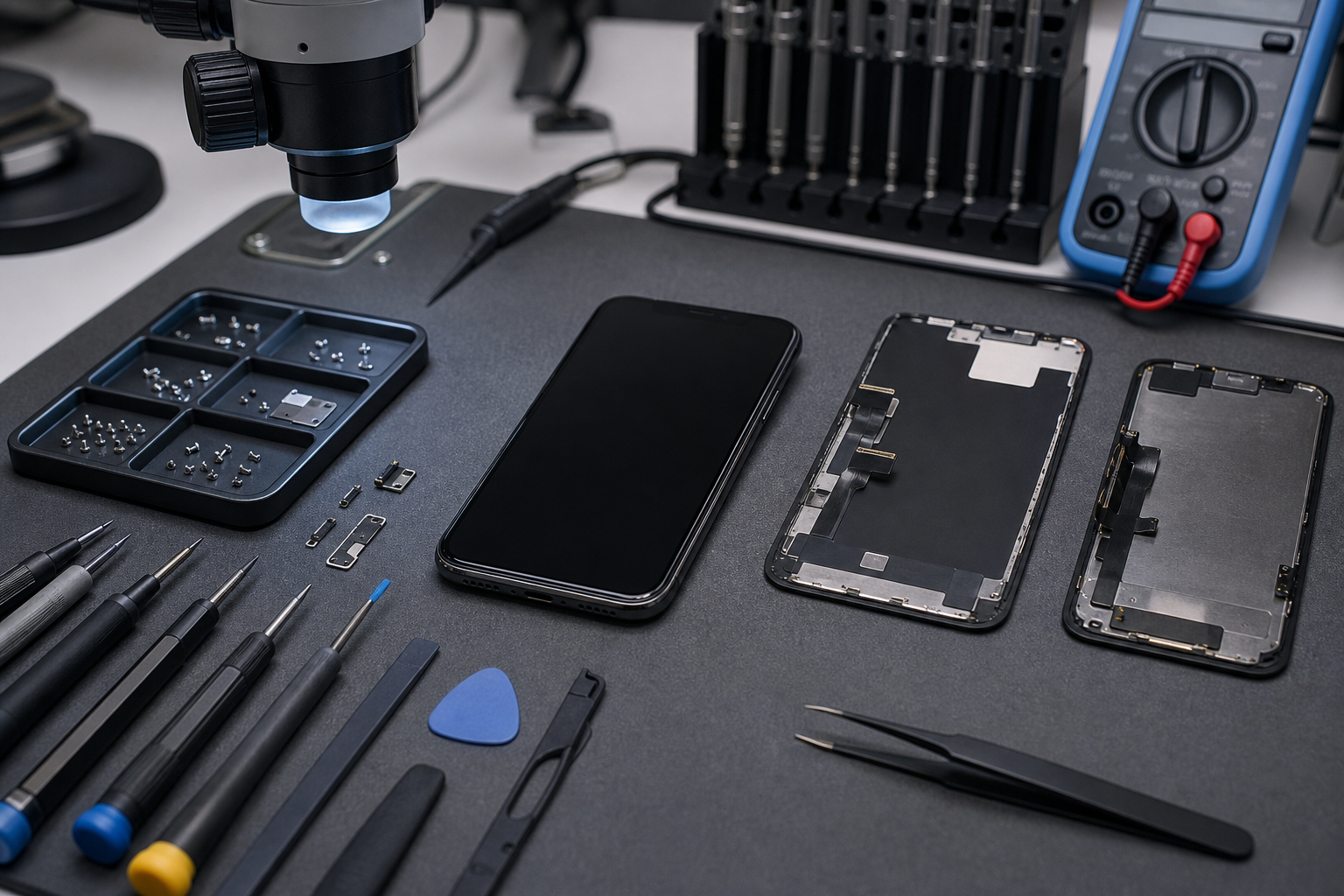
After a screen replacement, a working iPhone with a black screen can be a simple “one thing not seated” problem. Most of the time it’s a connector, a pinched cable, or a sketchy display assembly, not bad luck.
The usual suspects after a screen replacement
-
Loose connector on the display assembly can kill the display while sound stays normal.
-
Damaged cable during install can cause iPhone screen black right away.
-
A faulty part can pass basic checks but still fail under heat or movement.
Installation error patterns techs see a lot
-
Misaligned connector: it “clicks” but isn’t fully seated.
-
Pinched cable: folded too sharply behind the display assembly.
-
Wrong torque or missing bracket: pressure shifts and the screen cuts out.
-
Dust/debris near the connector: tiny stuff, huge headache.
Software glitch vs hardware fault (quick reality check)
-
A software glitch can freeze the screen, but persistent black screen with stable sound leans hardware.
-
If iPhone screen black appears only after the screen replacement, suspect install or parts before blaming iOS.
-
If it flips between normal display and black screen, a weak connector fit is common.
Failure map (what tends to fail, by symptom)
| Symptom on iPhone | Likely cause | Typical fix time (min) |
|---|---|---|
| black screen + working audio | loose connector | 10 |
| flicker, then iPhone screen black | strained cable | 25 |
| no image, no touch, still charges | faulty part (display assembly) | 35 |
| works cold, fails warm | marginal connector / cable | 30 |
Where Screen Stocks fits in (without the salesy noise)
-
If you’re tired of rolling the dice on a faulty part, Screen Stocks focuses on consistent display assembly sourcing for each iPhone model.
-
Cleaner parts mean fewer “installed fine, then iPhone screen black” callbacks.
-
Use Screen Stocks when you want the replacement to stick, not circle back.
Importance of Proper Diagnosis
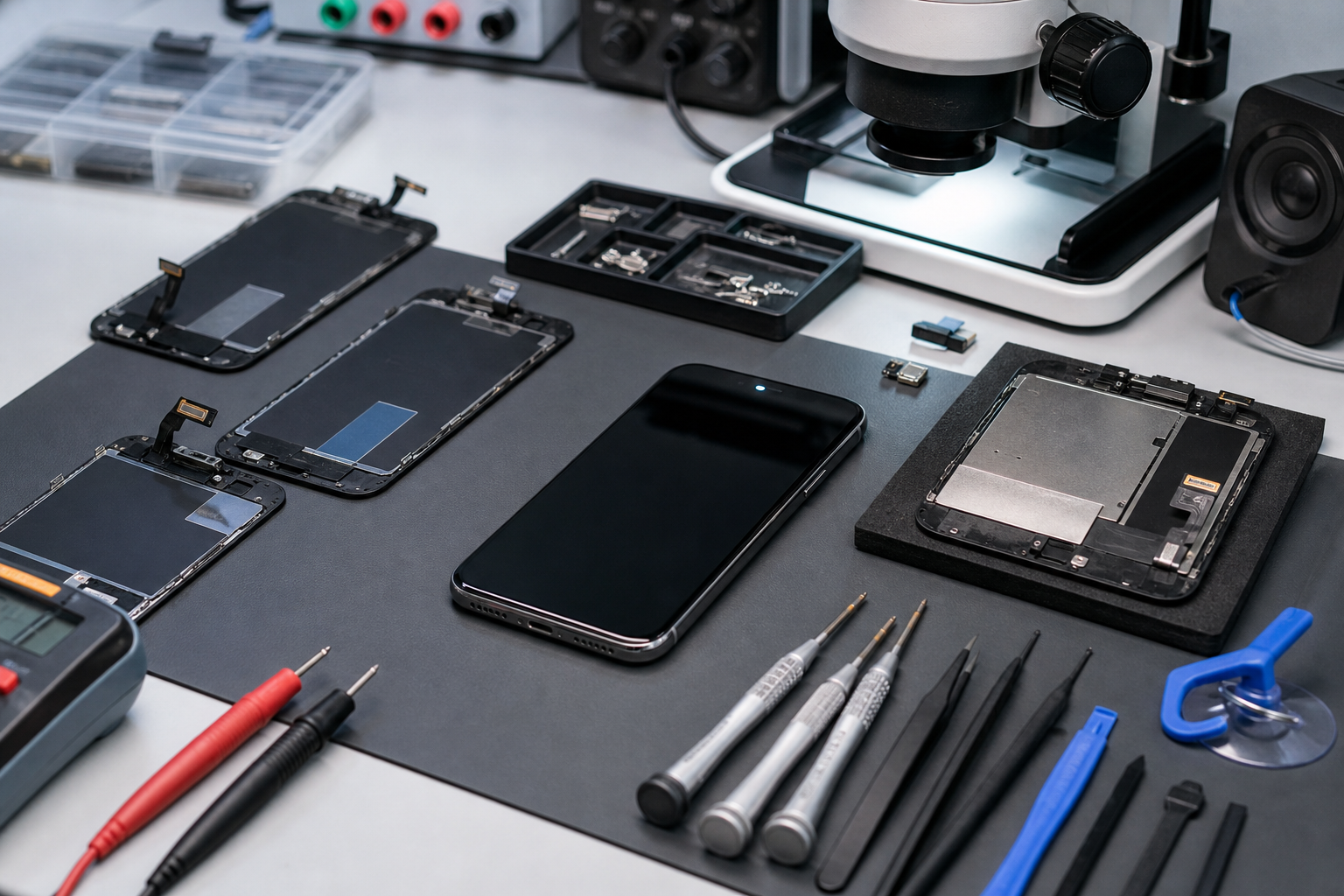
A black screen with sound can trick you into swapping parts at random. That’s expensive and annoying. Real troubleshooting is about calm diagnosis, quick component testing, and nailing the root cause, so the repair process doesn’t turn into a parts lottery.
Why guessing makes the repair process worse
-
Replacing the display assembly again without diagnosis can hide a bent connector.
-
A rushed repair process can create a new installation error on top of the old one.
-
You end up with the same “iPhone screen black” complaint, just with fresher fingerprints.
A clean troubleshooting flow that saves time
-
Confirm the phone boots: calls, alerts, and audio prove the iPhone runs.
-
Check external signs: charge icon, vibration, heat spots near the display area.
-
Do component testing: reseat connector, inspect cable, verify display assembly fit.
-
Isolate the root cause: part defect vs install vs software glitch.
What “accurate repair” means in real life
-
Accurate repair means the fix matches the fault, not the vibe.
-
If iPhone screen black happens only when you press the top edge, that screams connector stress.
-
If the screen stays dead across multiple known-good parts, widen the diagnosis.
Customer satisfaction is mostly about avoiding repeat visits
-
The fastest win is fewer comebacks for the same black screen.
-
Solid troubleshooting notes help, especially when the iPhone model is prone to finicky display seating.
-
And yes, using reliable parts helps too—Screen Stocks iPhone screen parts can cut down the repeat-failure drama.





Recent Comments