SEO Description
Skip “compatible” chaos—QA‑tested phone screens graded on real devices: color, touch, 120Hz, AOD, sensor fit + warranty.
Buying phone screens isn’t shopping; it’s damage control—one “compatible” panel can spark returns, angry calls, busted margins, fast.
OEM, refurbished, aftermarket: same label on the box, totally different reality on the bench—brightness, color, touch feel, AOD, 120Hz, even sensor fit.
Screen Stocks engineers and QA managers stress real-device testing, tight part grading, and documented warranty terms to curb comebacks.
Key Takeaways for Phone Screens
➔ Opt for OEM modules when you need perfect fit, accurate color, HDR and adaptive refresh support.
➔ Verify refurbished assemblies by checking brightness uniformity, Delta E, touch sampling rate and warranty coverage.
➔ If budget drives you, choose reputable aftermarket panels but confirm DCI-P3 gamut, peak nits and LTPO stability.
➔ Always compare display technologies (OLED/AMOLED vs IPS), resolution tiers (FHD+, QHD+), refresh rates (60Hz–120Hz) and protection (Gorilla Glass, Ceramic Shield).
Types Of Replacement Screen Classifications
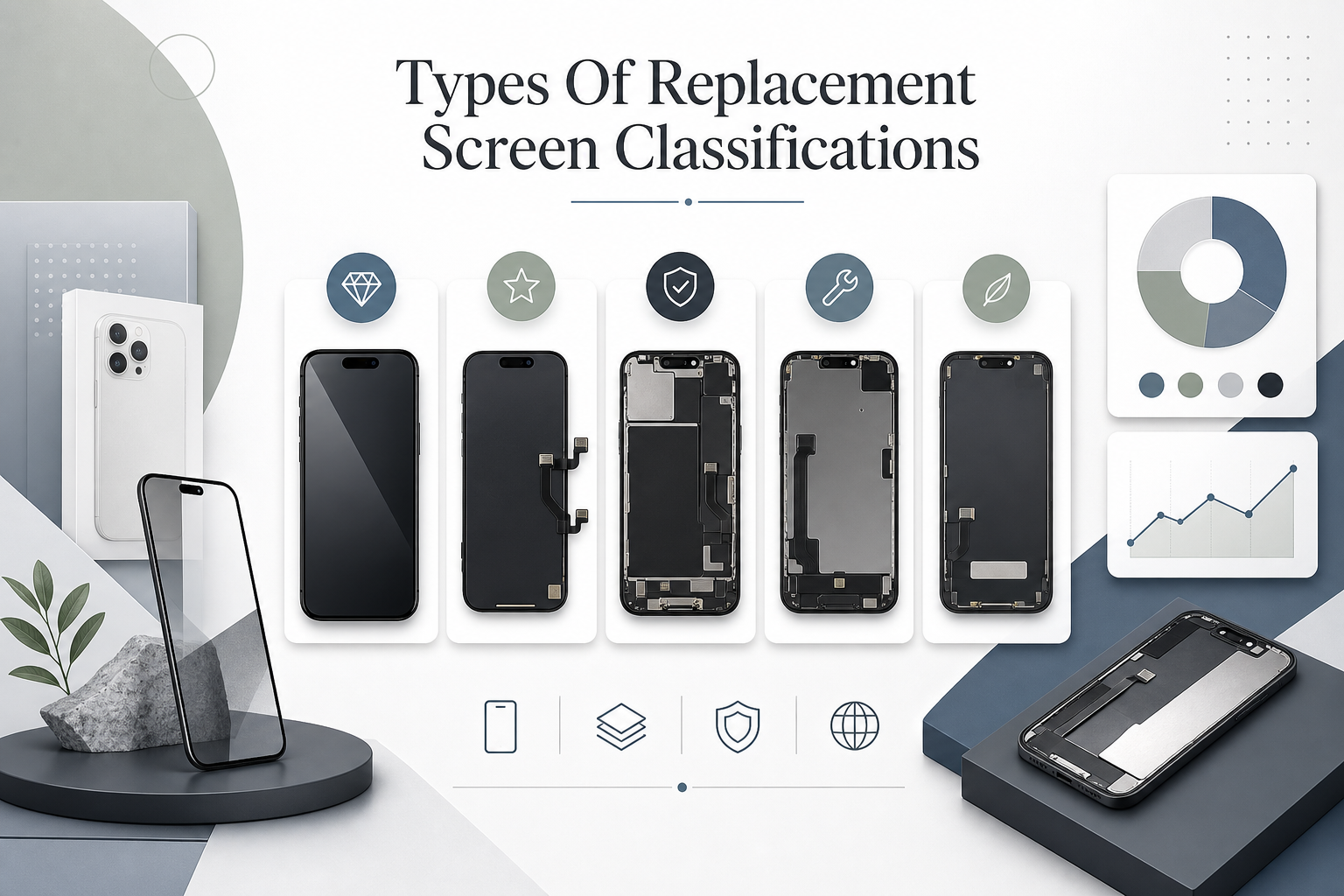
Picking replacement phone screens can feel like buying sneakers online: the label matters, but the details matter more. This quick breakdown keeps it real, so your phone screens don’t end up dim, glitchy, or slightly “off.” Screen Stocks helps you sort phone display parts, screens, and screen replacements by what you’re actually getting.
OEM Replacement Modules
When you want phone screens to behave like nothing ever happened, OEM is the cleanest bet.
-
Original Equipment Manufacturer sourcing means genuine components built to manufacturer standards and tight factory specifications.
-
What “matched” really covers
-
Core visuals
-
OLED/AMOLED/LCD type, PPI, peak nits, HDR behavior
-
Color tuning that tracks original performance instead of “close enough”
-
-
Feel and speed
- Touch sampling rate and the tiny timing stuff that affects typing
-
Hardware fit
- Frame geometry and flex routing for full device compatibility
-
-
Why it’s priced higher
-
You’re paying for highest quality consistency, not just a working screen.
-
Screen Stocks typically flags OEM lots by model region so your phone display lines up right.
-
Refurbished Screen Assemblies
Refurbs can be a smart move for phone screens when the core panel is still strong, but the outer layers got wrecked. Here’s the vibe: recycled components plus repaired parts, usually an original LCD (or OLED) married to new glass.
A quick “don’t get burned” checklist:
-
Check for hot spots and edge shadowing; uneven brightness is the usual tell.
-
Test touch in corners; weak zones can mean the rebuild missed alignment.
-
Ask what quality control looks like, because functional integrity varies a lot.
Cost-wise it’s often cost-effective, and Screen Stocks can help you compare refurb grades so you’re not guessing.
Aftermarket Display Panels
Aftermarket phone screens are made by third-party manufacturers, so you’re in the land of non-original parts and generic components. That’s not automatically bad, but it does mean variable quality and occasional compatibility issues.
How to judge an aftermarket phone screen fast:
-
Specs that can drift
-
LTPO/adaptive refresh support
-
Peak brightness and sustained brightness
-
Color gamut targets (DCI‑P3 vs sRGB) and contrast
-
-
Build quirks that show up later
-
Notch/punch-hole cutout tolerance
-
Frame thickness that affects cases
-
“Looks fine” installs that still cause performance differences
-
A simple numeric snapshot (typical ranges by class):
| Panel class | Peak nits (typ.) | Color accuracy (ΔE, lower is better) | Warranty (months) |
|---|---|---|---|
| OEM module | 900–2000 | 0.8–2.0 | 6–12 |
| Refurbished OEM | 800–1800 | 1.5–3.0 | 3–12 |
| Aftermarket | 650–1200 | 2.5–6.0 | 1–6 |
Screen Stocks usually labels aftermarket tiers so your phone screen replacement isn’t a total roll of the dice.
Certified Third-Party Replacements
If you want non-OEM phone screens without the sketch factor, certified options aim to prove it. Look for:
-
independent certification tied to measurable performance standards (color, nits, fit).
-
Documented reliability testing so HDR playback, refresh behavior, and sensors don’t go sideways.
-
Real warranty coverage, not “message us and hope.”
-
Notes for authorized repair workflows and component verification (serials, batch tests).
Screen Stocks can point you to certified phone display stock that’s tested, not just packaged.
5 Key Factors When Choosing Phone Screens
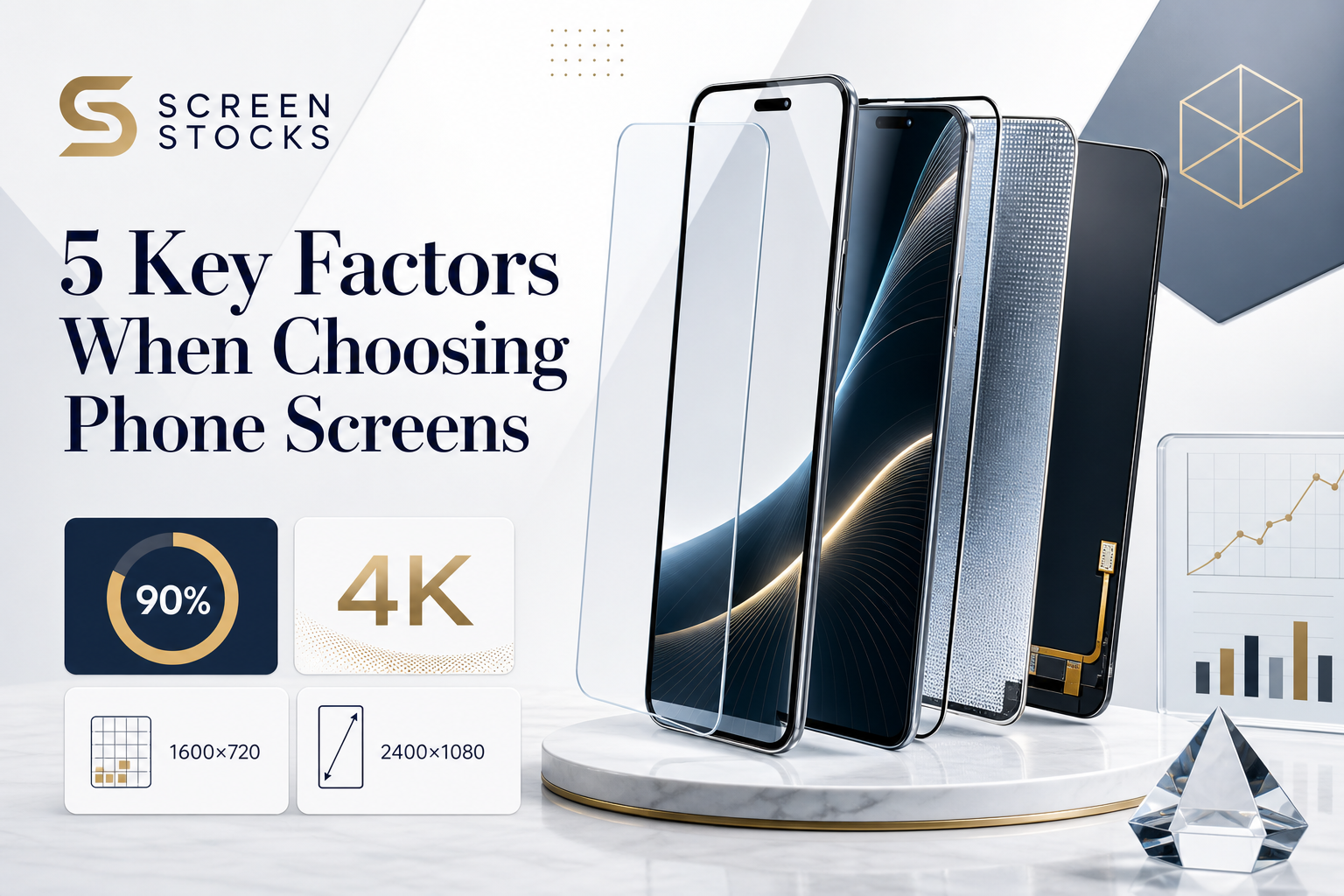
Phone screens can look similar on a shelf, then feel totally different once you live with them. This quick guide breaks down the stuff that actually changes daily use: panel tech, sharpness, smoothness, durability, and the flashy extras. You’ll see “phone screens” pop up a lot, plus handy mixes like phone screen and screen phone, so it sticks.
Factor 1 – Display Technology: OLED, AMOLED, IPS, LCD
When people argue about a “nice phone screen,” it’s usually panel technology doing the heavy lifting. Pick your vibe:
-
Display type
-
Organic light-emitting diode (OLED) / Active-matrix organic light-emitting diode (AMOLED)
-
Blacks: each pixel shuts off, so contrast feels deep, not gray.
-
Trade-offs: can show tint shifts; some users notice PWM flicker in dark mode.
-
Extra twist: LTPO-style panels can do screen refresh changes to save power.
-
-
Liquid crystal display (LCD) / In-plane switching (IPS)
-
Whites: consistent, “paper-like,” helped by the backlight.
-
Trade-offs: weaker black levels, and blooming in dark scenes.
-
-
If you’re shopping at Screen Stocks, ask what screen material and panel generation it uses; that one detail can explain 90% of what your eyes are telling you on phone screens.
Factor 2 – Resolution Standard: HD+, FHD+, QHD+, 4K
Resolution isn’t just bragging rights; it’s pixel density and how clean text looks on your phone screen.
-
HD+ and FHD+ tend to be the sweet spot for image sharpness without smashing battery.
-
QHD+ is nicer for tiny fonts and VR-ish viewing distance, but it can cost power.
-
4K on a display resolution spec sheet is rare, and on screen phone sizes it’s often overkill.
-
Check your typical use: reading, maps, or video.
-
Match it to your eyesight and viewing distance.
-
If battery life matters, don’t chase ultra high definition just because it exists.
Here’s a quick numbers view (same 6.7″ size) for screen clarity:
| Resolution label | Example pixels | Approx. PPI (6.7″) |
|---|---|---|
| HD+ (high definition) | 1600×720 | ~260 |
| FHD+ (full high definition) | 2400×1080 | ~390 |
| QHD+ (quad high definition) | 3200×1440 | ~520 |
Factor 3 – Refresh Rate: 60Hz, 90Hz, 120Hz, Adaptive Refresh Rate
If phone screens feel “fast,” it’s usually display frequency plus touch tuning.
-
Screen refresh
-
60Hz
- Fine for basics; cheaper; less GPU load.
-
90Hz / 120Hz
-
Better scrolling experience and motion clarity, especially in social feeds and games.
-
Watch for unstable pacing; “smooth” can still stutter.
-
-
Variable refresh rate
-
Adaptive tech drops hertz during reading, raises it in motion.
-
Power savings depend on how often apps let it ramp down.
-
-
Tiny tip: if you see a 120Hz phone screen that still feels laggy, it’s often touch latency or software animation choices, not the panel.
Factor 4 – Screen Protection: Gorilla Glass, Ceramic Shield, Tempered Glass
A phone screen doesn’t just break; it scratches, chips, and slowly looks tired. This is where glass type matters.
-
Base layer choices
-
Reinforced glass like Gorilla Glass
- Tuned for drop protection and day-to-day impact durability.
-
Ceramic Shield
- Often marketed around improved shatter resistance in drops.
-
-
Add-on layer
-
Tempered glass
-
Acts as a sacrificial protective layer.
-
Can slightly dull feel, and on some phones it messes with under-display camera clarity.
-
-
If you’re rough on devices, prioritize screen durability over perfect looks. Phone screens age fast when the top layer gets micro-scratched.
Factor 5 – Display Features: HDR, Color Accuracy, Contrast Ratio
This is the “why does this phone screen look expensive?” bucket: high dynamic range, tuning, and brightness.
-
Visual fidelity basics
-
Contrast ratio
- OLED-style blacks can make normal content look punchier.
-
Color reproduction
- Look for solid sRGB and DCI-P3 handling; oversaturation gets old.
-
Brightness
- Outdoor use lives and dies by sustained nits, not just peak bursts.
-
-
Practical checks that take 10 seconds
-
Pull up a gray image: watch for banding or tint.
-
Open skin-tone photos: see if faces look sunburnt.
-
Toggle HDR video: confirm highlights don’t crush white levels while keeping black levels believable.
-
If you want a safer bet when comparing screen phone options fast, Screen Stocks can help you shortlist phone screens by display quality traits that actually show up in daily use.
OEM Vs Refurbished Vs Aftermarket: What’s Best?
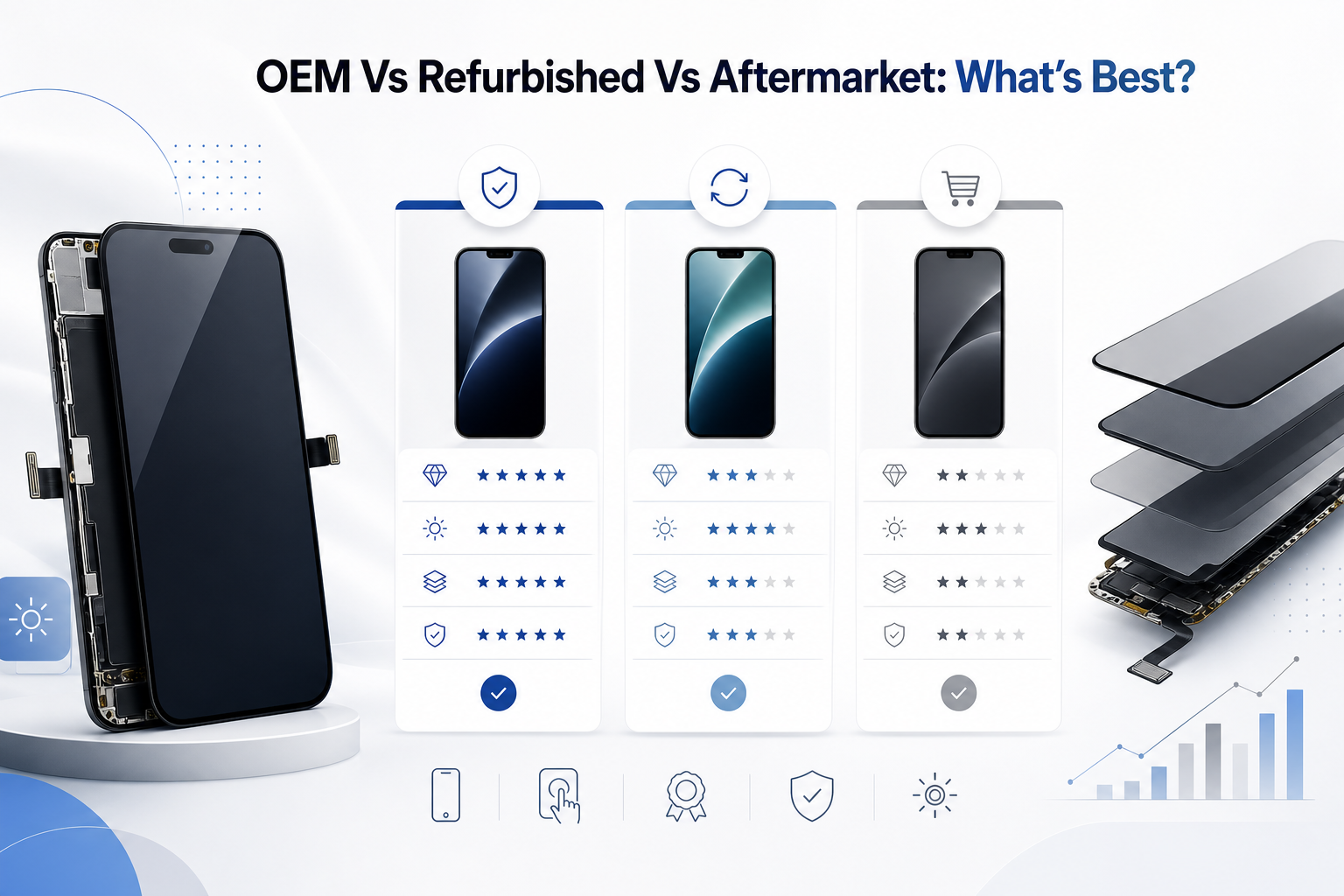
If you’re shopping for phone screens, the price tags can look like a prank. The trick is knowing what you’re paying for: fit, color, brightness, and the little stuff you notice daily. This quick breakdown covers OEM, refurbished, and aftermarket phone screen options, so your next phone screen replacement doesn’t turn into a dim, glitchy regret.
OEM
Pick OEM when you want genuine parts built to manufacturer standards, with factory quality that “just works” out of the box on modern phone screens. You’re paying for device integration and an authentic display, not vibes.
-
What you lock in
-
Fit and finish
-
Correct aspect ratio and PPI, so text stays sharp
-
Proper bezel alignment, so the screen doesn’t sit proud
-
-
Performance targets
-
Proper nits, HDR behavior, and Always‑On Display support
-
Adaptive refresh rate that behaves like it should
-
-
Calibration and feel
-
Color tuning closer to stock, with premium performance
-
Touch response that matches the original components
-
-
-
What it costs you
-
Highest price, usually the lowest surprise factor
-
Best choice when you can’t tolerate risk on phone screens that run LTPO or fancy brightness curves
-
Refurbished
Refurbished phone screens can be a sweet spot, but only if the shop isn’t cutting corners. A lot of these are used displays with replacement glass and reconditioned parts, aiming for restored functionality after third-party restoration.
Mix your checks like this:
- Quick visual sweep: brightness uniformity, smudgy corners, dead pixels.
-
Touch test: type fast, drag icons, and check edge touches for dropouts.
-
Ask about quality assurance: what was replaced, what was tested, what the warranty actually covers.
If you want to keep it simple, Screen Stocks is worth a look for sourcing—just make sure the listing spells out testing and coverage for phone screens.
Aftermarket
Aftermarket is the wild west: third-party components and non-original screens from independent manufacturing, sold as substitute displays. Sometimes it’s fine. Sometimes it’s “why does this look gray outdoors?”
-
Where variability shows up
-
Visual output
-
Lower peak brightness and weaker contrast ratio
-
Reduced DCI‑P3 coverage, so photos look a bit off
-
-
Build differences
-
Thicker bezels or odd frame tolerances
-
More fragile coatings that scratch easier
-
-
Behavior quirks
-
Inconsistent LTPO or refresh behavior
-
Power draw and auto‑brightness that feels jumpy
-
-
-
How to shop smarter
-
Prefer reputable suppliers with clear return terms for phone screens
-
Treat “OEM quality” claims as marketing until proven—Screen Stocks listings that name the exact grade and tests are easier to trust
-