


When your phone taps out before lunch, chemistry’s crying for an iPhone battery replacement—revive your power and your sanity.
Your phone dying by noon isn’t dramatic—it’s a sign you need an iPhone battery replacement. That’s the whole point. When your charge drops like a rock, chemistry’s waving a white flag.
Stop babying the charger and start reading the signs: sudden shutdowns, laggy apps, battery health under eighty percent. Those clues scream it’s time to swap the cell and get your day back.
Reading Notes: iPhone Battery Replacement Prelude
➔ Rapid discharge, degraded capacity under 80%, and unexpected shutdowns signal cell aging.
➔ Poor reception and frequent network scans spike antenna draw, accelerating wear.
➔ Bulging dimensions, sluggish peak performance, and reduced talk time demand urgent swap.
➔ Choose certified swap services for safety or DIY with model-matched parts and proper tools.
5 Signs You Need iPhone Battery Replacement Now
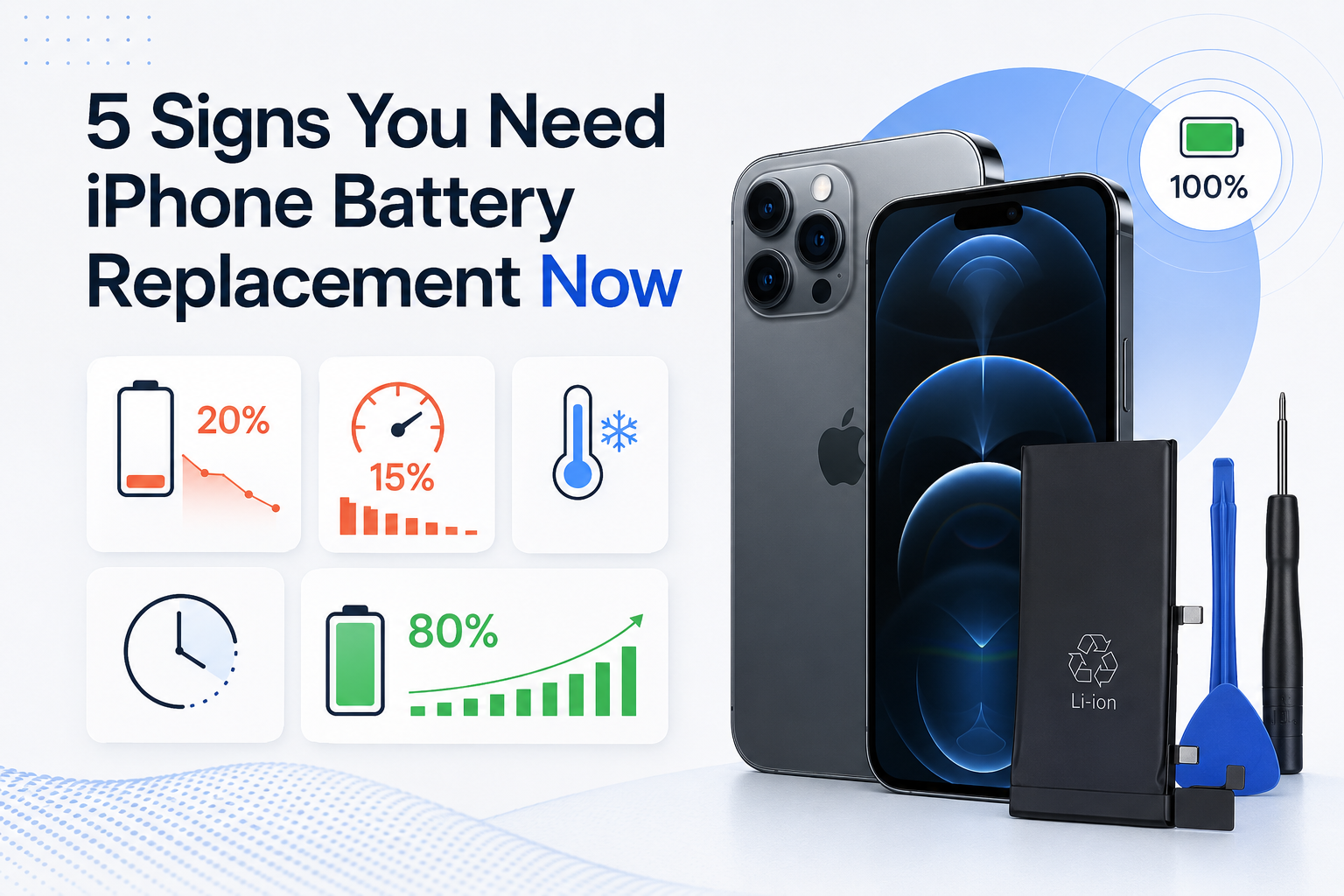
Your phone shouldn’t drop from 100% to 20% before lunch. If it does, it’s probably time to think about iPhone battery replacement. Small warning signs add up fast. Catching them early can save your screen, data, and sanity.
Rapid Discharge Rate After Full Charge
A healthy iPhone should hold a full charge without dramatic battery drain. When the discharge rate spikes, your device is quietly asking for an iPhone battery replacement.
Common patterns of rapid depletion:
Idle overnight drop above 15%
Heavy energy consumption during light app use
Noticeable power loss after short calls
Check Battery settings.
Compare screen-on time.
Track quick discharge over 3 days.
Under the hood:
Cell Aging
Higher cycle count
Reduced lithium stability
Output Instability
Irregular voltage curve
Poor load handling
When daily charging turns into twice-a-day charging, it’s not normal wear. It’s battery decay.
Maximum Capacity Below 80% mAh Threshold
Open Battery Health. If maximum capacity dips below the 80% percentage threshold, that’s the industry red flag for iPhone battery replacement.
What changes when battery health falls?
Lower charge retention
Reduced power capacity
Shorter lifespan
Inside the numbers:
100%–90%: Normal aging
89%–80%: Noticeable degradation
Below 80%: Performance management likely active
At this stage, replacing the iPhone battery restores stable output and daily usability. Screen Stocks provides tested battery units calibrated for accurate capacity readings, so you’re not gambling with cheap cells.
Unexpected Shutdowns Despite High Voltage Readings
Phone dies at 30%? That’s not random.
Causes often stack up:
Unexpected shutdowns
- Triggered during camera or gaming use
Inconsistent voltage readings
- Battery shows charge but can’t sustain load
Weak power delivery
- Fails during CPU spikes
Technical breakdown:
Protection Issues
Faulty protection circuit
Failed load regulation
Stability Problems
Internal resistance rise
Risk of system crash
This kind of sudden power off is one of the clearest signals for iPhone battery replacement. A fresh battery replacement stabilizes output and protects logic board components from stress.
Noticeable Swelling Prevention Failure in Dimensions
Look closely at the frame.
Signs of battery swelling include:
Slight screen lift
Tight buttons
Subtle enclosure shift
What’s happening internally?
Gas buildup
Rising internal pressure
Chemical breakdown
Structural strain
Altered physical dimensions
Early enclosure deformation
Swelling means prevention failure in the lithium cell. This isn’t optional maintenance. It’s urgent. Screen Stocks recommends immediate iPhone battery replacement to avoid display damage or flex cable stress.
Sluggish Peak Performance Capability and Reduced Talk Time
Phone feels slow? Apps lag?
That’s often tied to reduced peak capability and intentional throttling.
Here’s how it unfolds:
Aging battery
Drops voltage under load
Triggers performance management
System response
CPU throttling
Lower processing speed
User impact
Sluggish performance
Shorter reduced talk time
Noticeable device slowdown
You might blame iOS updates. In reality, aging cells limit usage duration and stability. An iPhone battery replacement resets performance ceilings and restores normal responsiveness.
If two or more of these signs show up together, don’t wait. A timely iPhone battery replacement keeps your device reliable, safe, and fast—exactly how it should feel.
Is Low Signal Causing Your Drain?
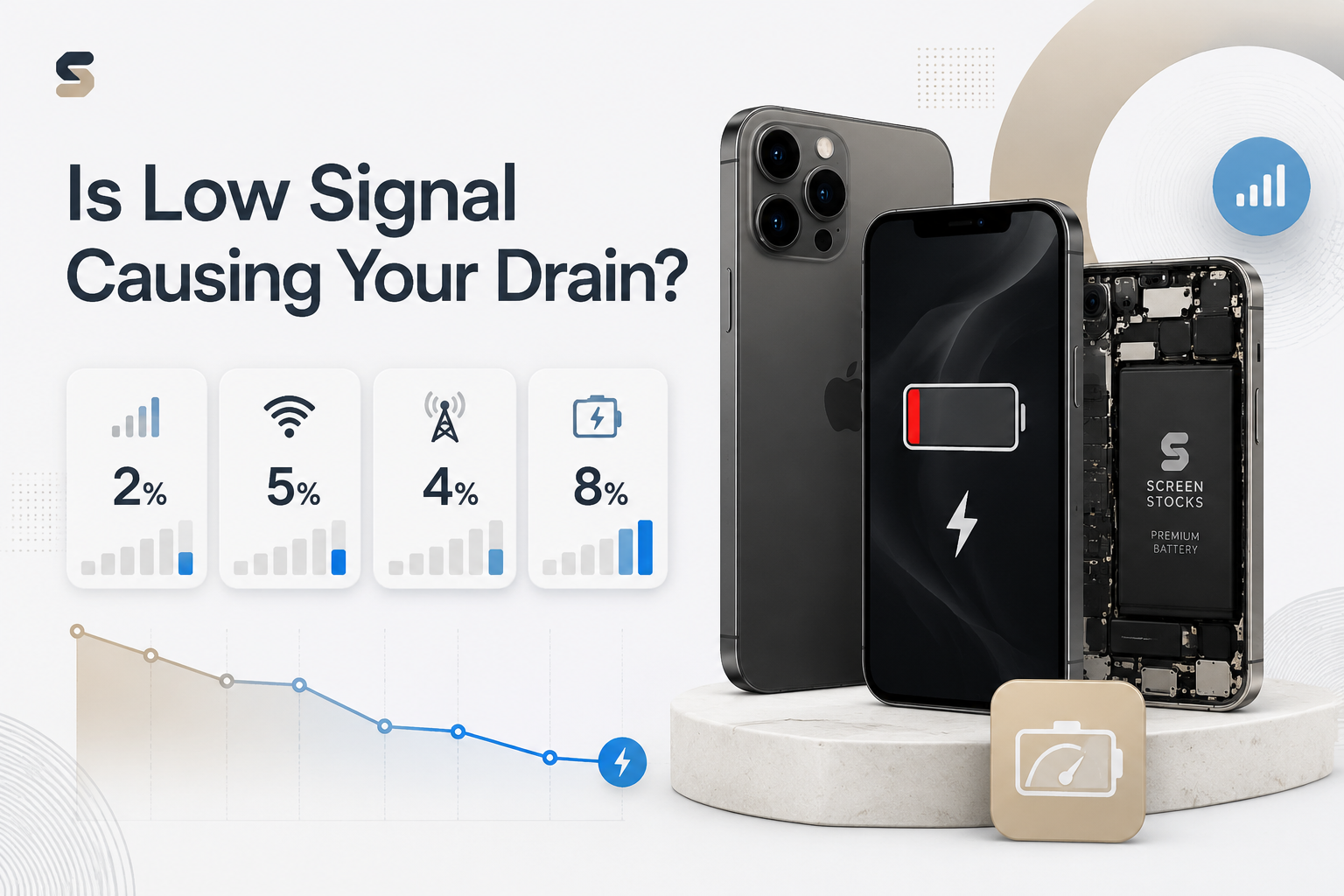
Low bars on your phone aren’t just annoying—they quietly push up battery drain. If you’re thinking about an iPhone battery replacement, check your signal strength first. Weak cellular network coverage can eat into standby time, spike power consumption, and make your phone feel older than it is.
How Poor Reception Affects Standby Time
When reception drops, your cellular radio works harder. That extra effort hits battery drain fast.
Transmission Boost Cycle
Phone detects weak signal strength
Increases antenna voltage
Raises power consumption
Shortens standby time
Network Stability Loop
Unstable network
Repeated reconnect attempts
Continuous background radio activity
- Gradual battery loss overnight
Key impact comparison:
| Signal (dBm) | Avg Antenna Power (mW) | Standby Drain %/8h | Est. Daily Battery Loss | Notes |
|---|---|---|---|---|
| -70 | 120 | 2% | 5% | Strong reception |
| -85 | 180 | 4% | 8% | Moderate |
| -95 | 260 | 7% | 14% | Weak |
| -105 | 340 | 11% | 20% | Very weak |
| -115 | 420 | 15% | 28% | Critical |
Before jumping into an iPhone battery replacement, test usage in airplane mode overnight. Big difference? The network is the culprit.
Increased Discharge Rate From Frequent Network Scans
Low coverage triggers constant network scans.
Scan Trigger
Weak signal search
Cellular modem ramps up
Higher discharge rate
Battery Wear Path
Elevated power usage
More charge cycles
Reduced long-term battery life
Industry tracking backs this up:
“Devices operating in persistently weak signal environments may experience up to 30% faster effective battery degradation due to repeated radio amplification cycles.” — GSMA Intelligence, Mobile Device Performance Review 2025
If your iPhone battery replacement seems overdue after rural travel or basement office use, the cellular modem stress might explain it. Screen Stocks often checks signal logs before recommending a full battery replacement.
iOS Version Compatibility and Antenna Power Draw
Some iOS versions tune the antenna firmware differently. After certain software updates, background power draw can rise slightly in fringe coverage areas.
Quick checks:
Update to the latest stable operating system.
Reset network settings.
Monitor battery optimization stats for 48 hours.
If drain remains high, compare before committing to an iPhone battery replacement. Sometimes it’s firmware. Sometimes it’s genuine battery wear. Screen Stocks can run diagnostics to separate compatibility issues from real battery health decline—saving you from replacing an iPhone battery too soon.
Swap Vs. DIY: iPhone Battery Replacement
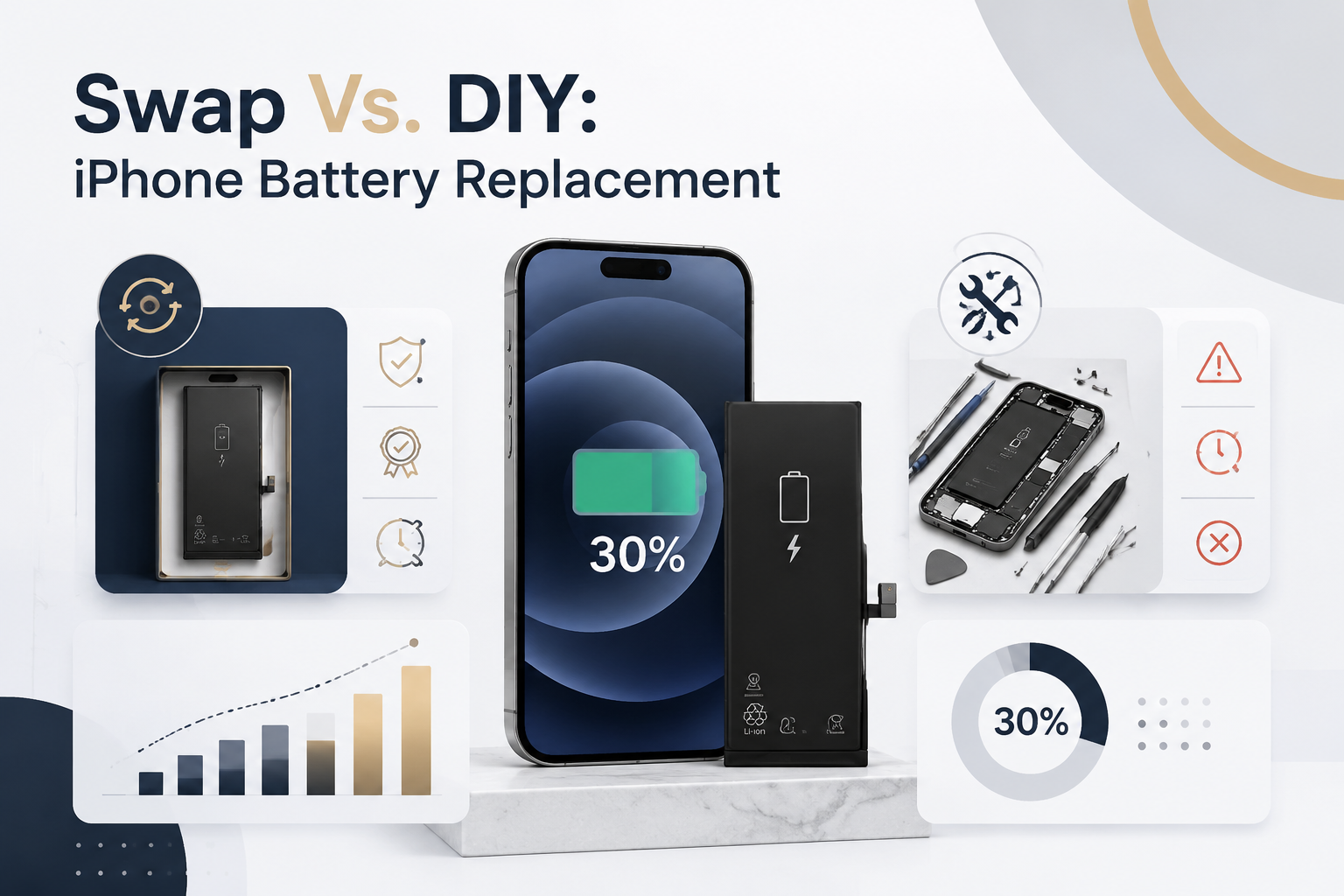
When your phone starts dying at 30%, it’s a clear sign that an iPhone battery replacement is on the table. From official swap services to hands-on DIY battery repair, each path affects safety, cost, and long-term performance. Let’s break down how iPhone battery, battery replacement, and iPhone repair choices stack up.
Swap Service
Choosing a swap service for your iPhone battery replacement usually means handing your device to a Service center backed by Certified technicians. The process often works like this:
Professional installation workflow
Device check-in
Model verification
Battery health diagnostics
Part confirmation
Genuine parts validation
Certified lithium-ion compliance
Repair execution
Precision adhesive removal
Sealed battery fitting
Protection layers included
Warranty coverage tied to the new battery
Post-repair testing cycles
Optional Device pickup support
Below is a quick technical comparison often reviewed during iPhone battery replacement:
| Model | Battery Capacity (mAh) | Avg. Cycle Life | Service Time (mins) | Warranty (months) |
|---|---|---|---|---|
| iPhone 12 | 2815 | 500 | 60 | 6–12 |
| iPhone 13 | 3227 | 500 | 60 | 6–12 |
| iPhone 14 | 3279 | 600 | 50 | 6–12 |
| iPhone 15 | 3349 | 600 | 45 | 6–12 |
Brands like Screen Stocks connect users with vetted Professional installation options, making iPhone battery replacement smoother and less risky. You pay more, sure—but you’re buying peace of mind.
DIY Repair
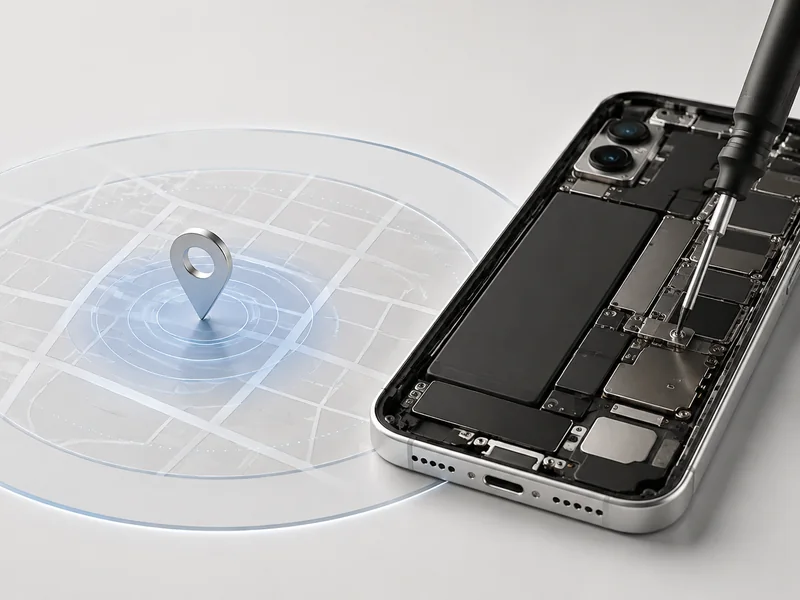
Going the DIY route for an iPhone battery replacement feels empowering. It also carries real risk. The flow typically looks like this:
Preparation phase
Order a Replacement battery matched to model number
Confirm connector and flex cable layout
Get a full Repair kit
Tool setup
Screwdriver set with pentalobe bit
Opening tools and suction cup
Fresh Adhesive strips
Repair execution
Power off device
Remove bottom screws
Gently lift screen
Disconnect battery
Replace and reseal
Common pitfalls during iPhone battery repair include:
⚠️ Tearing a flex cable
⚠️ Misplacing tiny screws
⚠️ Accidental Component damage
DIY battery replacement can cost less upfront. But one slip can turn a simple iPhone battery replacement into a screen repair or logic board issue. That’s why many users compare DIY with trusted suppliers like Screen Stocks before opening their phone.
FAQs about Iphone Battery Replacement
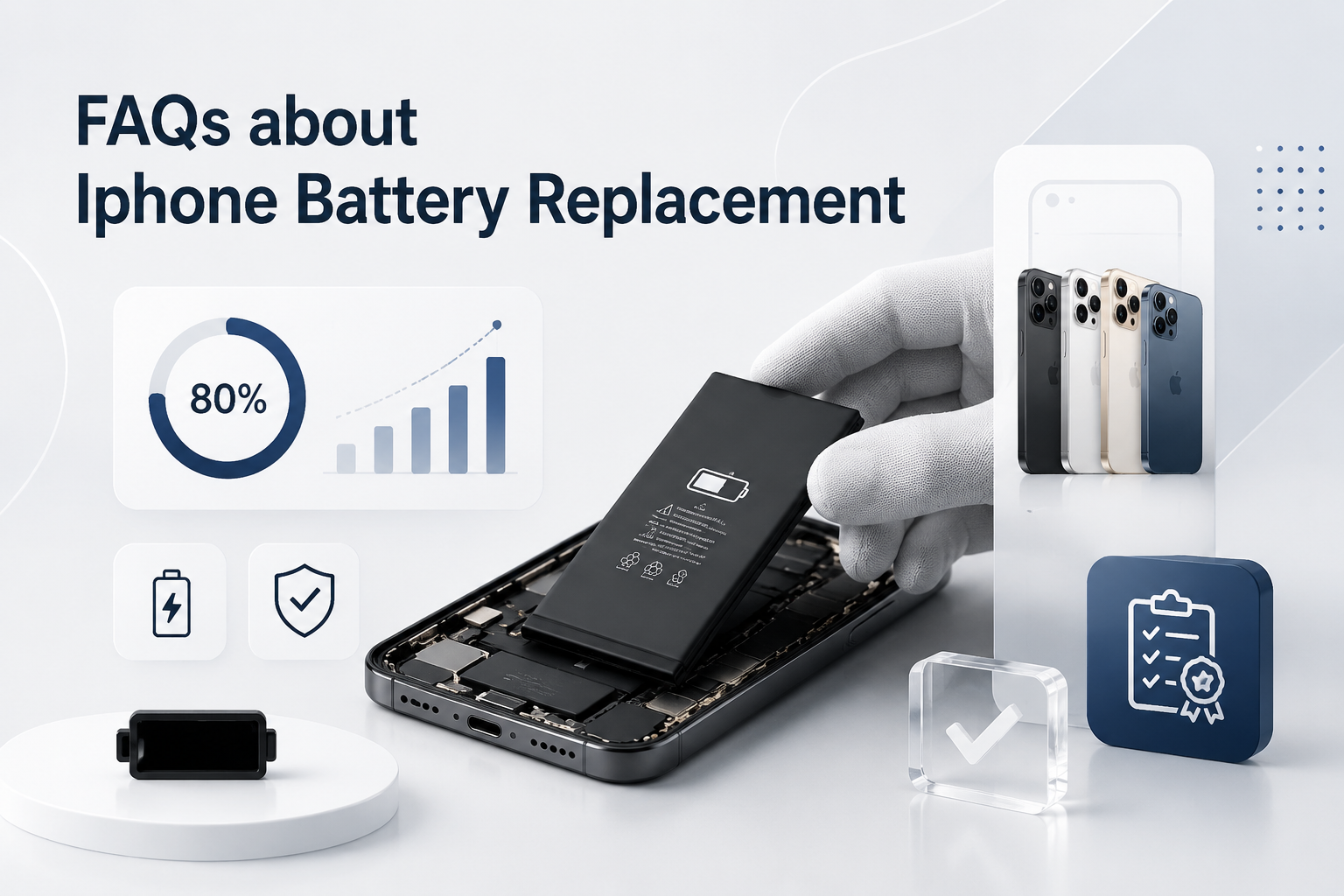
What are the clear signs you need an iPhone battery replacement?
Your phone usually warns you before failure. Look for:
Maximum capacity below 80% in Battery Health
Sharp drops in standby time or talk time
Sudden shutdowns under normal Voltage (V) load
Noticeable swelling affecting screen Dimensions
As a Lithium-ion cell ages, Cycle Count rises and Energy Density falls. Lower Watt-hours output means weaker peak performance capability and slower charging speed—daily use starts to feel unreliable.
How do certified services ensure safety during iPhone battery replacement?
Professional repair centers focus on both performance and protection.
Install batteries with verified Capacity (mAh) matched to your iPhone model and part number.
Use cells built with Lithium cobalt oxide, Graphite anode, stable Electrolyte, and a sealed Separator.
Confirm active safety layers:
Overcharge protection
Over-discharge protection
Short-circuit protection
Overheat protection
Thermal runaway prevention
Quality marks such as CE certification, UL listed, RoHS compliance, FCC certification, UN 38.3, and MSDS documentation signal tested reliability. A healthy protection circuit module (PCM) and intact copper contacts keep risks low.
Does DIY iPhone battery replacement affect compatibility or compliance?
It can—precision matters.
A safe DIY swap requires correct alignment of:
Model number & connector type
Matching flex cable design
Verified iOS version compatibility
Missing adhesive strips or misaligned connectors may stress the PCM and raise discharge rate. Using uncertified parts without CE or RoHS backing can also impact compliance and long-term stability.
What tools are essential for a safe iPhone battery replacement at home?
A calm hand and the right tools prevent costly damage.
Pentalobe screwdriver – opens the outer screws
Phillips screwdriver – secures internal brackets
Suction cup & opening picks – lift the display gently
Spudger – disconnects the battery without harming copper contacts
Fresh adhesive strips – ensure swelling prevention and secure fit
When each step respects the battery’s design and dimensions, the replacement feels controlled—not risky.







Recent Comments