


Shortcuts sparkle till your screen dims—because bad iPhone battery replacement tricks can turn shiny promise into refund chaos.
The hype around no-warning iPhone battery replacement options sounds slick, but most are shortcuts dressed in shiny packaging, and shortcuts in this business bite back fast hard.
If a cell skips calibration, your screen can flicker, dim, or age before its time, and customers will notice. Convenience is cute; stability keeps refunds off desk.
Are No-Warning iPhone Batteries Safe?
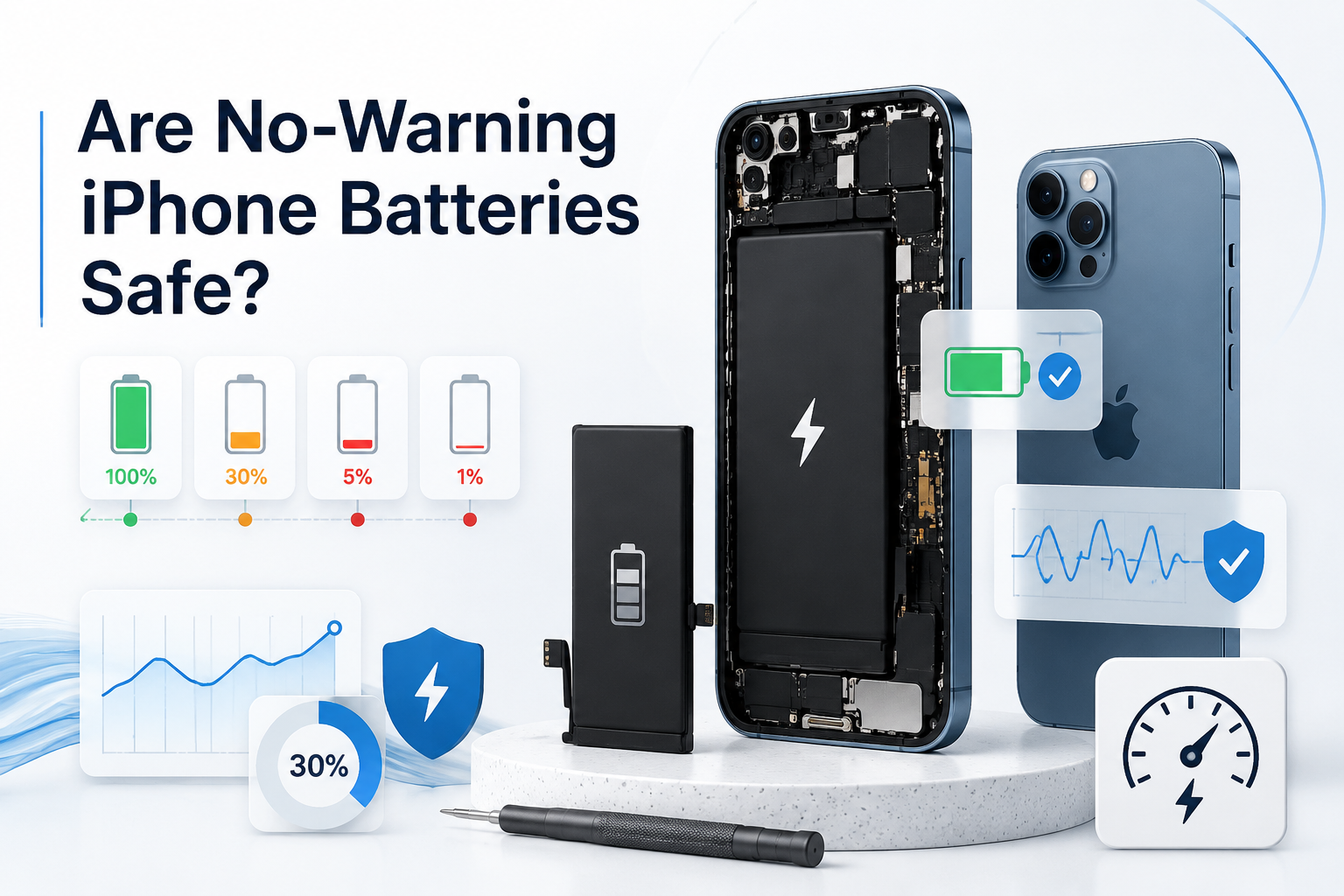
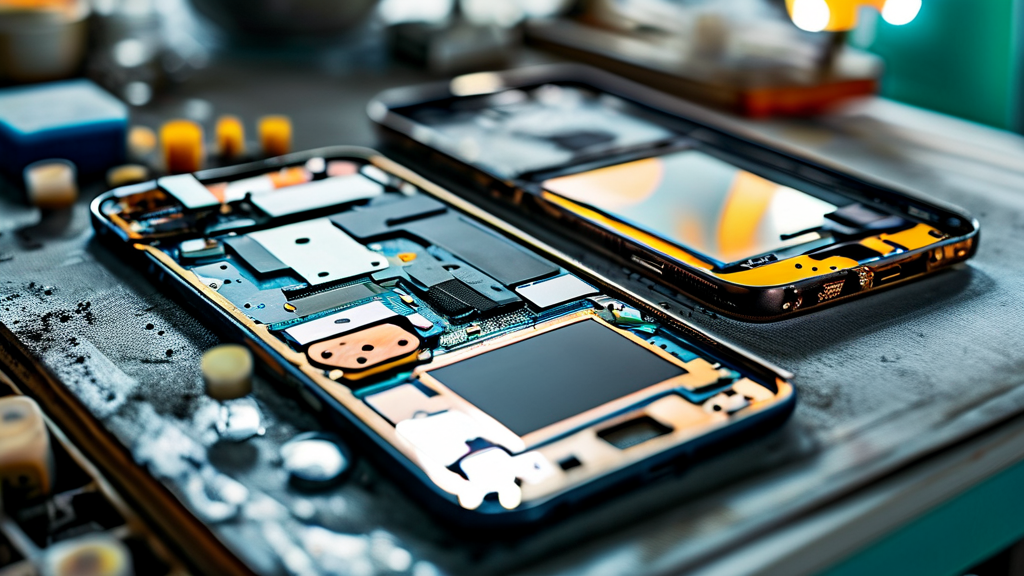
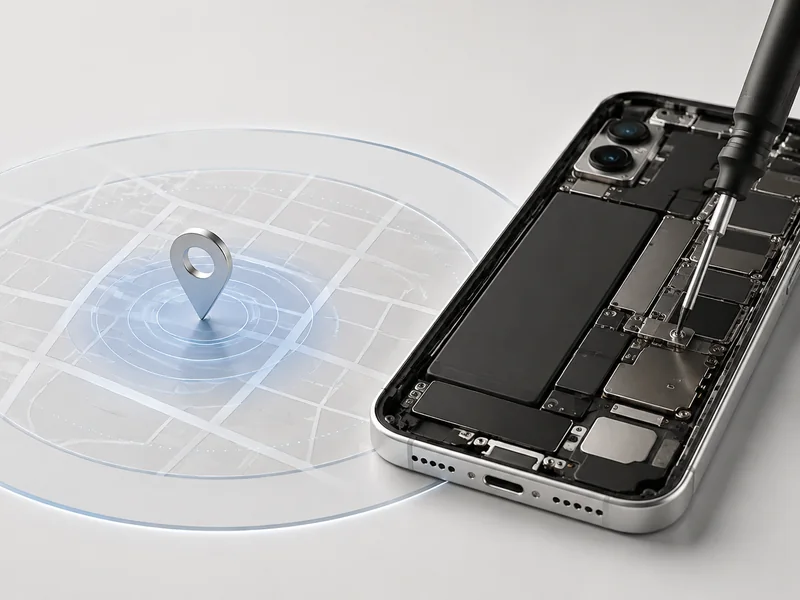
A no-warning shutdown feels random, but it usually signals deeper power trouble. Before rushing into an iPhone battery replacement, it helps to understand testing, display stress, and physical risks tied to battery replacement for iPhone devices.
Calibration and Quality Assurance: Functionality Test Explained
After an iPhone battery replacement, proper calibration is not optional; it aligns charge data with the logic board and restores accurate battery performance readings.
Calibration Process
1.1 Full charge to 100%
1.2 Controlled discharge to under 5%
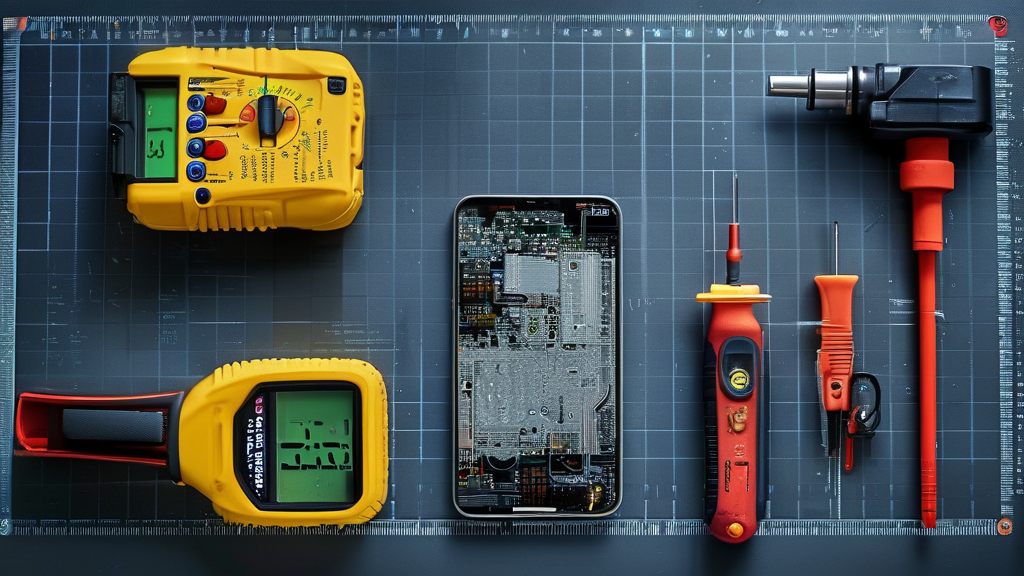
1.3 Recalibration cycle monitored by diagnostic tools
Quality assurance and testing procedures
2.1 Functionality test
Stable voltage output
Accurate percentage tracking
Safe thermal spread
2.2 Stress test
High CPU load
Max brightness draw
2.3 Burn-in verification
24-hour idle drain review
Consistent performance metrics
| Test Item | Standard Voltage (V) | Acceptable Deviation | Result Impact |
|---|---|---|---|
| Idle State | 3.7V | ±0.05V | % Accuracy |
| Peak Load | 4.2V | ±0.08V | Stability |
| Thermal Run | <45°C | ±3°C | Safety |
| Drain Rate | <5%/hr (Heavy Use) | ±1% | Reliability |
Poor calibration after replacing an iPhone battery often causes sudden drops from 30% to 5%. That is not “normal aging.” That is weak reliability control.
Trusted suppliers like Screen Stocks test every cell against measurable thresholds before shipment, cutting down silent failure risks during iPhone battery replacement jobs.
How Peak Brightness and Pixel Density Reveal Power Flaws
An unstable iPhone battery quietly messes with display performance. You notice dimming. Flicker. Lag.
Reduced peak brightness during gaming
Uneven pixel density glow on white backgrounds
Fast battery drain under 120Hz refresh
When power consumption spikes beyond safe output, the screen sacrifices contrast to stay alive. High screen resolution tasks expose this weakness fast.
IDC’s 2024 global repair report noted that over 40% of post-repair performance complaints were tied to power instability rather than display defects, reinforcing the link between battery health and screen behavior.
Visual glitches are often misdiagnosed. The real issue? Power flaws from low-grade cells used during iPhone battery replacement.
Choosing quality iPhone battery service protects refresh stability and color accuracy. Screen Stocks emphasizes verified cell grading to reduce those subtle visual anomalies users hate.
Impact Resistance and Dust Resistance Concerns with Third-Party Cells
Not all third-party cells are built the same. Some look fine—until you drop your phone.
Seal Integrity Check
Inspect adhesive ring
Confirm flush seating
Frame Pressure Review
Ensure zero lift on display edge
Avoid flex cable strain
Environmental Protection Test
Simulated dust exposure
Light moisture resistance review
Weak impact resistance often comes from warped battery casing. That warp stresses connectors. Over time, structural weakness spreads to internal brackets.
Low-grade third-party cells also compromise dust resistance. Once debris enters, corrosion risk climbs fast.
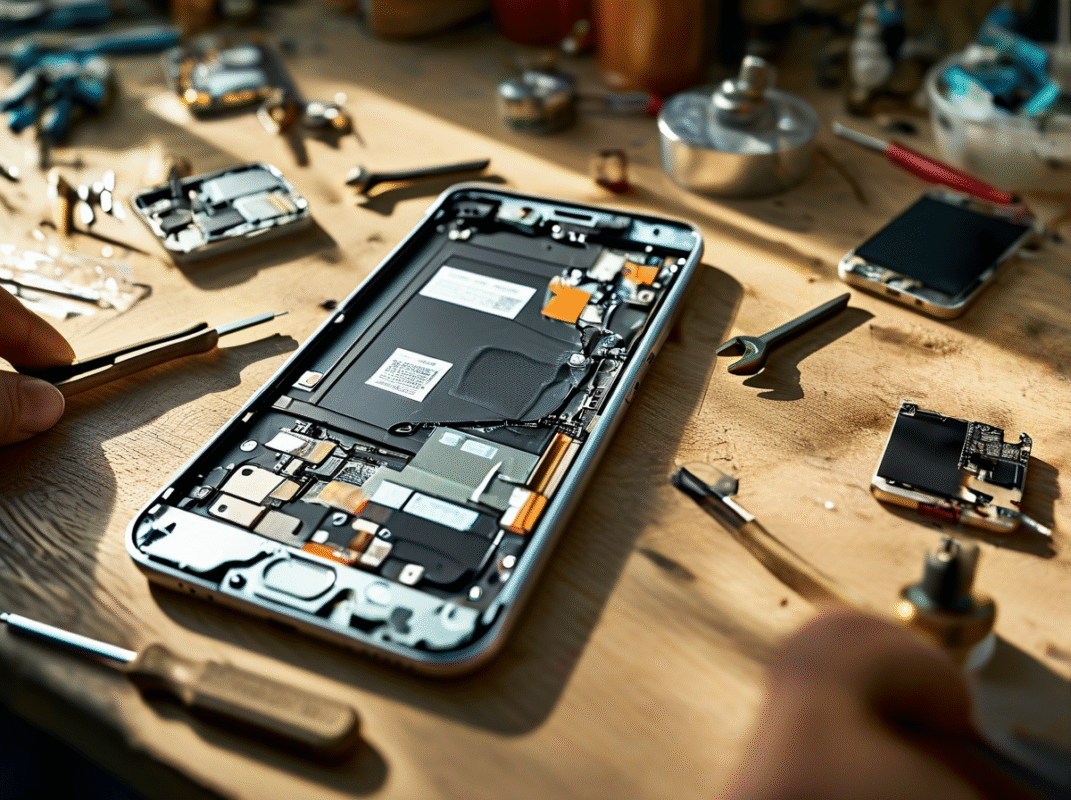
If you plan to replace iPhone battery components, look beyond price. Strong battery durability, verified cell quality, and proper environmental sealing matter more than saving a few bucks on an iPhone battery replacement.
4 Risks When Skipping Warning Messages
Skipping alerts during an iPhone battery replacement might feel harmless, but it often leads to bigger headaches. From screen glitches to warranty drama, ignoring red flags during a battery swap can mess with your iPhone battery, screen performance, and long‑term device stability. Let’s break it down.
Burn-in Test Failures and Hidden Defects
When warning prompts are ignored during an iPhone battery replacement, key quality checks get skipped.
Burn-in test problems
Incomplete thermal cycling
Missed test failures under sustained brightness
Undetected OLED ghosting
Hidden defects tied to:
Poor battery quality
Minor manufacturing flaws
Weak component reliability
During iPhone battery repair, extended screen-on testing confirms display endurance. Without it:
Heat builds up quietly.
Pixels age unevenly.
Subtle performance issues show up weeks later.
A proper battery replacement iPhone process should log burn data, voltage curves, and stability metrics. Shops like Screen Stocks run these checks so your iPhone battery replacement doesn’t turn into a repeat visit.
Unexpected Shutdowns from Voltage Inconsistencies
Power matters more than most people think.
Unexpected shutdowns often trace back to:
Voltage inconsistencies
Irregular power delivery
Weak battery stability
Inside the device:
Logic board
Affected by power fluctuations
Leads to system crashes
Display driver
Touch lag
Refresh instability
During an iPhone battery replacement, skipping calibration interrupts device stability. The result? Random restarts at 20%, touch freezing during gaming, or black screens at high brightness.
A solid iPhone battery replacement includes voltage validation under load, not just a quick battery swap.
Reduced Screen Contrast Ratio and Peak Brightness Issues
After a rushed iPhone battery replacement, visual changes can creep in.
Lower screen contrast ratio
Dull peak brightness
Gradual screen degradation
Under the hood:
Weak regulation limits panel current.
AMOLED or IPS drivers restrict luminance.
Display quality drops in sunlight.
You might notice faded blacks or muted colors. That’s not just aging; it’s power impact tied to the battery replacement iPhone process.
Short version? Your iPhone battery should support full brightness curves, not cap them.
Voided Warranty and Missing Stress Test Documentation
Skipping alerts during iPhone battery repair can affect paperwork too.
Risk of voided warranty
No stress test documentation
Missing calibration logs
In detail:
Compliance layer
Certification standards unmet
Gaps in testing protocols
Legal layer
Possible warranty invalidation
Questions around consumer rights
An iPhone battery replacement should generate traceable records. Screen Stocks keeps documentation tight, so future display or connector repairs won’t hit a dead end.
Ignoring warnings saves minutes. Fixing the fallout can cost months.
OEM Cells Vs. No-Message Counterparts
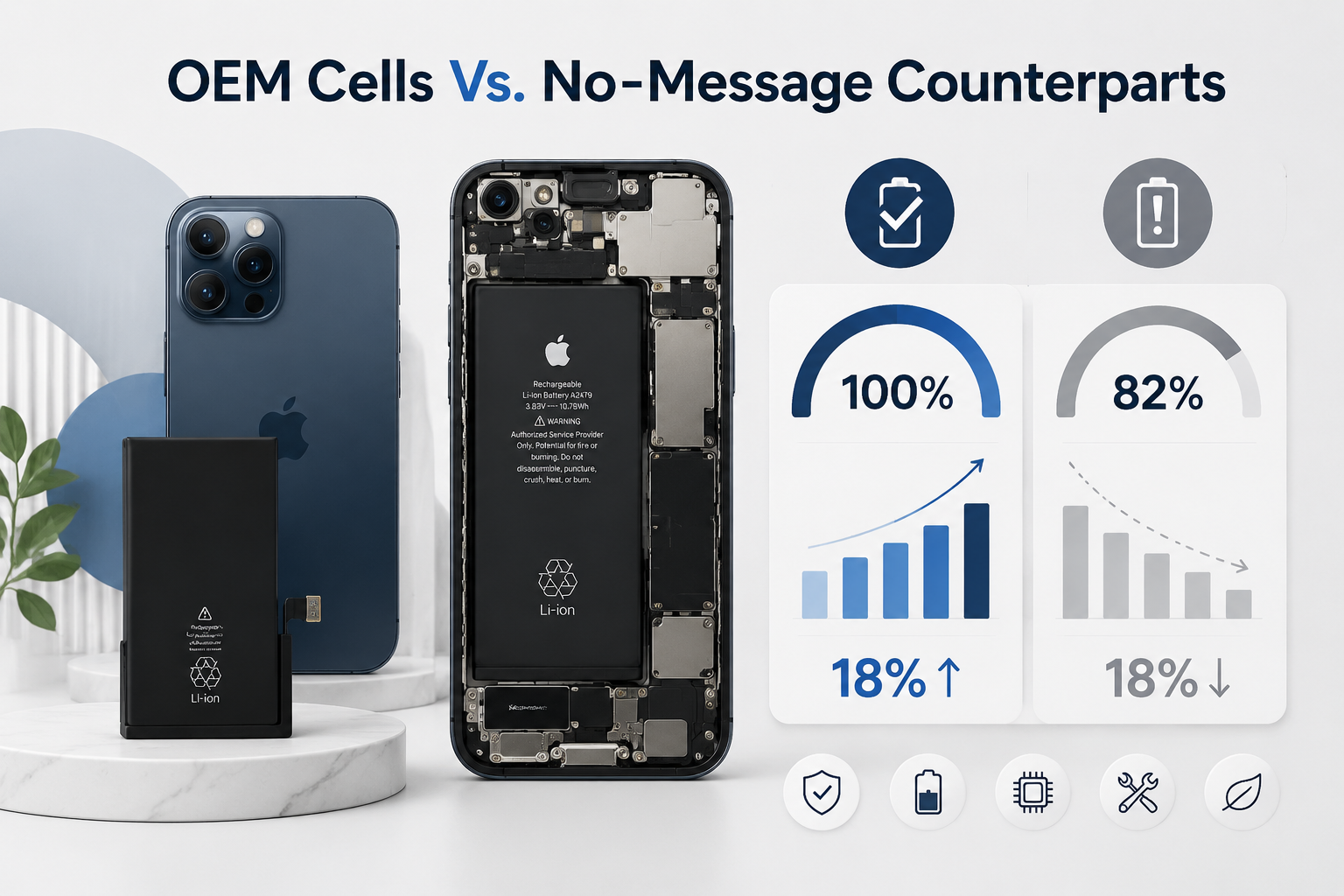
When planning an iPhone battery replacement, most people just want the phone to last all day again. Simple goal, right? Yet the choice between OEM cells and no-message counterparts can seriously change how your iPhone battery, battery replacement, and long-term performance feel.
OEM Cells
For any iPhone battery replacement, Original and Genuine OEM cells follow a clear performance path:
Manufacturer Standards
Factory-grade calibration
Strict cycle-count validation
Verified voltage curve alignment
Stable peak output
Controlled thermal spread
Performance Integration
Tight logic board communication
Accurate battery health reporting
Full Retina brightness support
No random throttling
No surprise shutdown
Reliability & Authenticity
Burn-in tested under load
Verified firmware handshake
Long-term Integration stability
IDC’s 2025 mobile device lifecycle update notes that certified battery components reduce performance-related service returns by over 18% in the first 12 months.
When customers choose iPhone battery replacement parts from Screen Stocks, the focus stays on Performance, Reliability, and real Authenticity, not shortcuts. That’s the difference between a smooth battery replacement and a repeat repair.
No-Message Counterparts
No-message options target one thing during iPhone battery replacement: avoiding warning pop-ups. Most are Aftermarket or Third-party builds designed as a practical Alternative.
Bypass Approach
Battery tag rewriting
Warning suppression chip
Basic calibration
Limited system syncing
Inconsistent health Reporting
Compatibility Factors
Connector tolerance variation
Firmware handshake gaps
Display power draw mismatch
Reduced peak brightness
Faster drain under load
Functionality Trade-offs
Partial board-level Compatibility
Variable charge curve stability
Mixed long-term Functionality
An iPhone battery replacement using no-message cells can work fine for light users. Still, heavy gaming, video streaming, or business apps may expose those tiny gaps. Screen Stocks keeps stock options transparent, so every iPhone battery replacement decision—iPhone battery, battery swap, or full iPhone battery replacement—is based on facts, not guesswork.
FAQs about Iphone battery replacement
Can skipping system warnings during iPhone battery replacement affect display performance?
Yes — and the effects often appear on the screen before anywhere else.
When calibration data is missing after an iPhone battery replacement:
⚠ Peak Brightness may dip on OLED or AMOLED panels.
⚡ Unstable voltage can distort Color Accuracy and Black Levels on a Retina Display.
📱 Multi-touch response may feel inconsistent due to Digitizer and Logic Board Connection instability.
Behind the glass, the Display Connector and Flex Cable depend on clean power flow. If a Burn-in Test or Uniformity Test is skipped, small fluctuations can show up as flicker, reduced Refresh Rate stability, or uneven Contrast Ratio. The screen becomes the messenger of internal imbalance.
Why are functionality and stress tests essential after iPhone battery replacement?
A battery is not just power — it is regulation.
After installation, a proper Functionality Test checks:
Voltage reporting accuracy through the Data Bus.
Stable Haptic Feedback and Capacitive Touch response.
Protection of the Logic Board Connection from long-term strain.
A documented Stress Test and Calibration process protects:
Resolution consistency
Pixel Density alignment
Brightness and Color Gamut balance
Without Quality Assurance records, small errors can lead to Touch Latency, random shutdowns, or even Dead Pixels over time on LCD, IPS Panel, or Liquid Crystal Display units.
Testing preserves both performance and trust.
Can uncertified batteries damage screen durability and protection features?
Yes — the risk is physical as well as visual.
Poorly fitted cells may:
Push against Ribbon Cables supporting the display module
Reduce Water Resistance and Dust Resistance
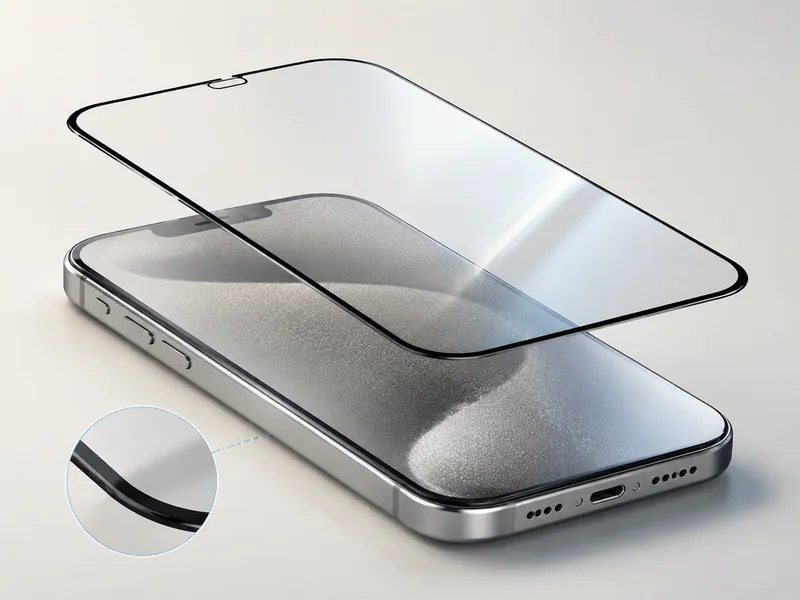
Weaken Impact Resistance beneath Gorilla Glass
Over time, pressure imbalance can affect:
Scratch Resistance and Oleophobic Coating wear
Viewing Angle consistency
Glare Reduction and Anti-reflective Coating clarity
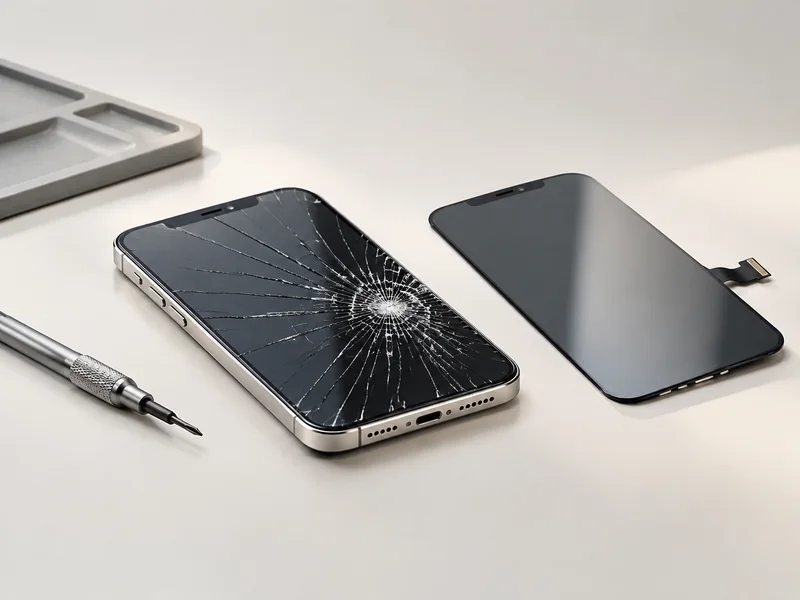
A precise fit during iPhone battery replacement protects not only power delivery but also the Shatterproof structure and the delicate Video Interface behind the screen. Small installation errors can quietly compromise the entire display system.







Recent Comments